EasyManua.ls Logo

CyberPower CPS320SL - User Manual

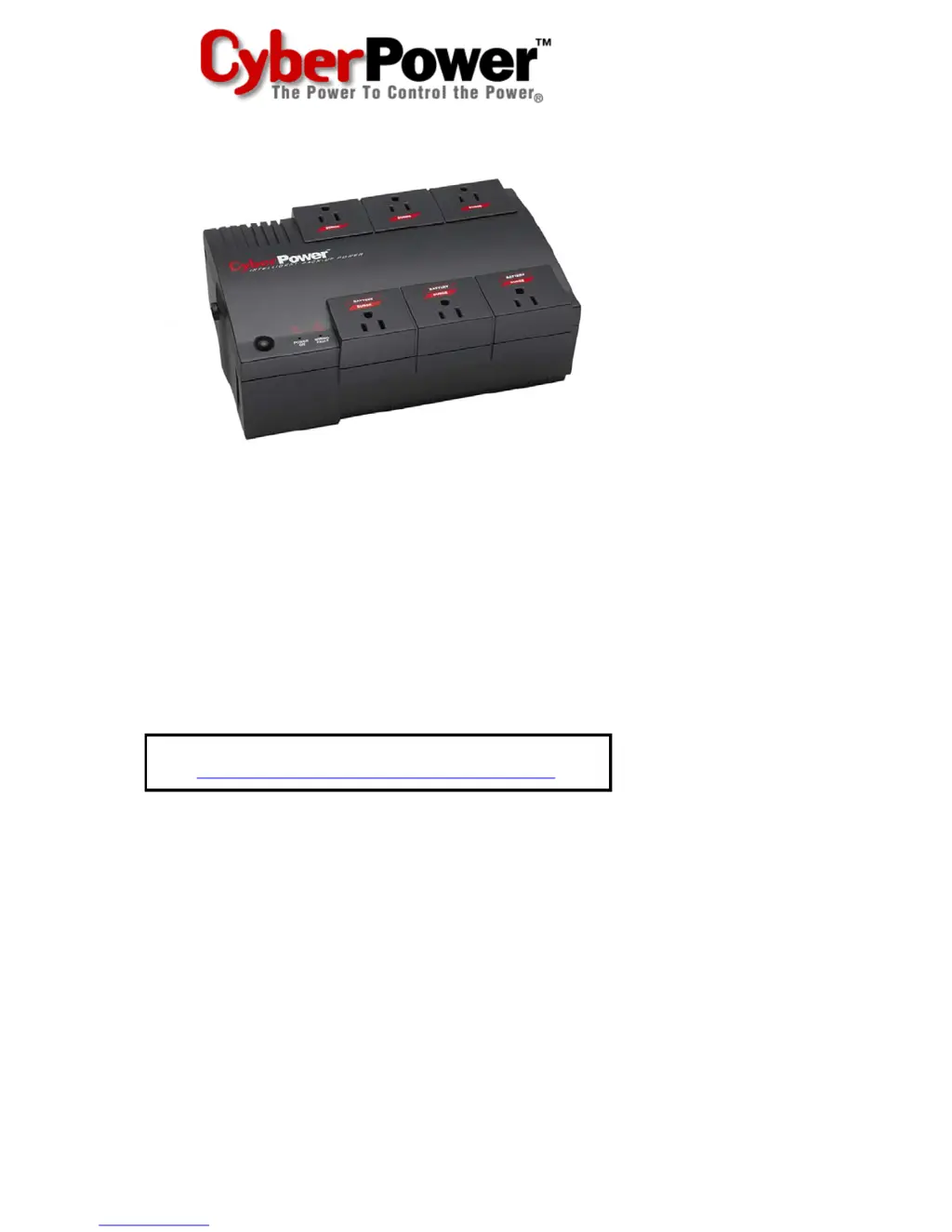
CyberPower CPS320SL
16 pages
Print Icon
To Next Page IconTo Next Page
Loading...
User Manual for:
CPS320SL / CPS375SL / CPS500SL /
CPS575SL / CPS650SL
and PowerPanel™ Software
ADDITIONAL INSTALLATION TIPS CAN BE FOUND AT:
http://www.cyberpowersystems.com/faq_sl.htm

Questions and Answers

  • J
    Janet SmithAug 11, 2025
    What to do if CyberPower UPS will not turn on?
    • J
      Jose NguyenAug 11, 2025
      If your CyberPower UPS is not turning on, there might be several reasons. First, the on/off switch may be preventing damage from rapid cycling; turn the UPS off, wait 10 seconds, and then turn it back on. Second, ensure the unit is properly connected to a 110/120V 60Hz outlet. For other potential issues, such as a worn-out battery or a mechanical problem, it is recommended to contact CyberPower Systems.
  • A
    Andrew HarringtonAug 18, 2025
    How to fix CyberPower CPS320SL UPS surge protection outlets not working?
    • S
      Sydney ChambersAug 19, 2025
      If the full-time surge protection outlets on your CyberPower UPS stop providing power, it's likely that the circuit breaker has tripped due to an overload. To resolve this, turn the UPS off and unplug at least one piece of equipment. Wait 10 seconds, then reset the circuit breaker by pressing the button. Finally, turn the UPS back on.
  • J
    Jennifer JamesAug 26, 2025
    Why is PowerPanel inactive on my CyberPower CPS320SL UPS?
    • D
      donna71Aug 26, 2025
      If PowerPanel™ is inactive and all icons are grayed out, it could be due to several reasons related to the serial cable connection. First, make sure the serial cable is properly connected to both the UPS unit and an open serial port on the back of your computer, using the cable that came with the unit. Also, check if the serial cable is connected to the correct port on the back of the computer. If the unit is not providing battery power, try shutting down your computer, turning the UPS off, waiting 10 seconds, and then turning the UPS back on to reset the unit. Finally, ensure that you are using the serial cable that was originally included with the UPS unit for proper communication between the software and the unit.
  • C
    Colin LopezSep 3, 2025
    Why CyberPower CPS320SL UPS does not perform expected runtime?
    • J
      Justin GibsonSep 3, 2025
      If your CyberPower UPS isn't providing the expected runtime, it could be due to a battery issue. First, try fully recharging the battery by leaving the UPS plugged in. If the problem persists, the battery may be slightly worn out.

CyberPower CPS320SL Specifications

General IconGeneral
VA Rating320 VA
Input Voltage120 V
Nominal Output Voltage120 V
Number of Outlets6
Outlet TypeNEMA 5-15R
Outlets (Battery Backup)3
Outlets (Surge Only)3
Surge ProtectionYes
Typical Backup Time at Full Load2 minutes
Typical Recharge Time8 hours
Form FactorTower
On Battery Voltage120 V
On Battery Frequency60 Hz
Battery TypeSealed Lead-Acid

Related product manuals