PowerPanel™ Business Edition
11
Installation on Linux
On Linux, users may mount CD by using the mount command. Run mount –t iso9660 /dev/scd0
/mnt/cdrom as a root user. /dev/scd0 is the CD drive and /mnt/cdrom will be the mount point.
Browse to the CD drive and find the installer named setup.sh in the /software/linux folder. The installer is
used to install the Client and requires root permission. The installation wizard will guide users to complete
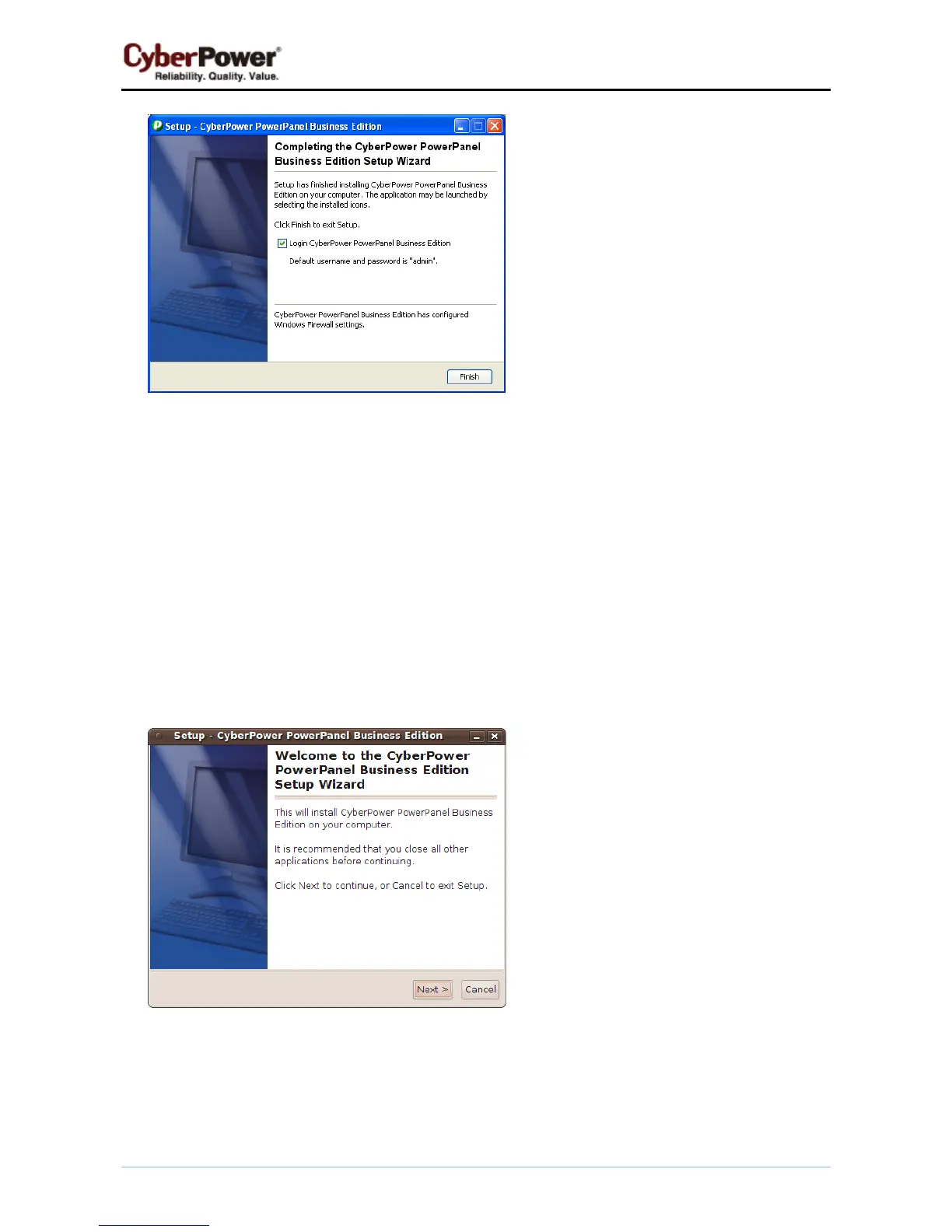
the installation. Double click setup.sh or run the ./setup.sh command to initiate an installation wizard on
desktop.
To install follow these steps:
z Click the Next button to start an installation.
z Accept the license agreement.


 To Next Page
 Loading...