~10~
3.3.
Program for editing the subscriber table and its installation. It makes changes in the electronics with the serial
number programmed in the program.
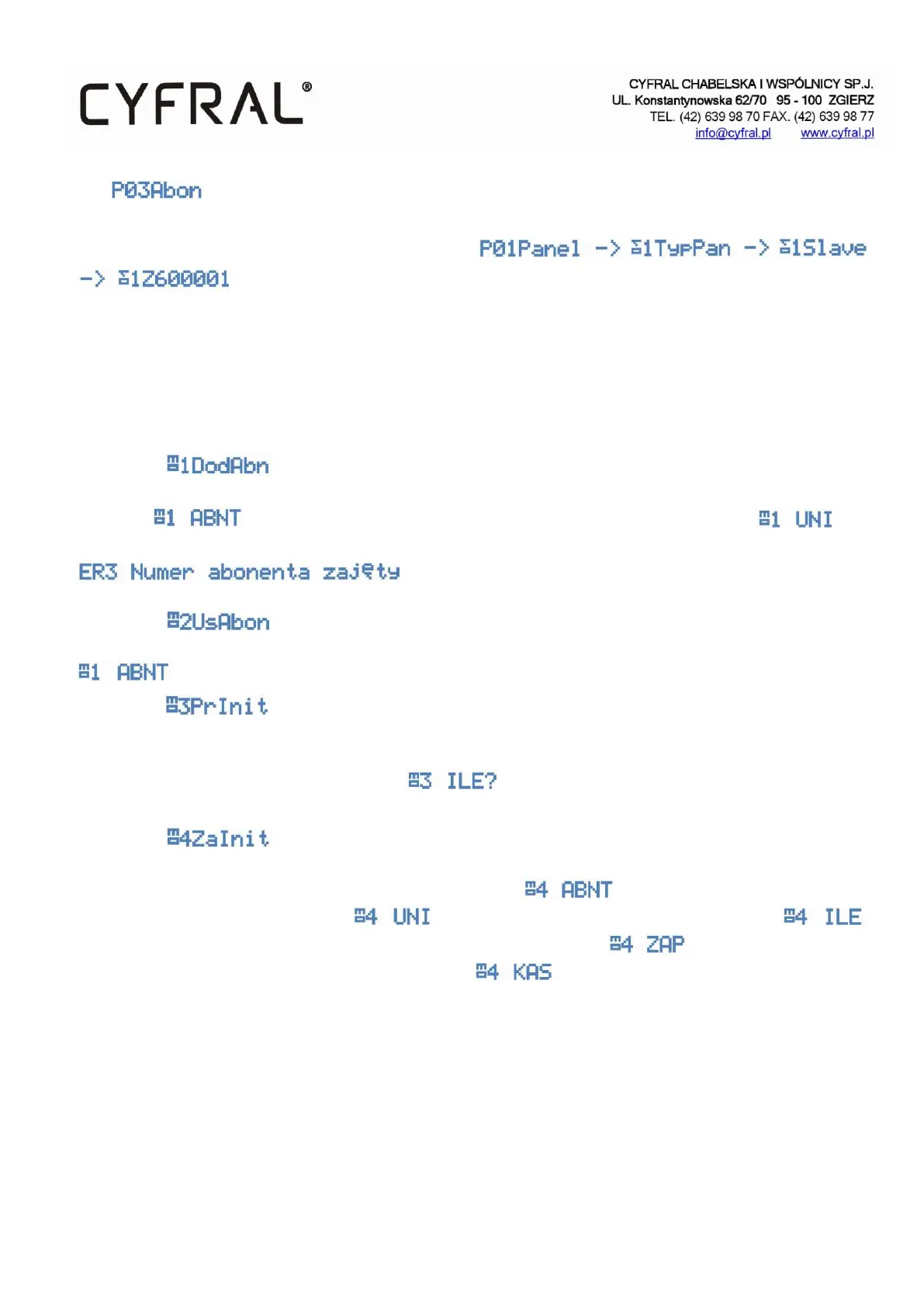
This means that the panel is paired with the control panel with the serial number 600001.
The subscriber board in the CC4000 system consists of physical addresses and the subscriber numbers assigned to
them. Physical number means uniphone address set by jumpers. The subscriber number means the number to be
dialed from the keypad to call the selected uniphone number (physical address). Physical numbers are always in the
range of 1-255 and subscriber numbering allows to select 255 values in the range of 1-999999. It is recommended to
use a PC programmer to configure the subscriber table.
3.3.1.
Subprogram that adds the subscriber number to the physical address. In order to add a subscriber, enter its number
in the field followed by the physical address of the uniphone which should be located and
confirm with an asterisk. If a subscriber number already exists at the physical address, an error will be displayed
.
3.3.2.
Deleting a subscriber. Enter the subscriber's number (not the physical address) that you want to delete in the field
and confirm with an asterisk. Codes and registered key fobs are not removed, but remain inactive.
3.3.3.
Simple initialisation of the subscriber table. A program that creates the table of subscribers from the beginning.
Subscriber numbers are assigned in a 1:1 ratio to physical numbers. That is: subscriber no. 1 - uniphone no. 1,
subscriber no. 2 - uniphone 2, etc. In the field specify the number of subscribers which we want to
initialise in the range from 1-255.
3.3.4.
Advanced initialisation of the subscriber table. It allows you to create any table with offset, hotel numbering, etc. In
the first step you should enter the number of the first subscriber then the physical address of the first
uniphone from which to start numbering then the number of elements of the table (tenants) .
Finally, specify whether to create the table with the above given parameters or to create a gap without
subscribers in the above-mentioned range of uniphones . To perform all operations on the subscriber
table, a PC programmer is recommended.


 To Next Page