~11~
3.3.5.
Removes all existing subscriber numbers assigned to physical addresses.
3.3.6.
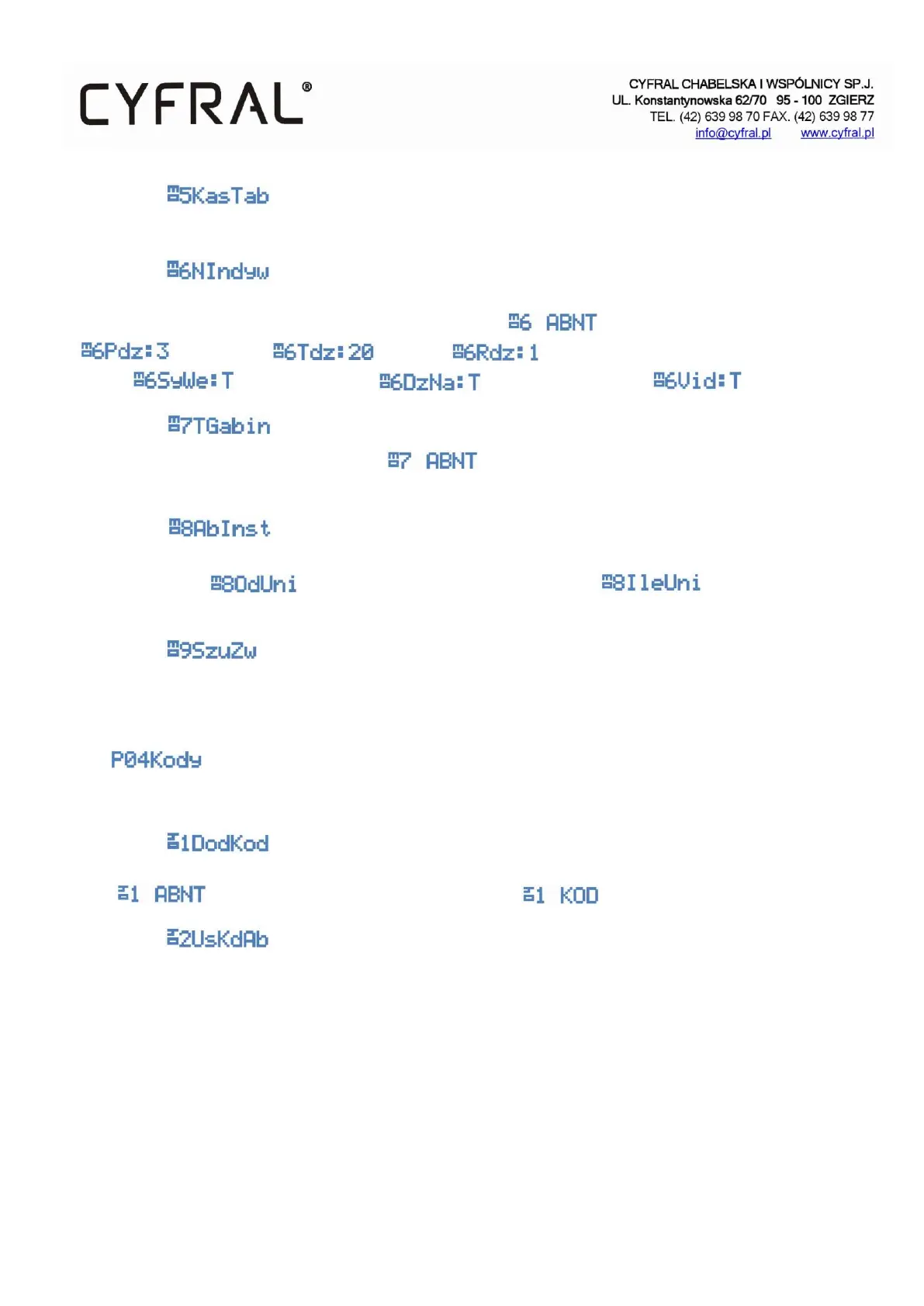
Individual settings. Allows you to view the current settings of the selected subscriber and change them if necessary.
In the first step, enter the number of the selected subscriber . The next options are the ring volume
. Ringing time . Ringtone . Notifying the tenant about entering by code or
key fob . Increasing ringtone . Is the subscriber Video .
3.3.7.
Office mode. Enter the subscriber's number that you want to set the function. After confirmation, the
current status of the function will appear. Set the desired value and confirm with an asterisk.
3.3.8.
Subscriber table. In the first step, enter the physical address of the uniphone from which the program starts searching
for the camera and then the number of addresses you searched . Finally, specify the time
for which the function should be started from 1- 251 minutes.
3.3.9.
A program looking for damaged (by shorting) uniphones connected to the control panel.
3.4.
Program for editing subscriber entry codes.
3.4.1.
Function that adds the opening code to the subscriber. Enter the subscriber's number to which you want to add the
code and then enter the code that you want to add and confirm with an asterisk.
3.4.2.
Delete the subscriber codes. Deletes all four subscriber codes


 To Next Page