~12~
3.4.3.
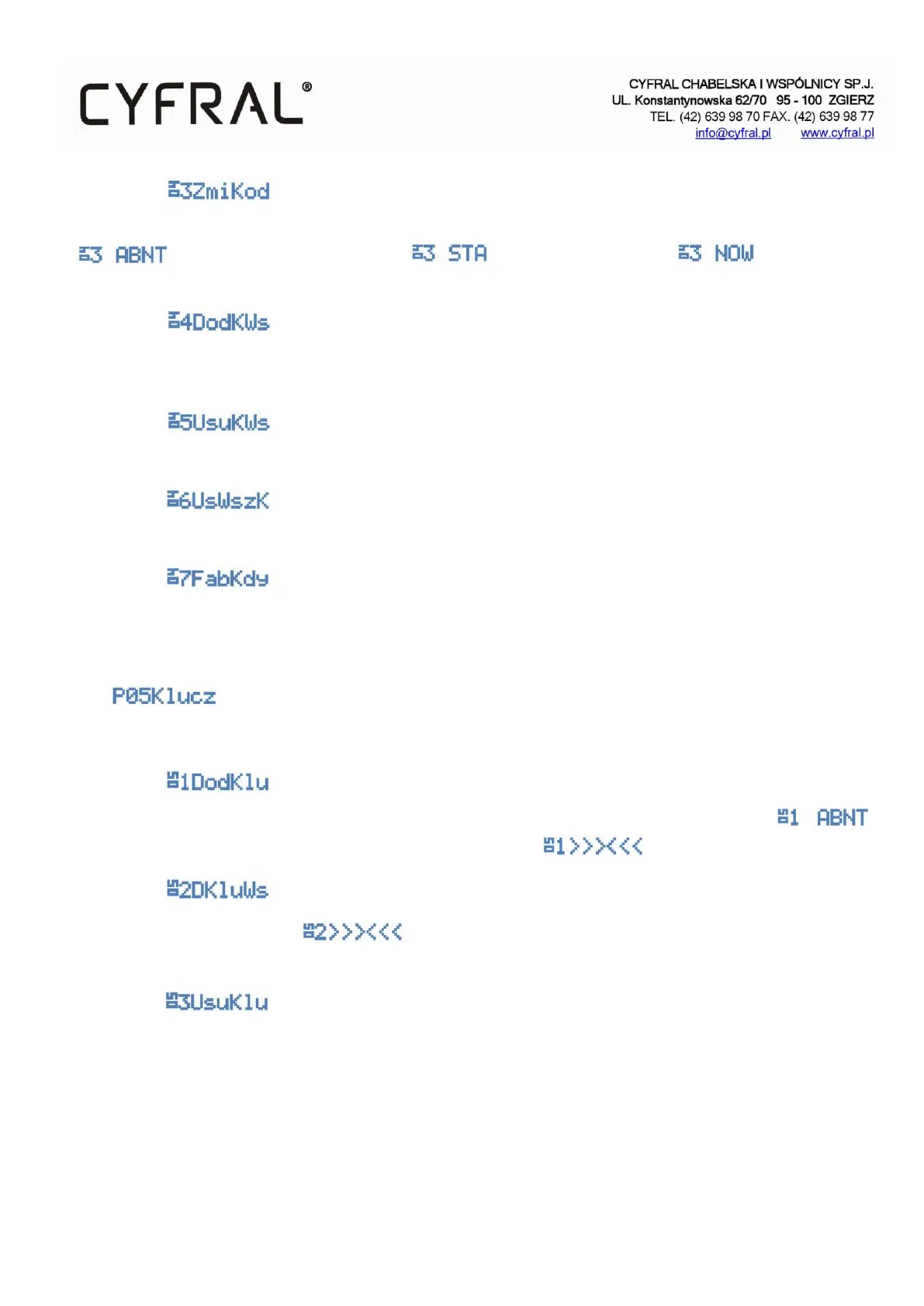
Changes the selected subscriber code. Enter the number of the subscriber whose code you want to change.
Next, the code you want to change and the new opening code . Confirm with an
asterisk.
3.4.4.
Adds a shared opening code for all subscribers. Adding a new code changes the previously saved code. There can
only be one shared code in one control panel. It does not affect other subscriber codes.
3.4.5.
Deletes the previously saved shared opening code from the memory.
3.4.6.
Deletes all subscriber codes from the control panel memory
3.4.7.
Restores all subscriber codes to the default values (Compatible with the predefined opening code table).
3.5.
A program for managing electronic keys stored in the control panel memory
3.5.1.
Add a key. The function that adds an electronic key to the subscriber. Enter the subscriber's number
and apply the electronic keys to the reader in order to register them .
3.5.2.
Add a non-recorded opening key In the control panel memory there is a place for
one thousand keys.
3.5.3.
Deletes the selected key from the control panel memory. If the applied key has already been registered, the control
panel will confirm the deletion. The program removes keys from the memory of subscriber keys as well as from the
memory of non-recorded keys.


 To Next Page