~15~
■ Regardless of the time of pressing this button, the bolt is opened for a specified time (5 seconds as standard).
■ All the above times can be changed using the appropriate installation procedures described in this manual.
■ Disconnection takes place when the uniphone is hanged up or the set talk time is exceeded or the key is pressed on the
panel keypad.
5.2. Using opening codes.
Using the function of the opening code built into the digital intercom, the tenant can enter the staircase without using
the key to the entrance door. The opening code can be set both by the installer during the programming phase of the
system and after the system has been started by the tenant as described below. To use the opening code function:
1. dial the number of the property on the keypad - this number will appear on the display,
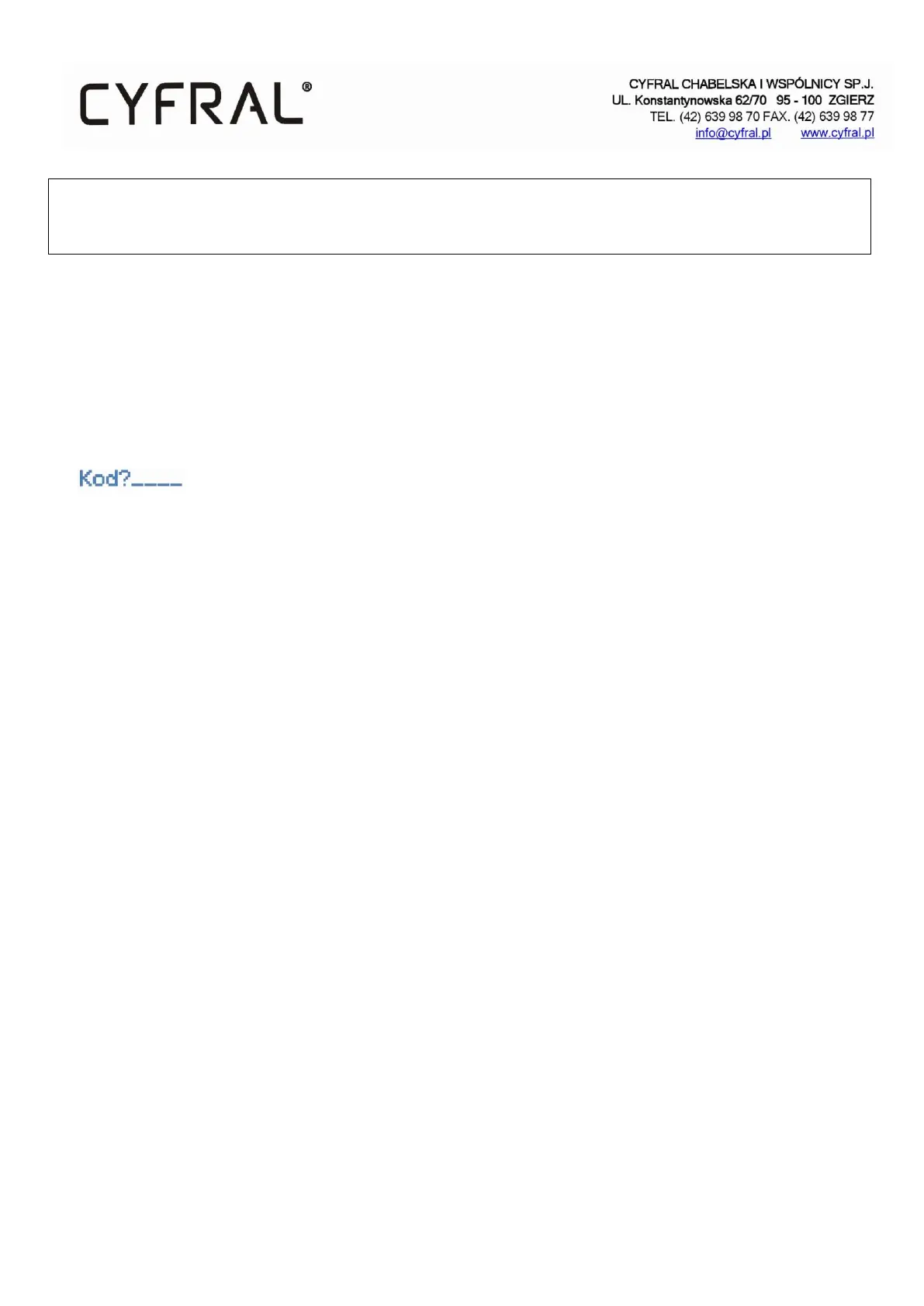
2. confirm the choice by pressing the key marked with '*'. After that, the message will appear on the display
, then you should:
3. choose the four digits of your opening code and wait.
NOTE:
1. The '0' digit in the code is not a significant number if it is at the beginning of the number and can be omitted.
2. If the code has been entered correctly, the electric striker will be activated for the specified programmed time.
5.3. Quick entry function to the staircase
This function can only be activated from the master panel. It allows entrance to the staircase without connecting to
the property. During an ongoing call from the master panel, the tenant activates the function for 4 minutes after
pressing the opening button 3 times. After entering the premises, in order to enter the staircase you need to redial the
number of the premises from which the quick entry function has been activated. The door will open automatically
without connecting to the premises, thus excluding the function.
5.4. Office mode.
This mode allows automatic opening of the entrance door. If the function is activated, the handset of the subscriber is
hung up and the door will open automatically without making a call when the call is made. With the handset on, the
uniphone operates normally. The function can only be activated/deactivated by the system administrator.


 To Next Page