© 2021 Cypress Solutions Manual: CTM-ONE (Revision 1.0)
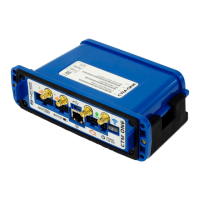
3.7 Multiple RF connectors (SMA/RP-SMA)
• Threaded SMA style for all RF connections
• Use of external antennas is optional. The CTM-ONE has internal antennas for Cellular/Wi-
Fi/GNSS. External antennas can be enabled via software selectable switch
4. SIM Card Installation
The CTM-ONE supports two 2FF style SIM cards. One or two SIMS can be installed
For single SIM card installation we recommend use the upper sot of the dual-SIM holder, the UPPER Slot is the
slot furthest away from the printed circuit board. The UPPER slot is referred to as SIM1 slot. The LOWER slot is
referred to as SIM2 slot.
In most cases the device will ship with a pre-configured, installed SIM(s). In this case SIM card installation is not
required.
SIM card access is via the removal of the battery/back cover by removing the 4 top cover #4-40 socket head cap
screws using a 3/32” Allen key driver (supplied).
SIM slots are located next to the battery. Be careful not to dislodge the battery during SIM
removal/installation.
Ensure that the gasket is in place when the Battery cover is reinstalled and tighten screws in a x-cross pattern
until snug for optimal weather tight seal.
Do not overtighten, recommended torque value: 4-5 in-lb


 To Next Page