14D-Link DAP-1610 User Manual
Section 2 - Installation
D-Link Wi-Fi App
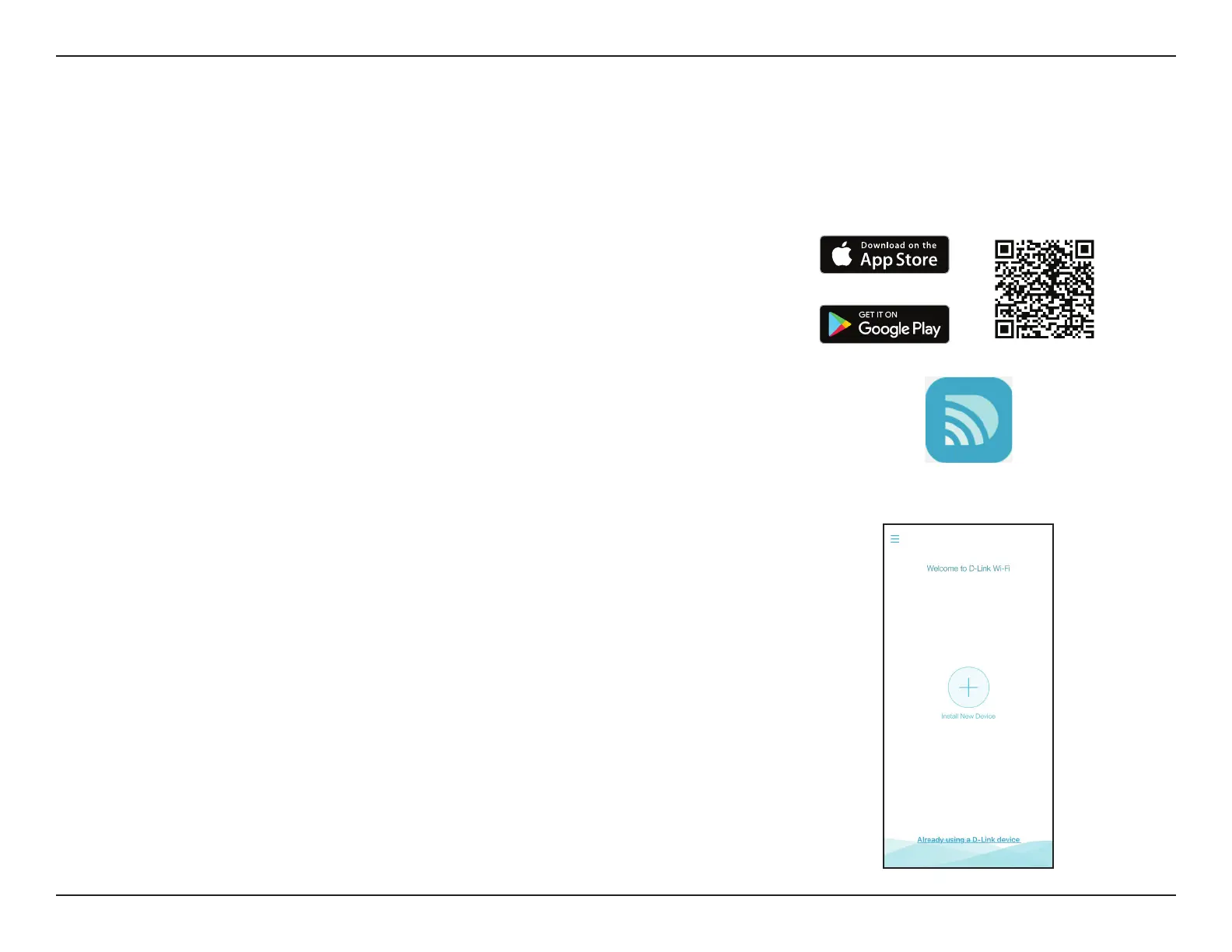
The DAP-1610 can be set up from your iPhone, iPad, or Android smartphone or tablet device using the D-Link Wi-Fi app.
Note: The screenshots may be dierent depending on your mobile device’s OS version.
Step 1
Search for the free D-Link Wi-Fi App on the Apple App Store or Google Play and
install. You can also scan the QR code on the right, which will take you to the
respective D-Link Wi-Fi app store page directly.
Step 2
Launch the D-Link Wi-Fi App from the Home screen of your device.
Step 3
Click on the Install New Device button at the middle of the screen (or click on
the Menu button on the top left corner of the app to do the same).
D-Link Wi-Fi









 To Next Page