22D-Link DAP-1610 User Manual
Section 3 - Conguration
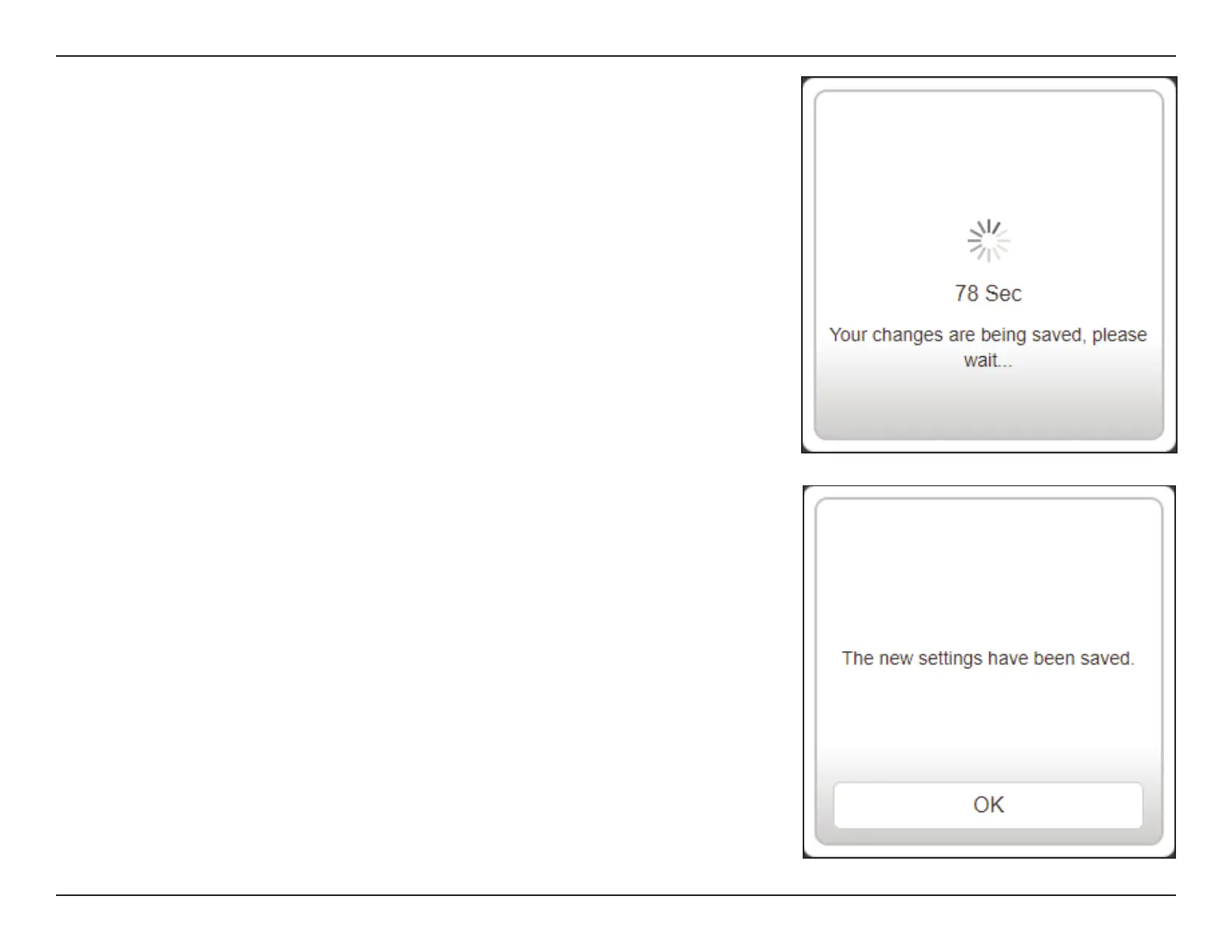
Click OK to exit the Setup Wizard. You will be redirected to the log in page.
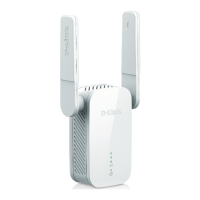
You can now place the DAP-1610 in a location in between your router and where
you need a stronger signal.
Your changes will be saved and the extender will reboot.
Devices may be connected to the new wireless extension network(s) once the
extender successfully reboots.









 To Next Page