25D-Link DAP-1610 User Manual
Section 3 - Conguration
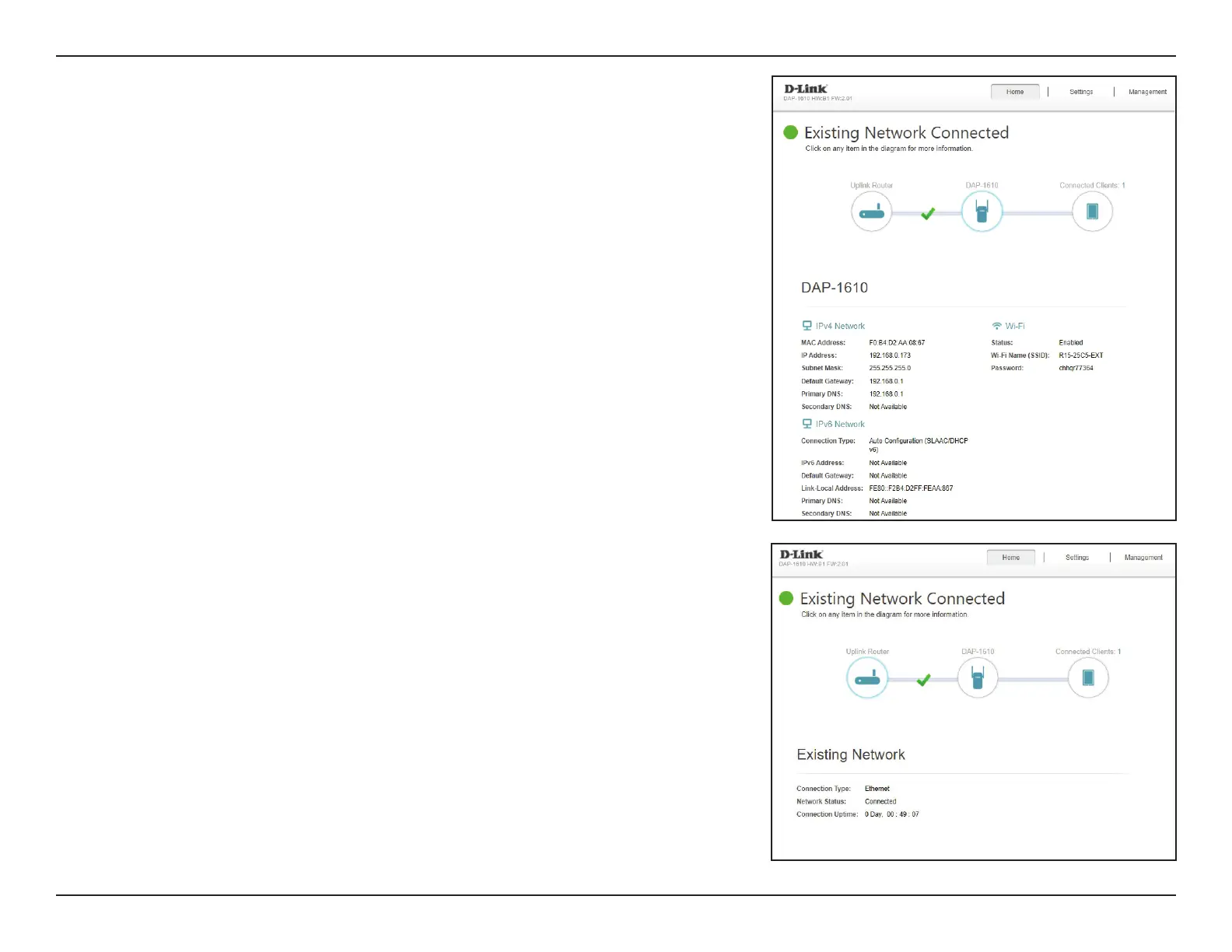
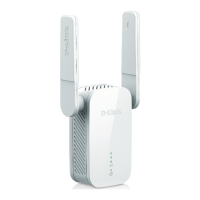
Once your Internet connection is set up, you can view the details of the IPv4
Network, the IPv6 Network and the Wi-Fi network by clicking on the DAP-1610
icon.
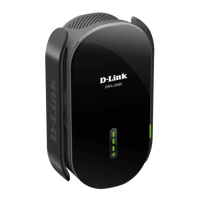
Upon clicking the Uplink Router icon, you will see the details of the Existing
Network. This contains information regarding the Connection Type, Network
Status, Connection Uptime, Wi-Fi name (SSID), and Password.









 To Next Page