DAP-1150 Wireless Access Point Supporting Router Mode
User Manual
Configuring Device (Router Mode)
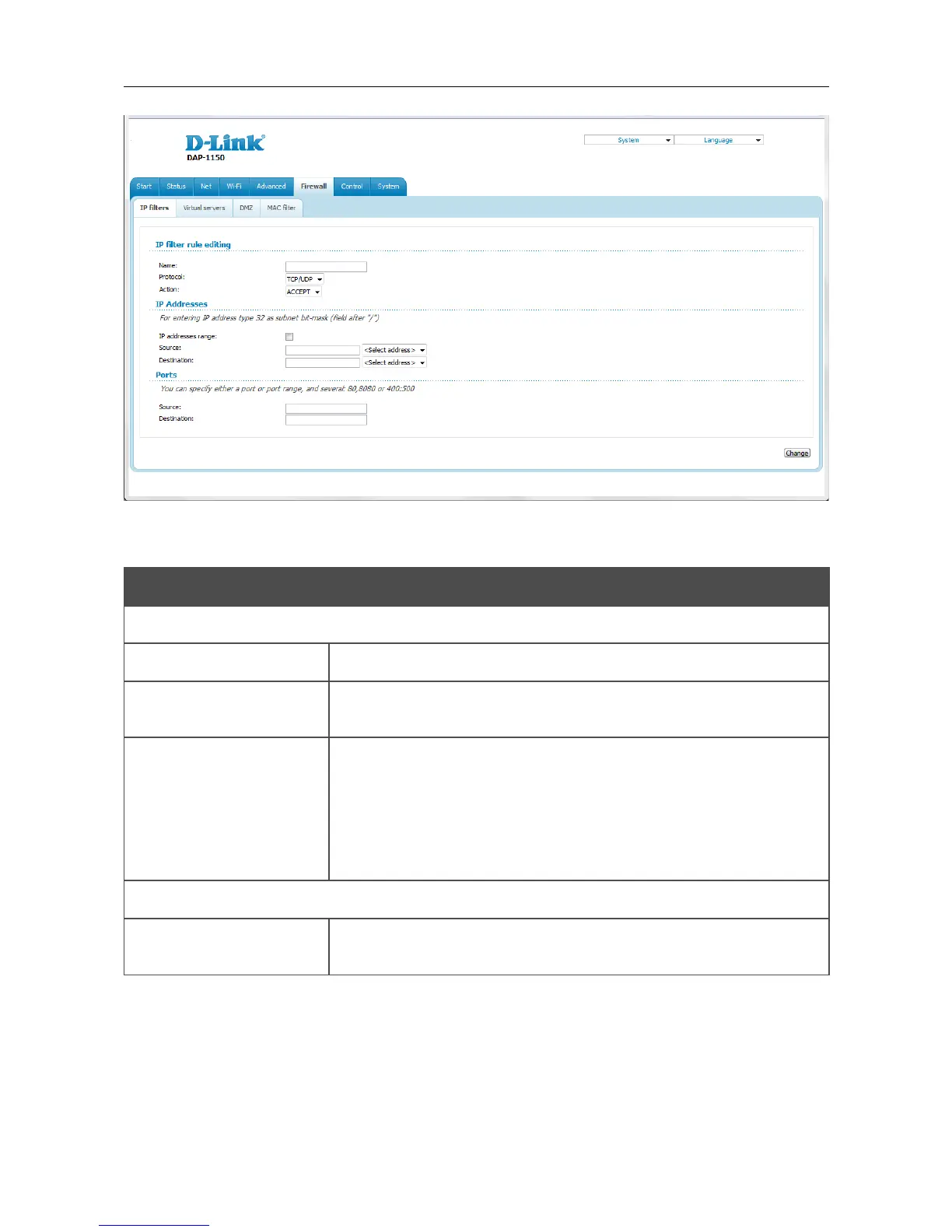
Figure 139. The page for adding a rule for IP filtering.
You can specify the following parameters:
Parameter Description
IP filter rule editing
Name A name for the rule for easier identification.
Protocol
A protocol for network packet transmission. Select a value from the
drop-down list.
Action
Select an action for the rule.
ACCEPT: Allows packet transmission in accordance with the
criteria specified by the rule.
DROP: Denies packet transmission in accordance with the criteria
specified by the rule.
IP Addresses
IP address range
Select the checkbox if you want to specify a range of IP addresses as
the source or destination IP address.
Page 158 of 175















 To Next Page