DAP-1150 Wireless Access Point Supporting Router Mode
User Manual
Installation and Connection
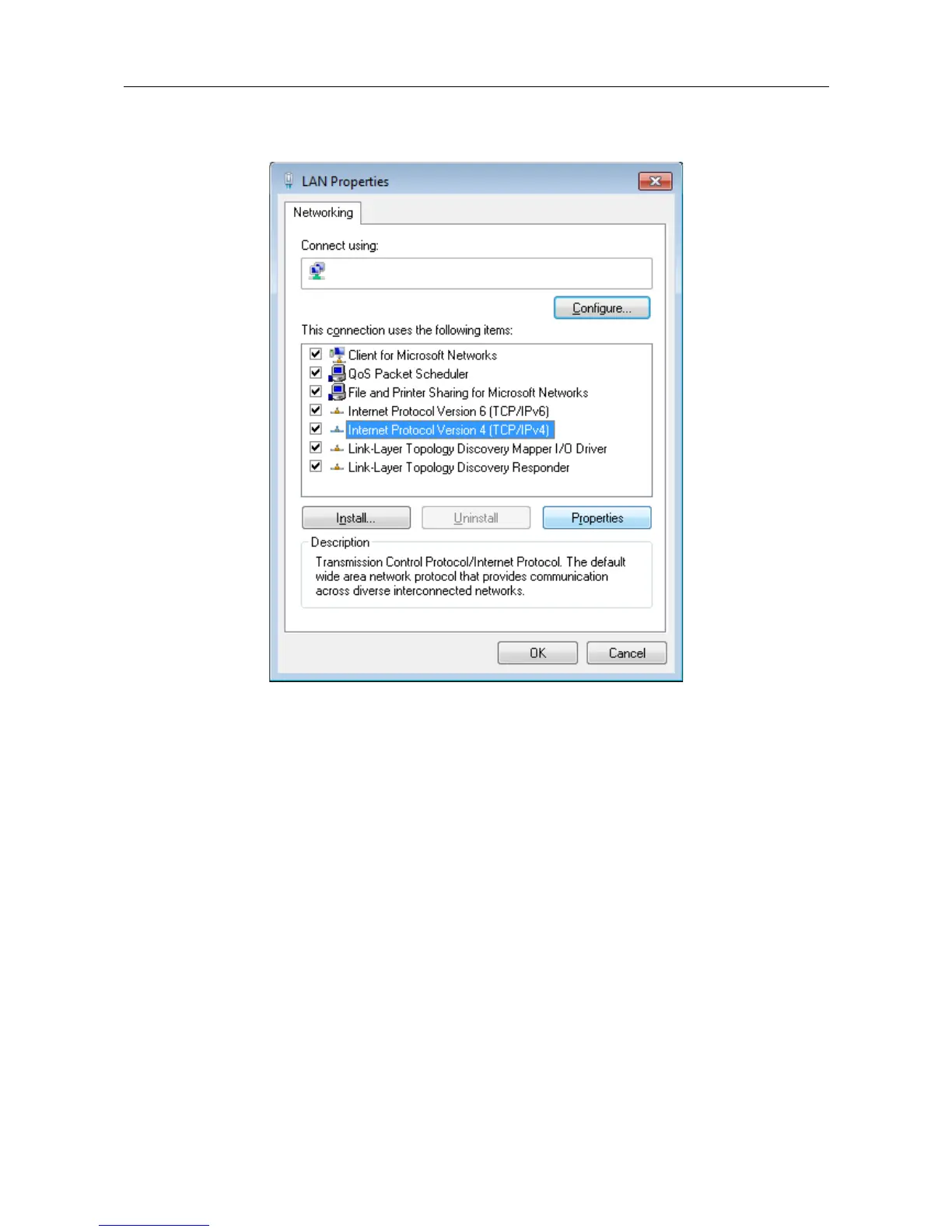
5. In the Local Area Connection Properties window, on the Networking tab, select the
Internet Protocol Version 4 (TCP/IPv4) line. Click the Properties button.
Figure 9. The Local Area Connection Properties window.
Page 20 of 175















 To Next Page