DAP-1155 Wireless N 150 Access Point & Router
User Manual
Configuring Device (Router Mode)
Firewall
In this menu you can configure the firewall of the access point switched to the router mode:
• add rules for IP filtering
• create virtual servers
• define a DMZ
• configure the MAC filter.
IP Filters
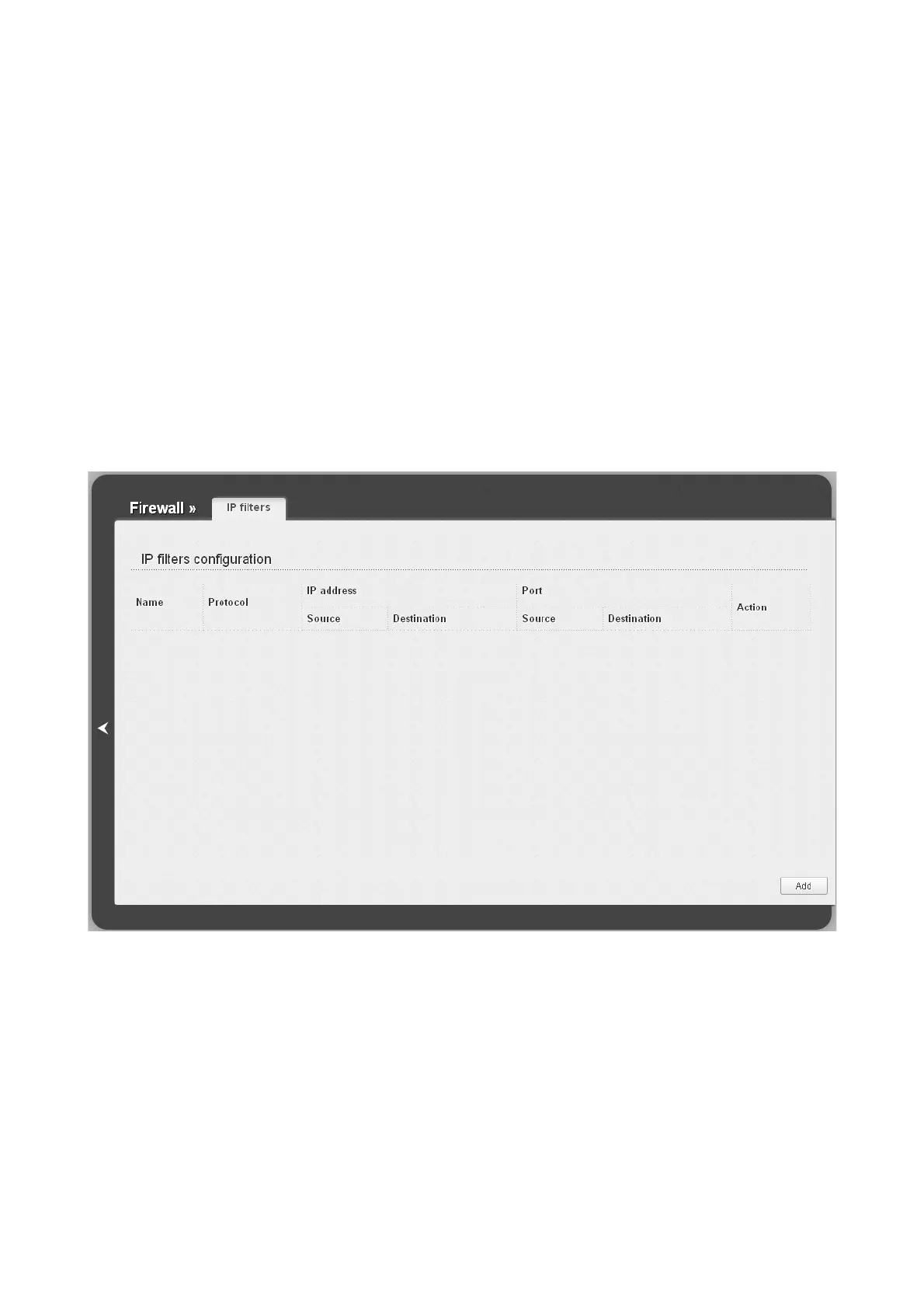
On the Firewall / IP filters page, you can create new rules for filtering IP packets and edit or
remove existing rules.
Figure 146. The Firewall / IP filters page.
To create a new rule, click the Add button.
Page 188 of 215














 To Next Page