8D-Link DAP-1530 User Manual
Section 2 - Installation
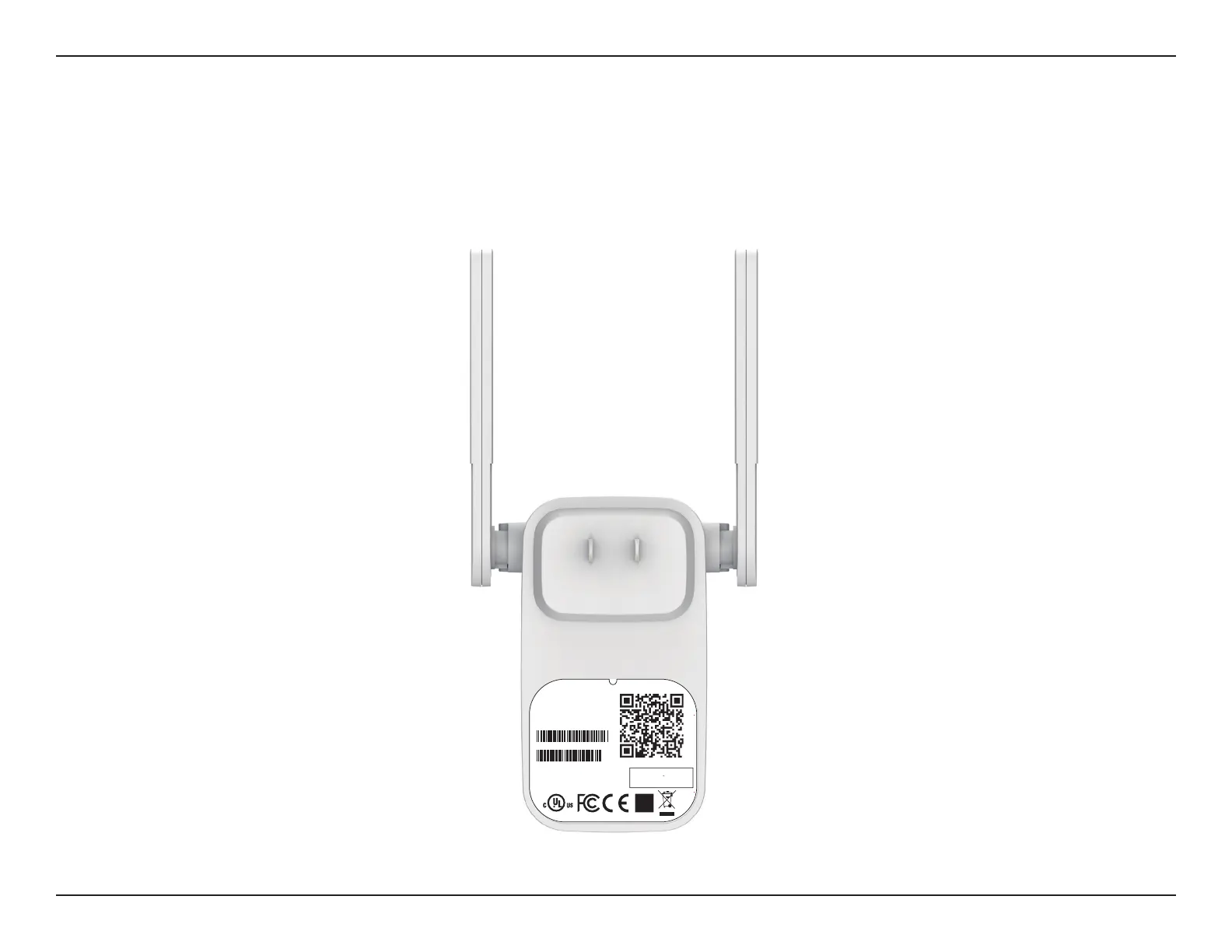
You may locate the Wi-Fi name (SSID) and password for your DAP-1530. This information is printed on the specication sticker on
the back of the device. You will need this information to connect your computer or mobile device to the default network (SSID) of
your DAP-1530. This information is also provided on the Quick Installation Card.
Back
FCC ID :KA2AP1610B1
I
C:4216A-AP1610B1
M/N:DAP-1610B1
CAN ICES-3 (B)/NMB-3(B)
P/N: CAP1610LCA....B1
S/N: S81P1YMXXXXXX
MAC ID: XXXXXXXXXXXX
H/W Ver.: B1 F/W Ver.: XXXX
Wi-Fi Name(SSID): dlink-xxxx
Wi-Fi Password: XXXXXXXX
DAP-1610
Input: 100-240Vac, 50/60 Hz, 0.3A Max
http://dlinkapwxyz.local./
Username: Admin
Device Password: password
Made In China
DAP-1530
1530
1530
1530
1530



 To Next Page