15
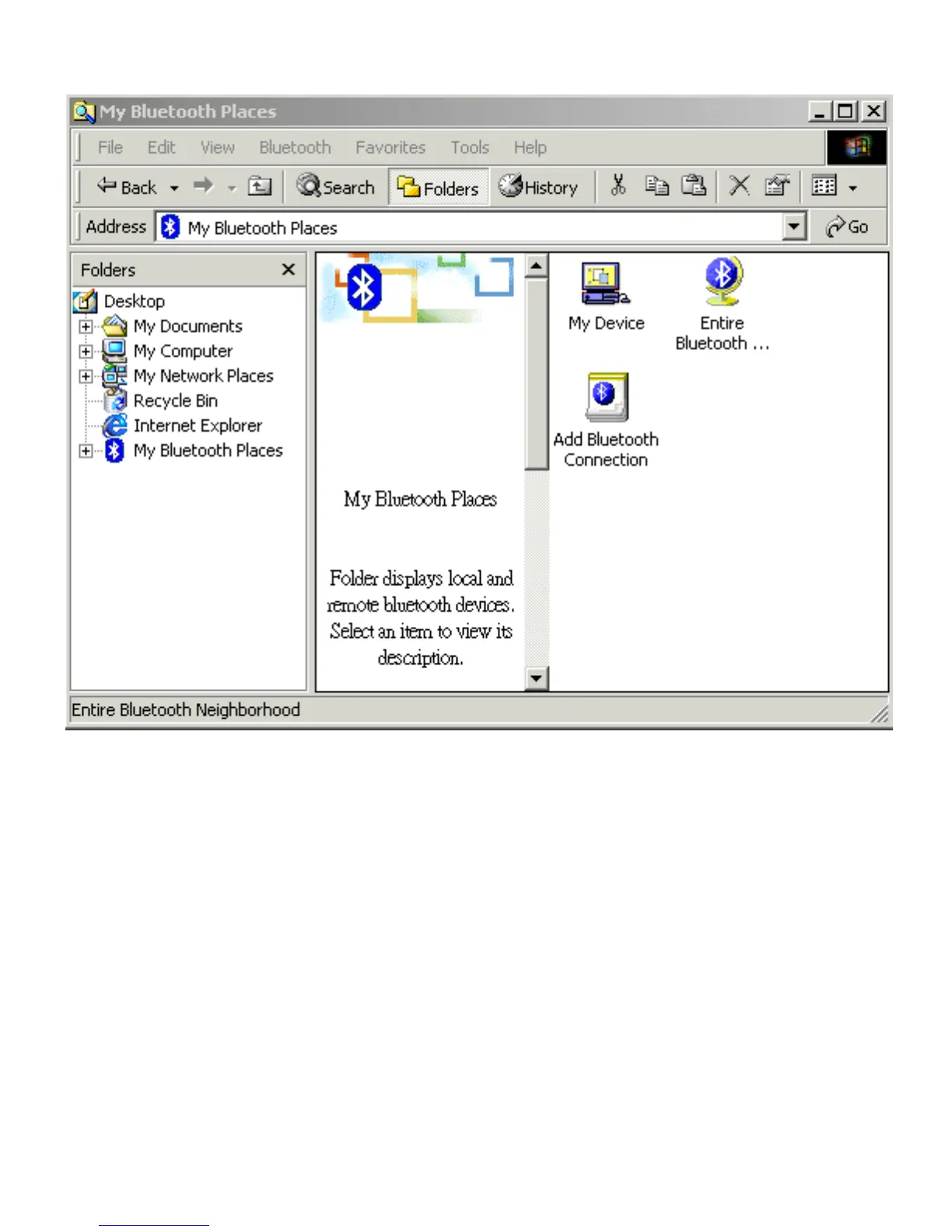
Bluetooth Software Explorer
Open the Bluetooth menu from the above screen and select Search for Devices.
The system will start to look for Bluetooth devices in the vicinity and display the
devices it finds in the right panel of My Bluetooth Places.
The Bluetooth Software can be configured to automatically search for devices on a
regular basis. From Configuration Panel/Discovery Tab, check the box of “Look for
other Bluetooth devices”. You can set a searching time so that the device will
search other Bluetooth devices at a regular time.
Note: If you find that some devices are within connection range but do not show up
in the list of devices found, the possible causes are:
• Your device is configured to report only specific types or classes of devices
• The unlisted device is configured to be non-discoverable



 To Next Page