-12-
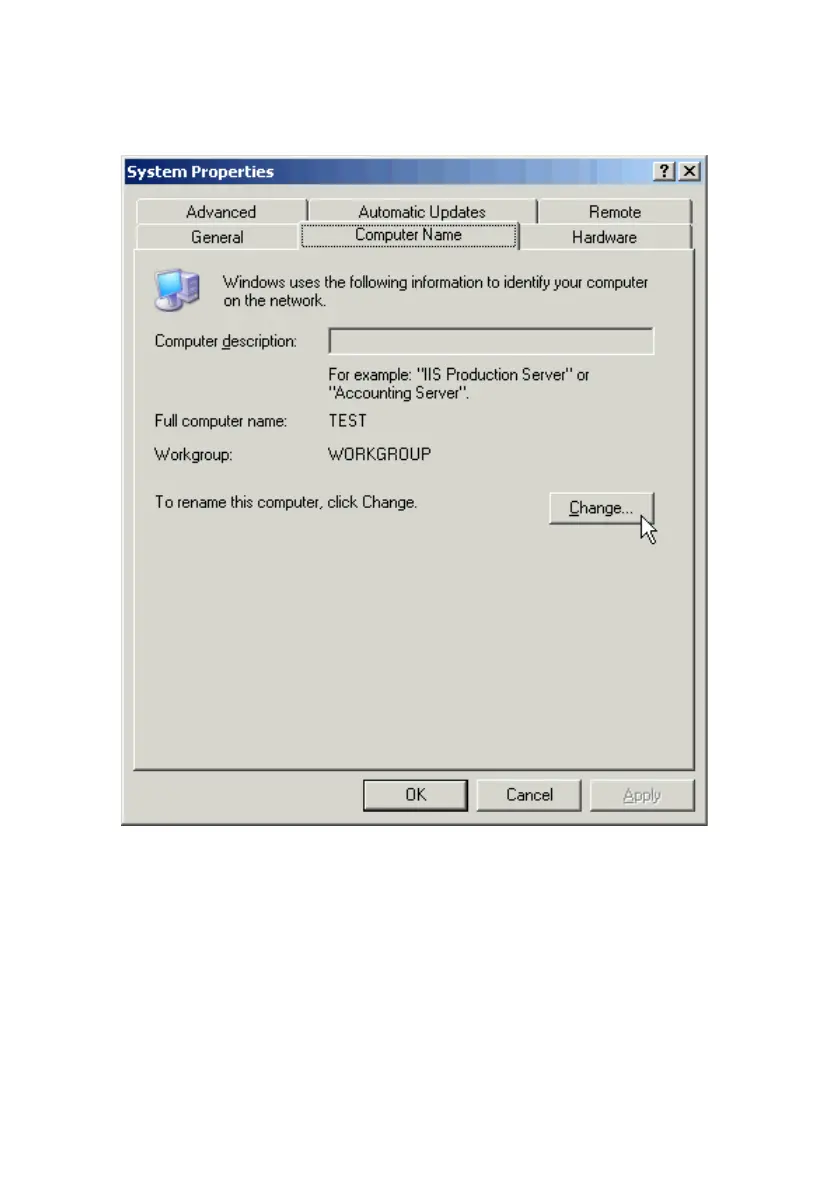
Go to Start > Settings > Control Panel > System.
Open the Computer Name tab and click the Change button.
Type the name of your computer in the Computer name box. Make up a name
that is unique among the computer names on your network.
Type the name of your workgroup in the Workgroup box. The name you type
should be the same workgroup name in use by all of the other PCs on the
network.



 To Next Page