-31-
Checking the Connection by Pinging
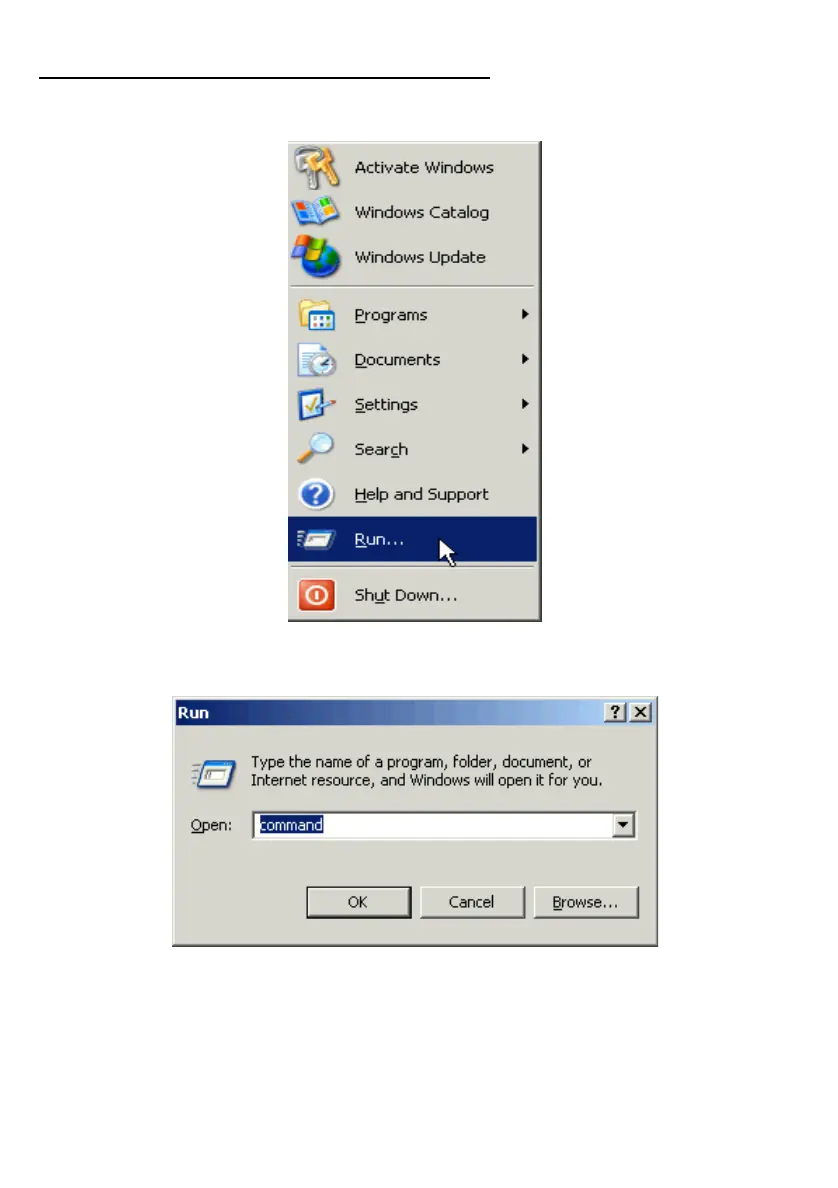
Go to Start > Run.
Type “command” in the Run box.
Click OK to get to a DOS prompt.
Type “ping xxx.xxx.xx.xx”, where xxx.xxx.xx.xx (i.e. 192.168.0.1) is the IP
address of the Gateway in this case, and hit the Enter key.



 To Next Page