-11-
Windows Network Component Configuration
This section includes instructions specific to the Windows Server 2003
operating system. However, Windows 2000 and Windows XP instructions are
very similar. For additional information regarding this section, please consult
your Windows documentation provided by Microsoft.
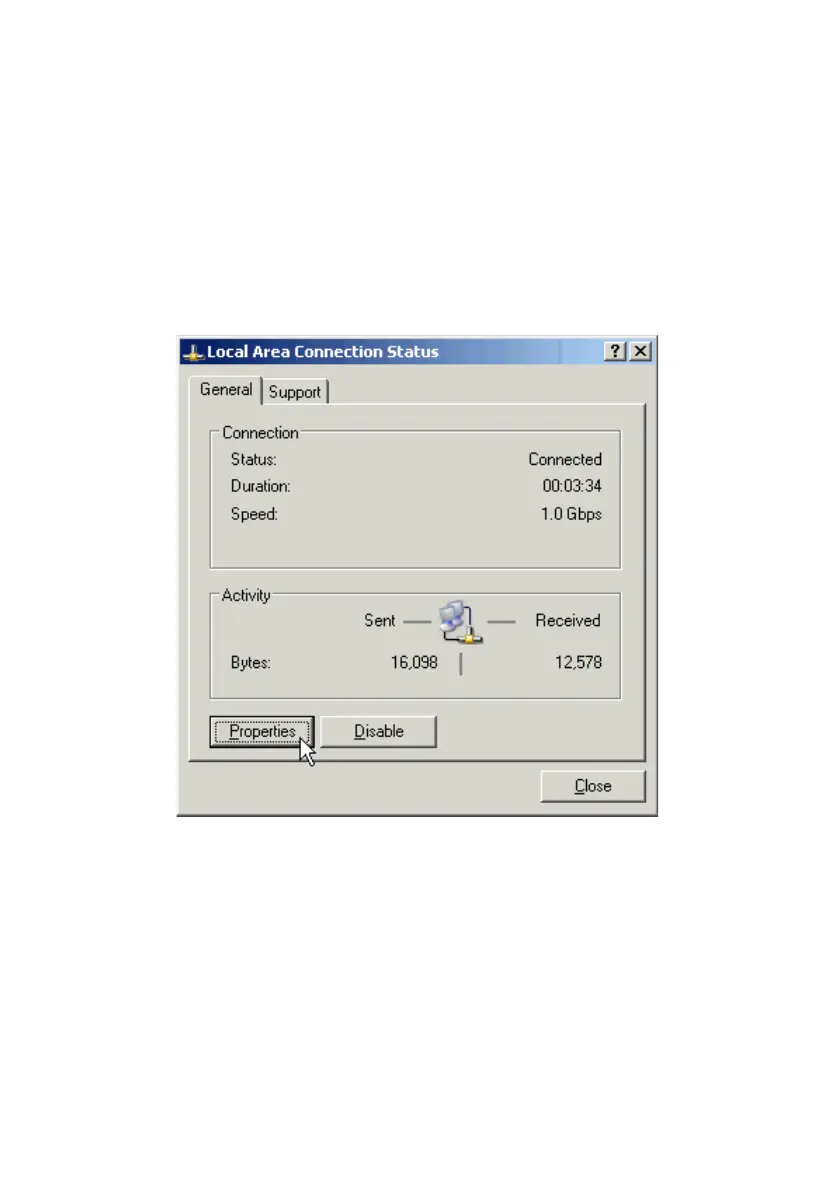
Go to Start > Settings > Control Panel > Network Connections. Double-
click the Local Area Connection icon; the following figure will appear.
Click the Properties button. Make sure the following components are
installed.
• Client for Microsoft Networks
• File and Printer Sharing for Microsoft Networks
• Internet Protocol (TCP/IP)
If any components listed above are missing, click the Install button to add
them manually. Click Close to exit.



 To Next Page