-28-
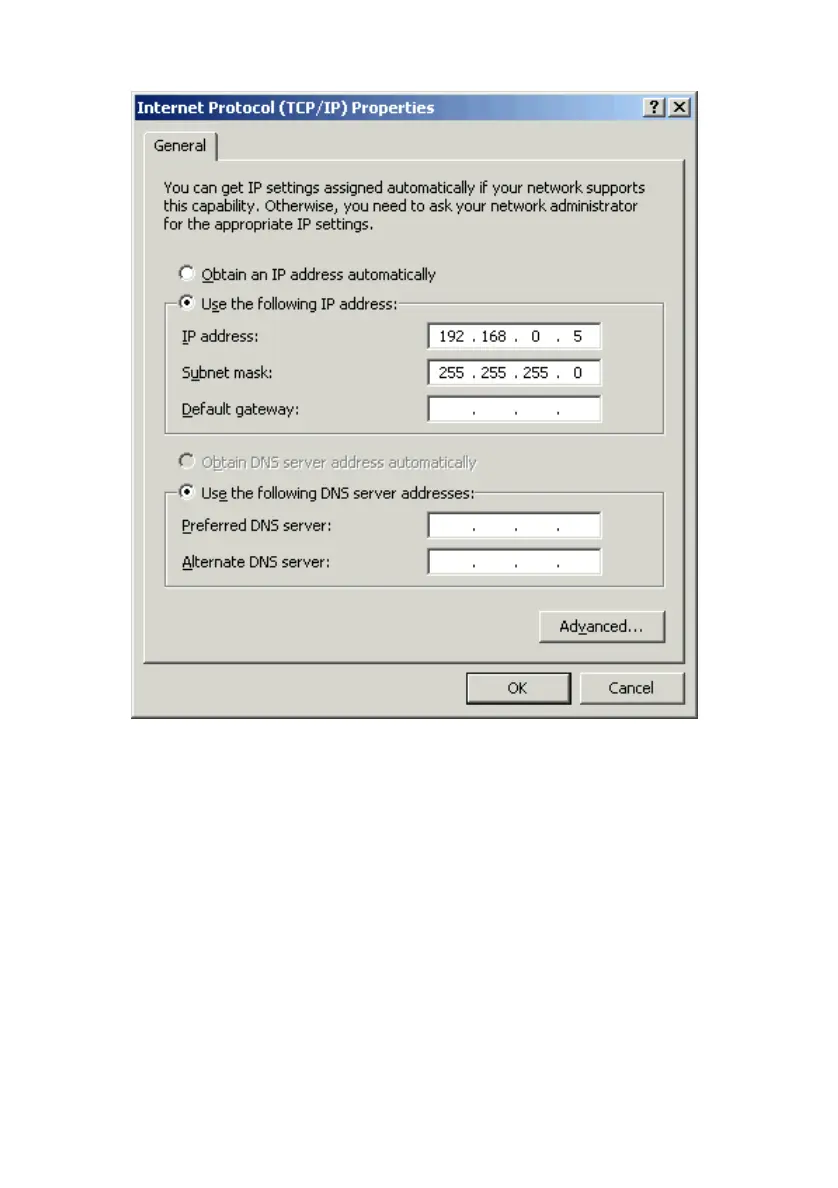
On the General tab select Use the following IP address.
Enter an IP address into the empty field. Suggested IP Range is 192.168.0.2 to
192.168.0.254.
NOTE: IP Addresses must be signed sequentially to each computer.
Suggested Subnet Mask of 255.255.255.0.
Click OK.
When the “Local Area Connection Properties” window comes back up, click
OK. Windows will ask you to reboot. Click Ye s.
You have completed the configuration of the Static IP Address.



 To Next Page