- 6 -
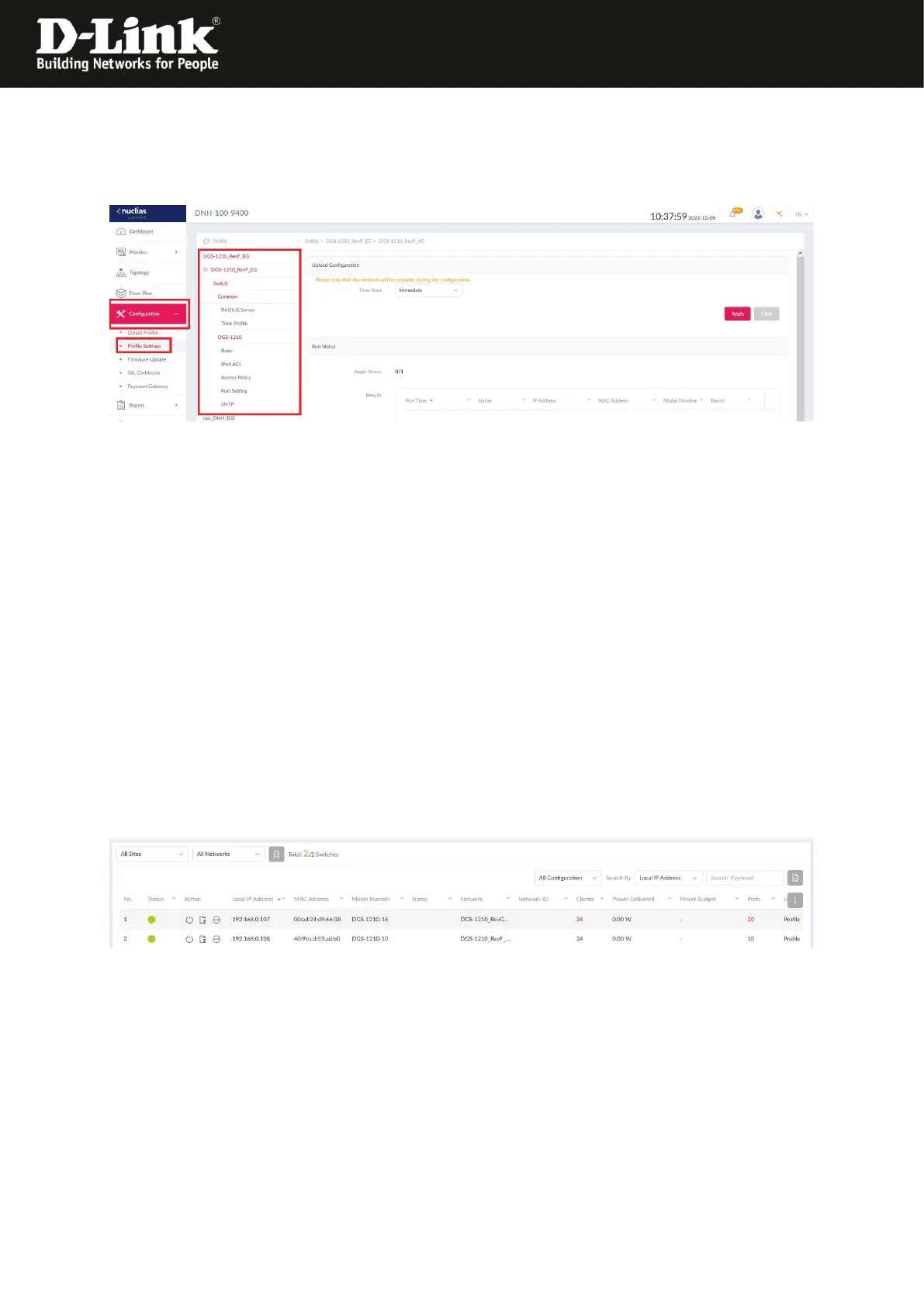
13. To access the possible settings of the DGS-1210 in the NC, on the left go to the
menu Configuration and then Profile Settings.
There inside the created profile of the DGS-1210 you can make several settings.
Note:
Unfortunately it is not possible to make all settings of a DGS-1210 via the NC (yet).
The DGS-1210 still has the fully setup like a standalone switch.
The access is via a web browser via his IP-address.
The Admin-password is this you configured via the NC profile (see step 9 on page 4).
With it the binding of the DGS-1210 Rev.F and/or G into the Nuclias Connect is finished.
Example:
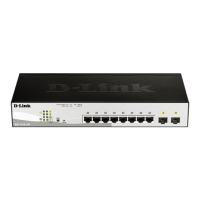
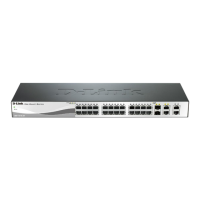
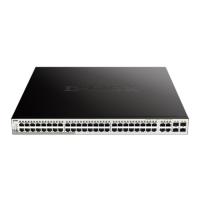
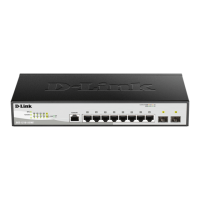
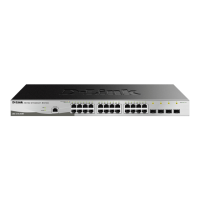
Each a DGS-1210 Rev.F and G is bound into the Nuclias Connect:




 To Previous Page