Section 4 – Security
————————————————————————————————————————————————————————————
D-Link DIR-524 User Manual 12
Internet Connection Setup Wizard
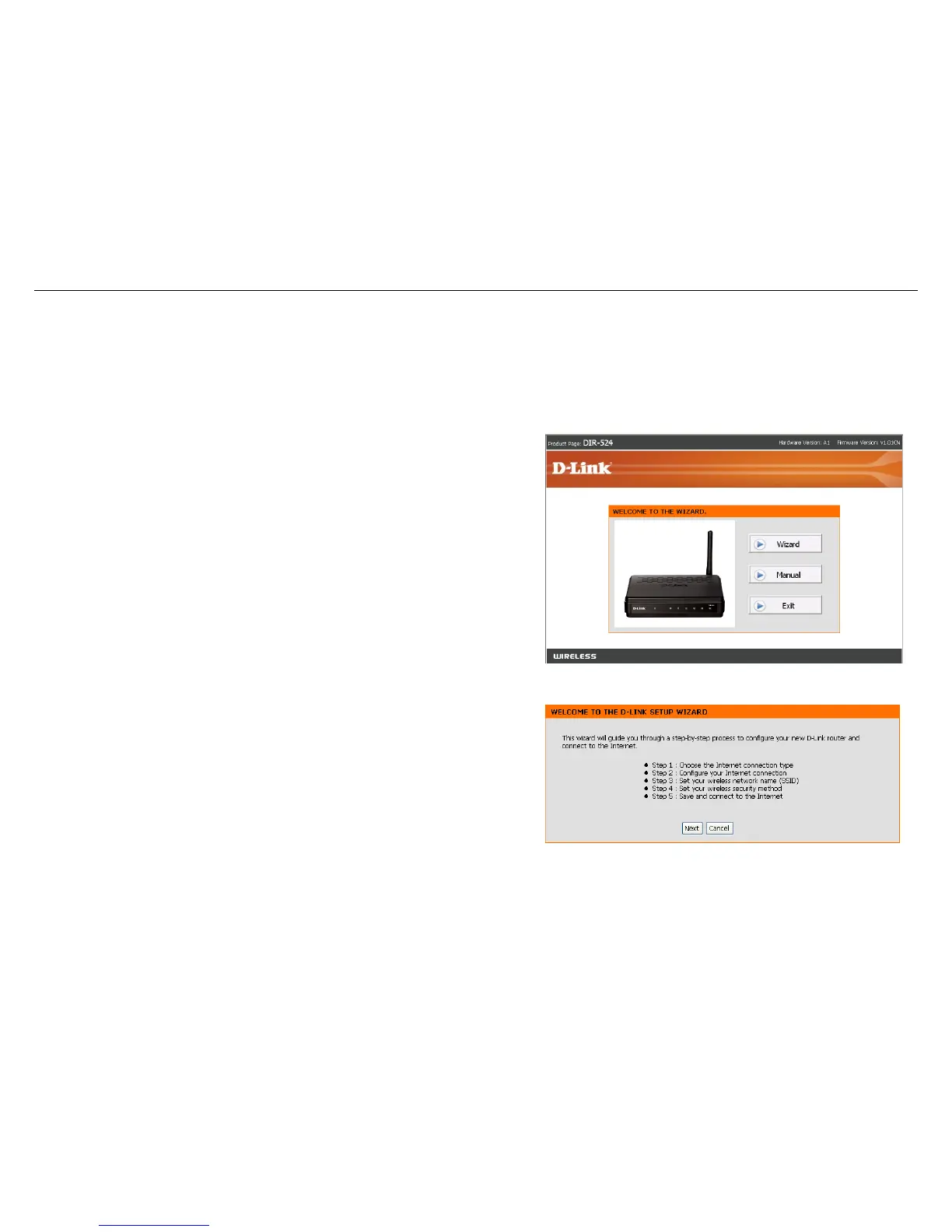
Once logged into the web interface of the router, the WELCOME TO THE WIZARD page will appear. Click the
Wizard button to quickly configure your router using the setup wizard.
If you want to enter your settings without running the wizard,
click Manual and skip to page 23.
Click Next to continue.



 To Next Page