Section 4 – Security
————————————————————————————————————————————————————————————
D-Link DIR-524 User Manual 21
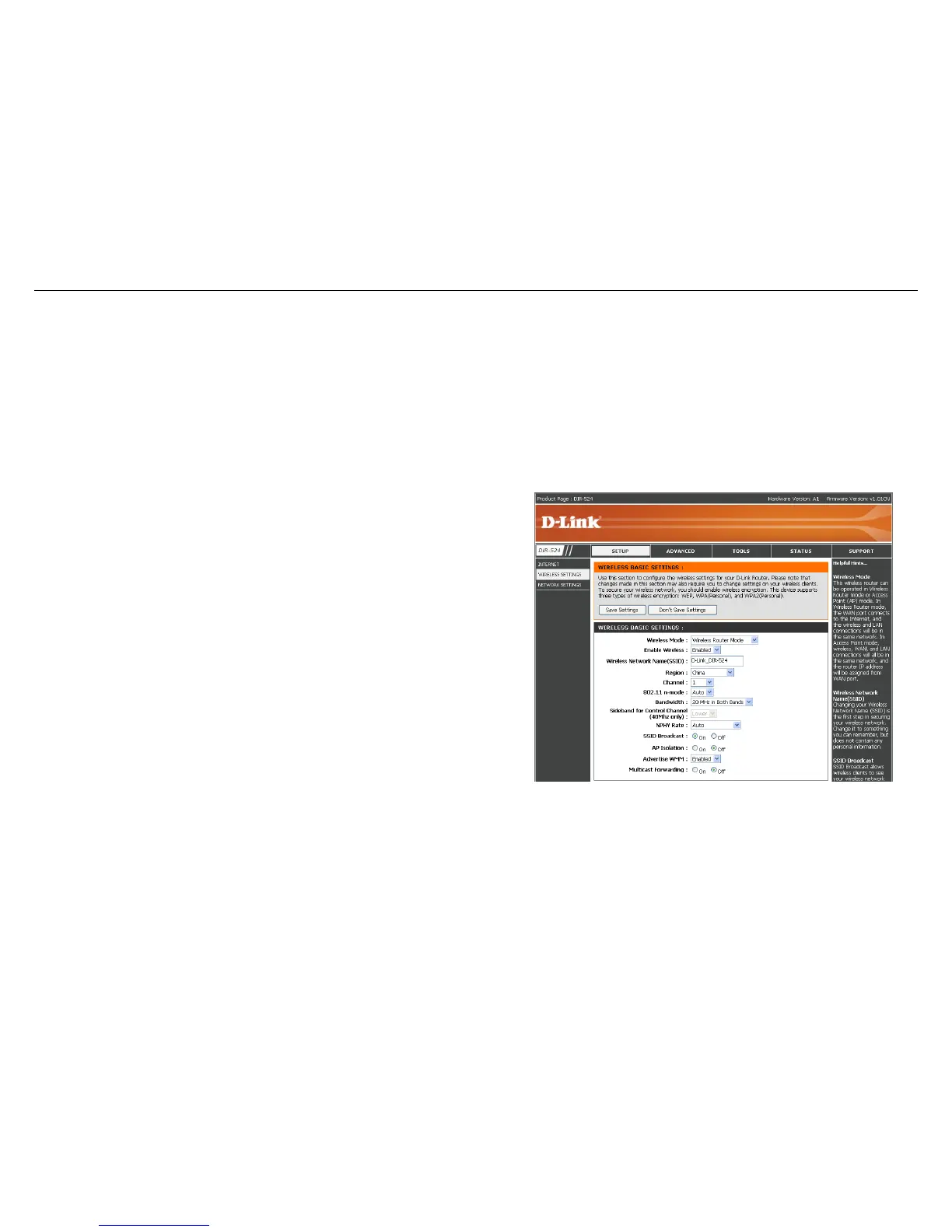
Wireless Basic Settings
Use this section to configure the wireless settings for your D-Link Router. Please note that changes made on this
section may also need to be duplicated on your Wireless Client.
Enable Wireless:
Select Enabled to enable the wireless
function. If you do not want to use wireless,
select Disabled.
Wireless Network
Name:
Service Set Identifier (SSID) is the name of
your wireless network. Create a name using up
to 32 characters. The SSID is case-sensitive.
Channel:
Indicates the channel setting for the DIR-524.
By default the channel is set to 6. The Channel
can be changed to fit the channel setting for an
existing wireless network or to customize the
wireless network.
SSID Broadcast:
When select on, your wireless network name is
broadcast to anyone within the range of your
signal. If you're not using encryption then they
could connect to your network. When select
off, SSID will hide, you must enter the SSID on
the client manually to connect to the network.
AP Isolation :
Selecting On enables AP isolation mode.
When enabled, STAs associated to the AP will
not be able to communicate with each other.



 To Next Page