Section 4 – Security
————————————————————————————————————————————————————————————
D-Link DIR-524 User Manual 30
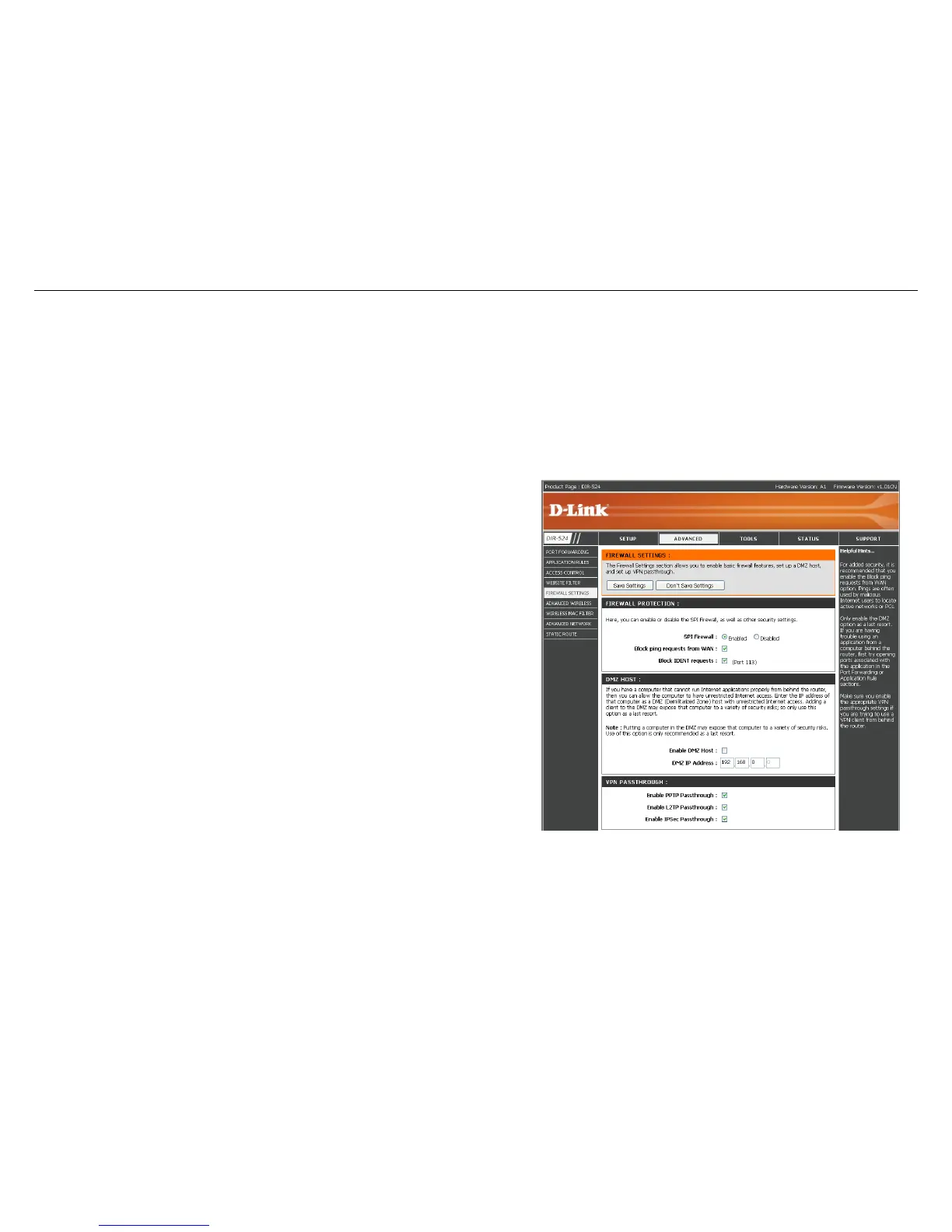
Firewall Settings
A firewall protects your network from the outside world. The D-Link DIR-524 offers a firewall type functionality. The SPI feature helps
prevent cyber attacks. Sometimes you may want a computer exposed to the outside world for certain types of applications. If you choose
to expose a computer, you can enable DMZ. DMZ is short for Demilitarized Zone. This option will expose the chosen computer completely
to the outside world.
SPI Firewall:
SPI (Stateful Packet Inspection, also known as
dynamic packet filtering) helps to prevent cyber
attacks by tracking more state per session. It
validates that the traffic passing through the session
conforms to the protocol.
Block WAN
PING:
For added security, it is recommended that you enable
the Block PING WAN option. Ping is often used by
malicious Internet users to locate active networks or
PCs.
Block IDENT:
Block Identification used port 113. Port 113 is
associated with the Internet's Ident/Auth (Identification
/ Authentication) service. When a client program in
your computer contacts a remote server for services
such as POP, IMAP, SMTP, or IRC, that remote server
sends back a query to the "Ident" server running in
many systems listening for these queries on port 113.
Enable DMZ
Host:
If an application has trouble working from behind the
router, you can expose one computer to the Internet
and run the application on that computer.
Enter the DMZ IP Address.
Note: Placing a computer in the DMZ may expose that
computer to a variety of security risks. Use of this
option is only recommended as a last resort.
VPN
Passthrough :
Make sure VPN passthrough is enabled if you are
trying to use a VPN client from behind the router.



 To Next Page