Section 4 – Security
————————————————————————————————————————————————————————————
D-Link DIR-524 User Manual 29
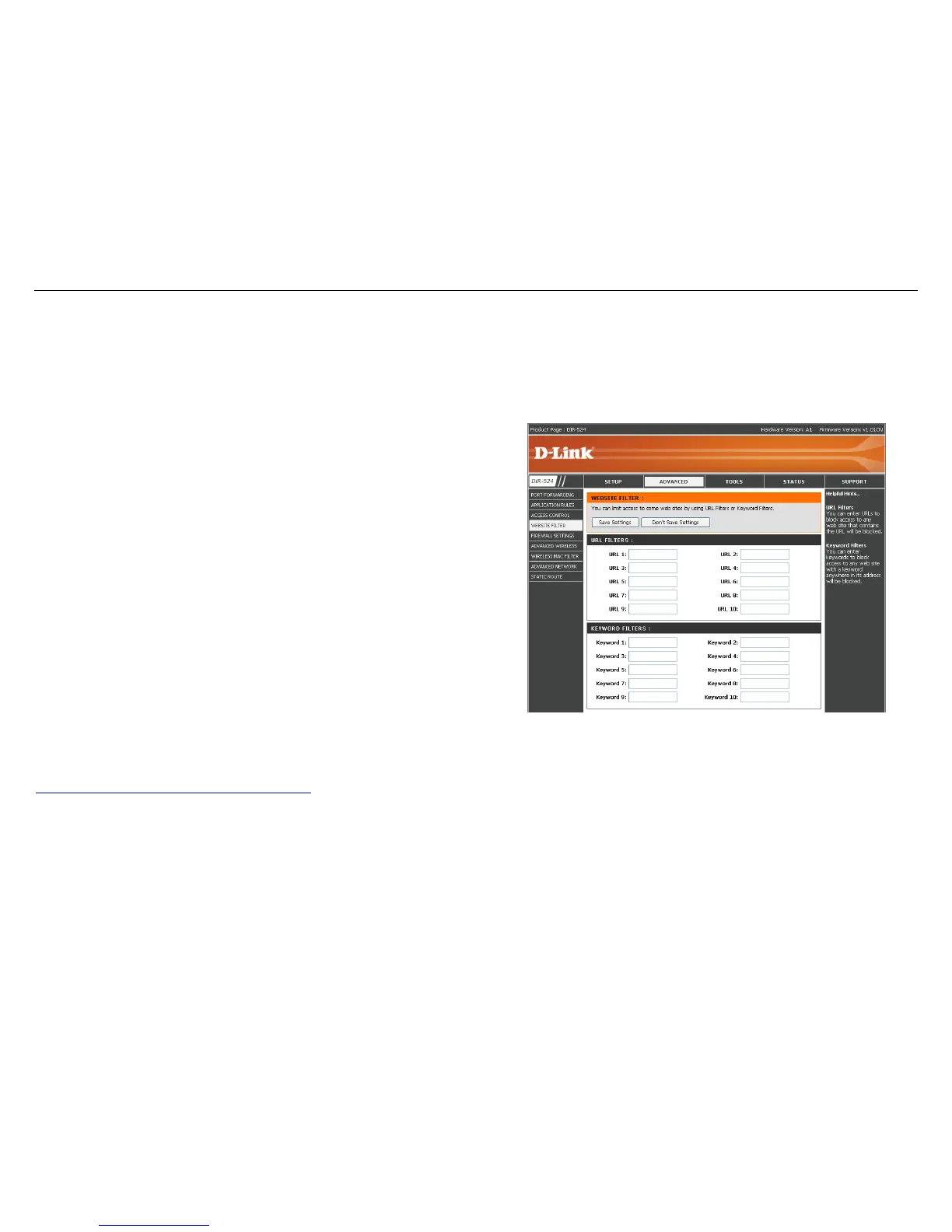
Website Filters
Website Filters are used to allow you to set up a list of allowed Web sites that can be used by multiple users through
the network.
URL Filter:
You may choose some PCs based on URL to
access Internet. Enter URLs that you want to
deny.
Keyword Filter:
You may choose some PCs based on Keyword
to access Internet. Enter keywords that you
want to deny.
Example :
If you wanted to block LAN users from any website containing a URL pertaining to shopping, you would need to enter shopping into the
Website Filtering Rules list. Sites like these will be denied access to LAN users because they contain the keyword in the URL.
http://www.XXX.shopping.com/stores.html



 To Next Page