23D-Link DIR-865L User Manual
Section 3 - Conguration
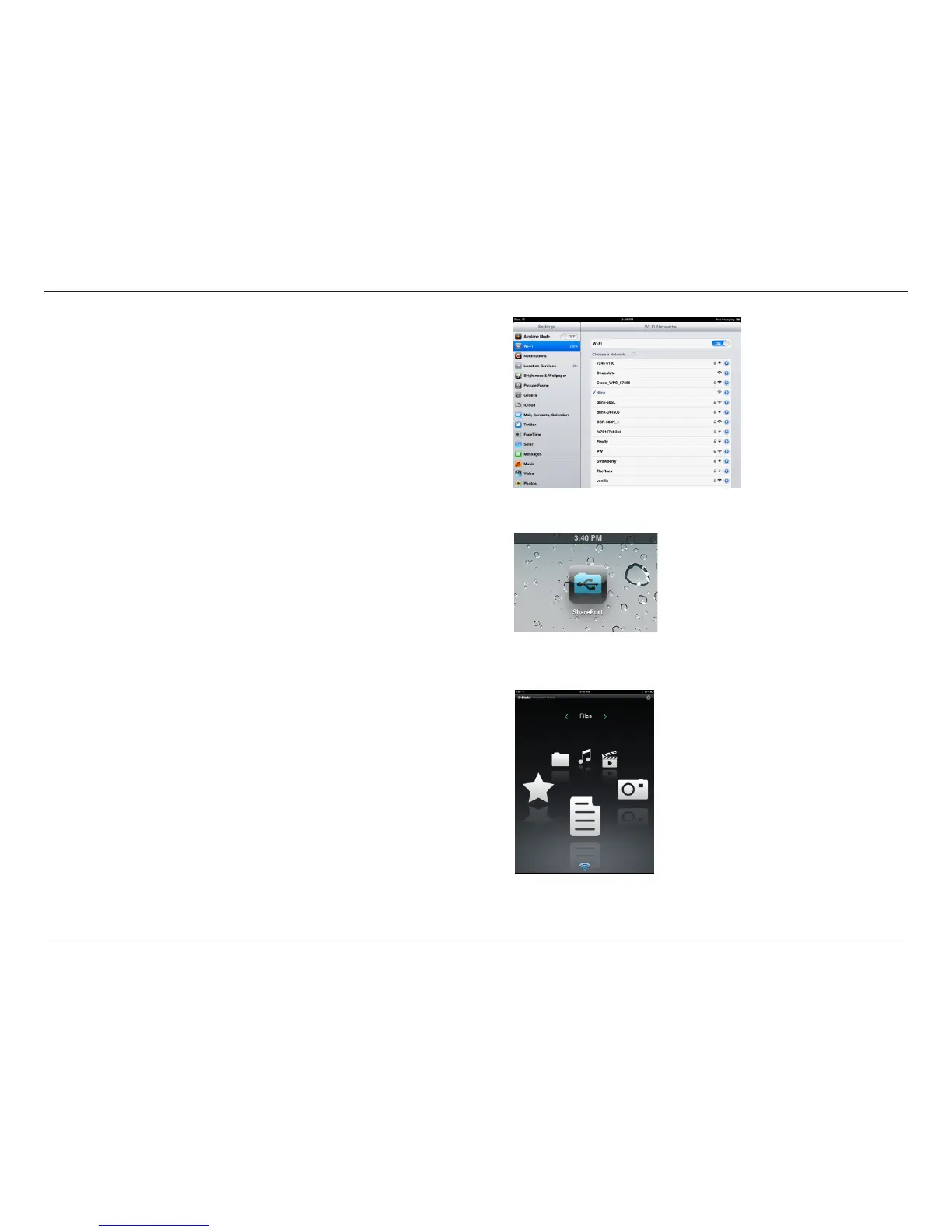
4. Click Wi-Fi, select the wireless network (SSID) that you created in the
setup and then enter your Wi-Fi password.
5. Once connected, click on the SharePort Mobile icon.
6. The following screen will appear.



 To Next Page