Section 3 - Configuration
D-Link DSL-2740B User Manual
66
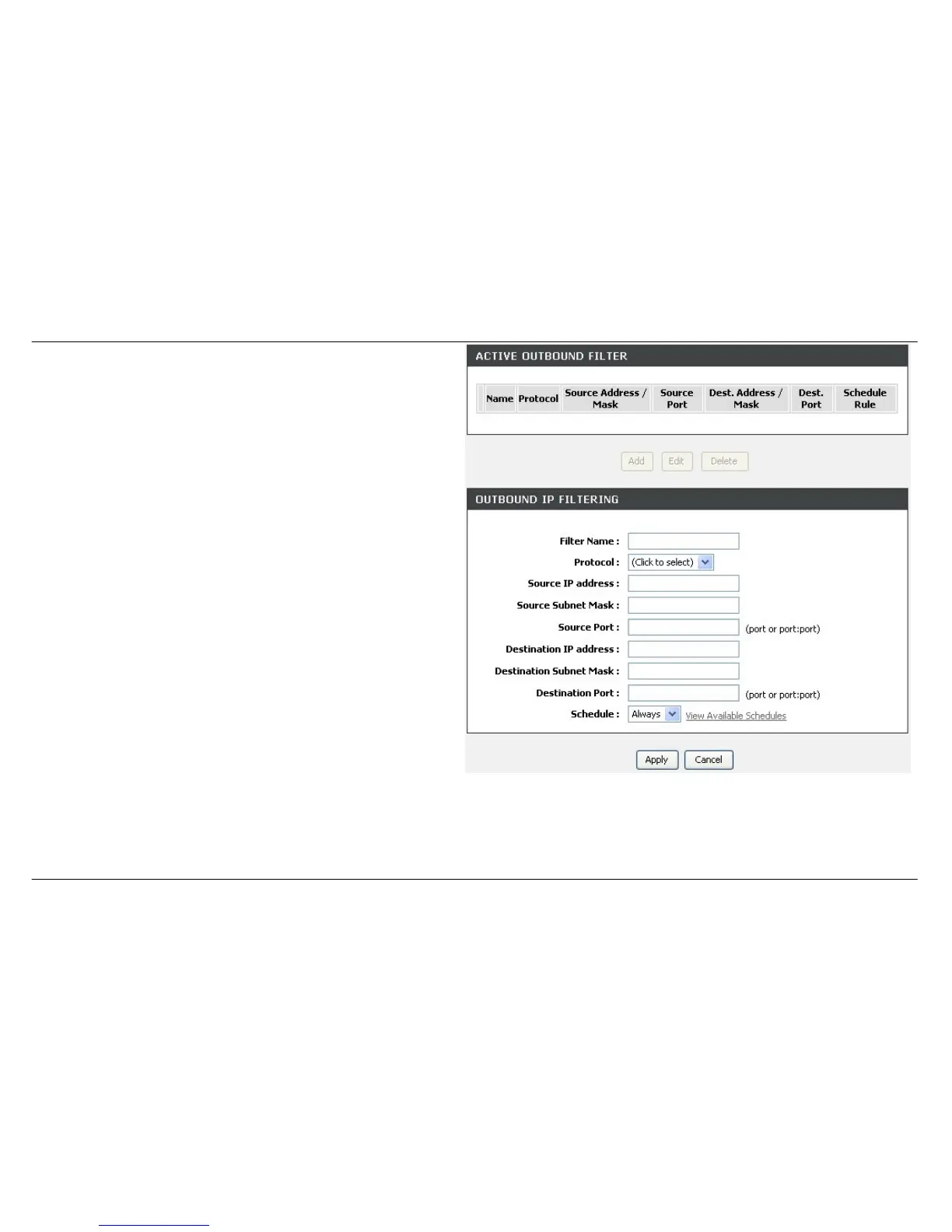
ADD OUTBOUND IP FILTER
Click Add button to set Port Forwarding Setup setting
Enter the Filter name and at least one of the following criteria:
Protocol, Source/Destination IP Address and Subnet Mask, and
Source/Destination Port.
Click on the Apply button to apply settings.



 To Next Page
 Loading...













