20
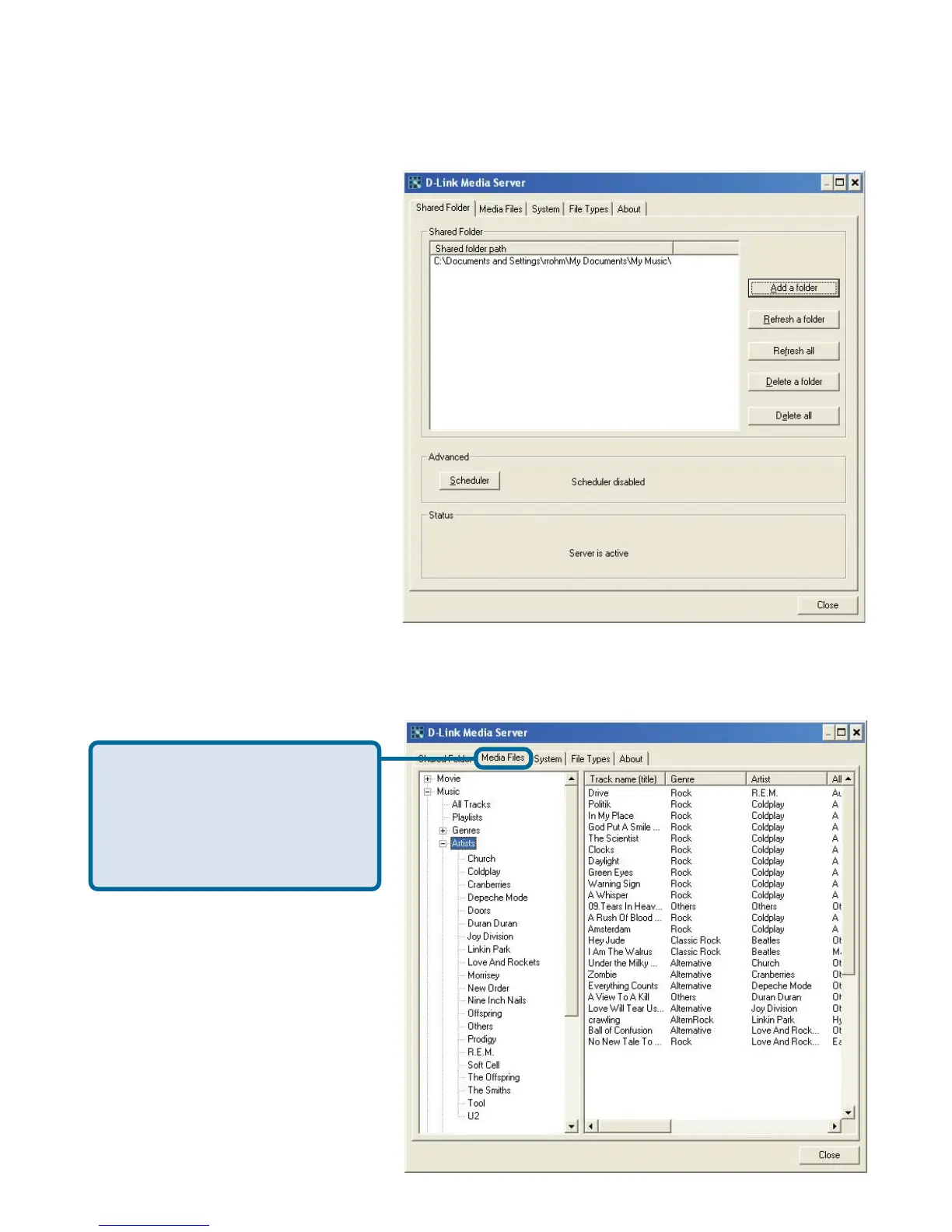
Repeat the steps until all of
the folders containing audio,
video, and photos you want
to share have been added.
Choosing Music, Photo, and Video Files to
Share (continued)
This is what your PC should look like when the D-Link
®
Media Server
software configuration is complete!
The Media Files tab will
show all your audio, video,
and photo files as well as
display important file
information.



 To Next Page