56
Video
Supported Video Formats
The following video file formats are supported:
MPEG-1 (up to 8Mbps)
MPEG-2 (up to 8Mbps)
MPEG-4 (ASP - Advanced Simple Profile)
AVI (MPEG4 layer only, does not support uncompressed AVI)
XVID (with MP3 and PCM)
Viewing a Video
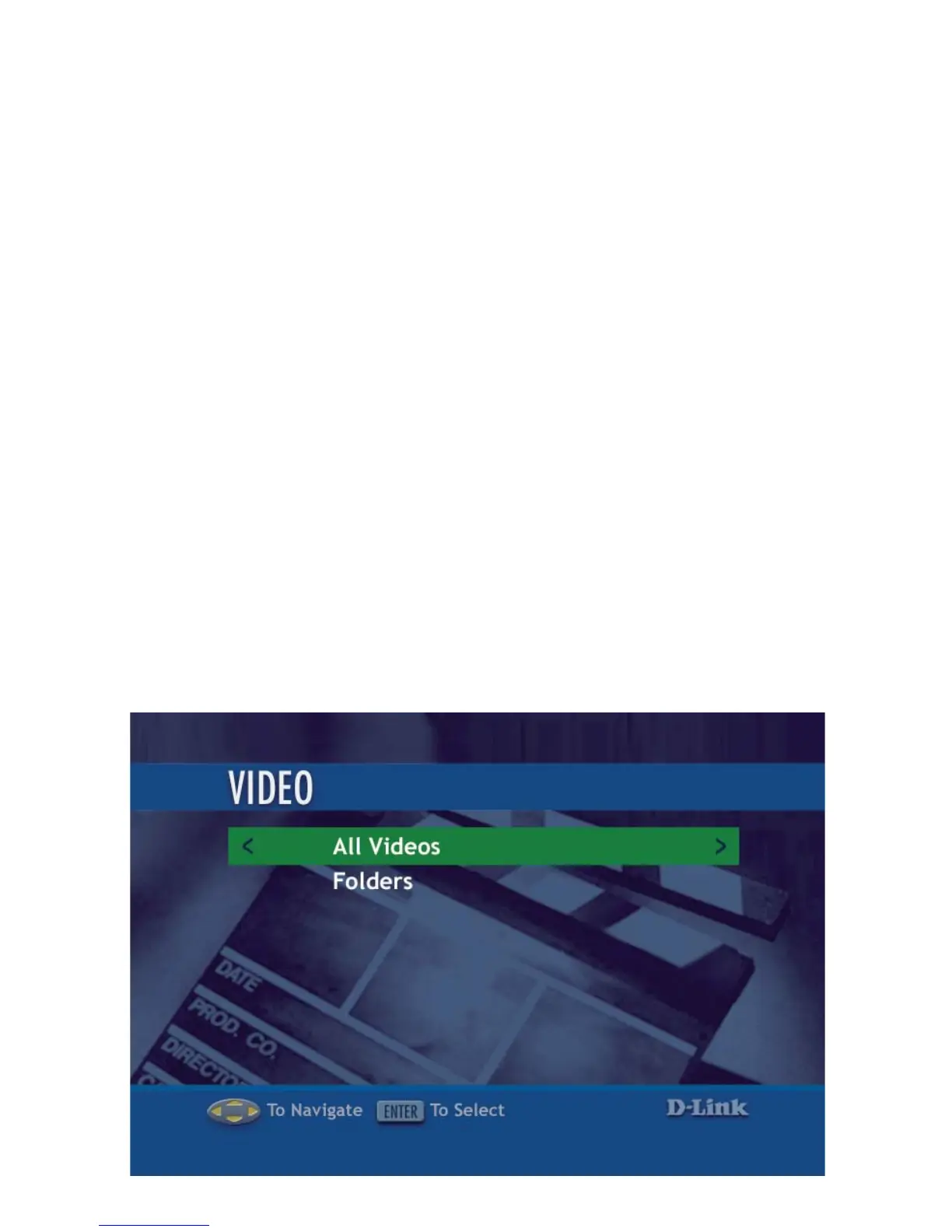
Once you enter the Video menu, you can view your list of videos.
Use the selection arrows to navigate to the video folder you wish to view.
Highlight and press ENTER to view the video folder.
After you have selected a video folder, scroll down and highlight the video you
wish to view and press ENTER or press PLAY to view the video.



 To Next Page