86
Miscellaneous
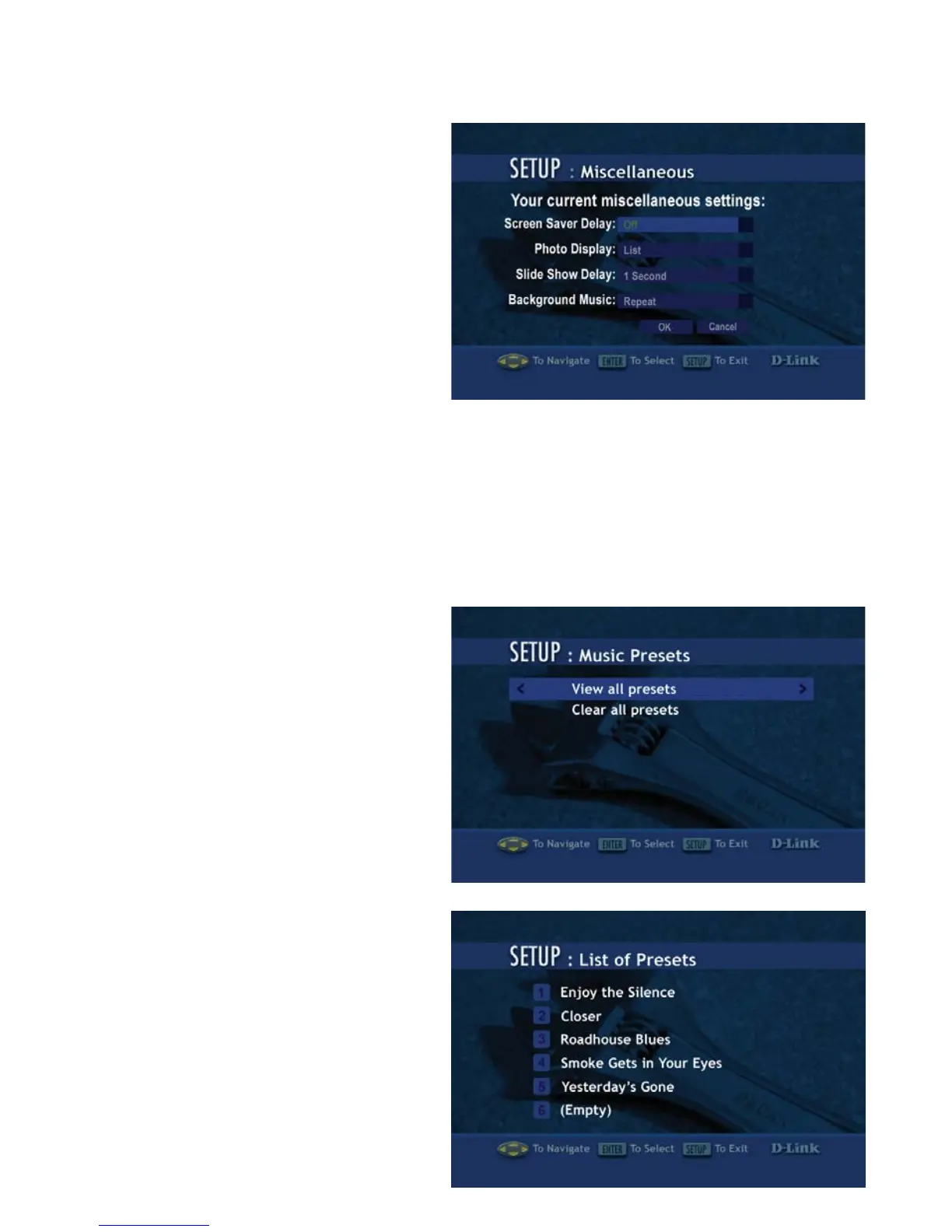
Screen Saver Delay: Select the
amount of idle time before the
screen saver appears. Choose
a time between 1-30 minutes.
Use the up and down arrows
on your remote control to
navigate through the list. Press
the ENTER button on your
remote control to make a
selection.
Photo Display: Choose to have photos displayed as a list or as thumbnails.
Thumbnails are small previews of the image but may take longer to appear.
Slide Show Delay: The interval selected here is the amount of time that each
image will be shown on the screen before changing to the next image. The
lowest setting is 1 second. The
maximum amount of time
between images is 2 minutes.
Music Presets
View all presets: This option
will display the track titles of
songs that have been defined as
presets.
Clear all presets: This option
will erase all of the presets.
The List of Presets page displays
all presets that have been defined.
You cannot modify the presets
from this page. Presets 1-6 are
displayed on the first page. Use the
up and down arrow keys to toggle
between the pages. To define
presets, please see Creating A
Preset on page 44.
Setup (continued)



 To Next Page