25
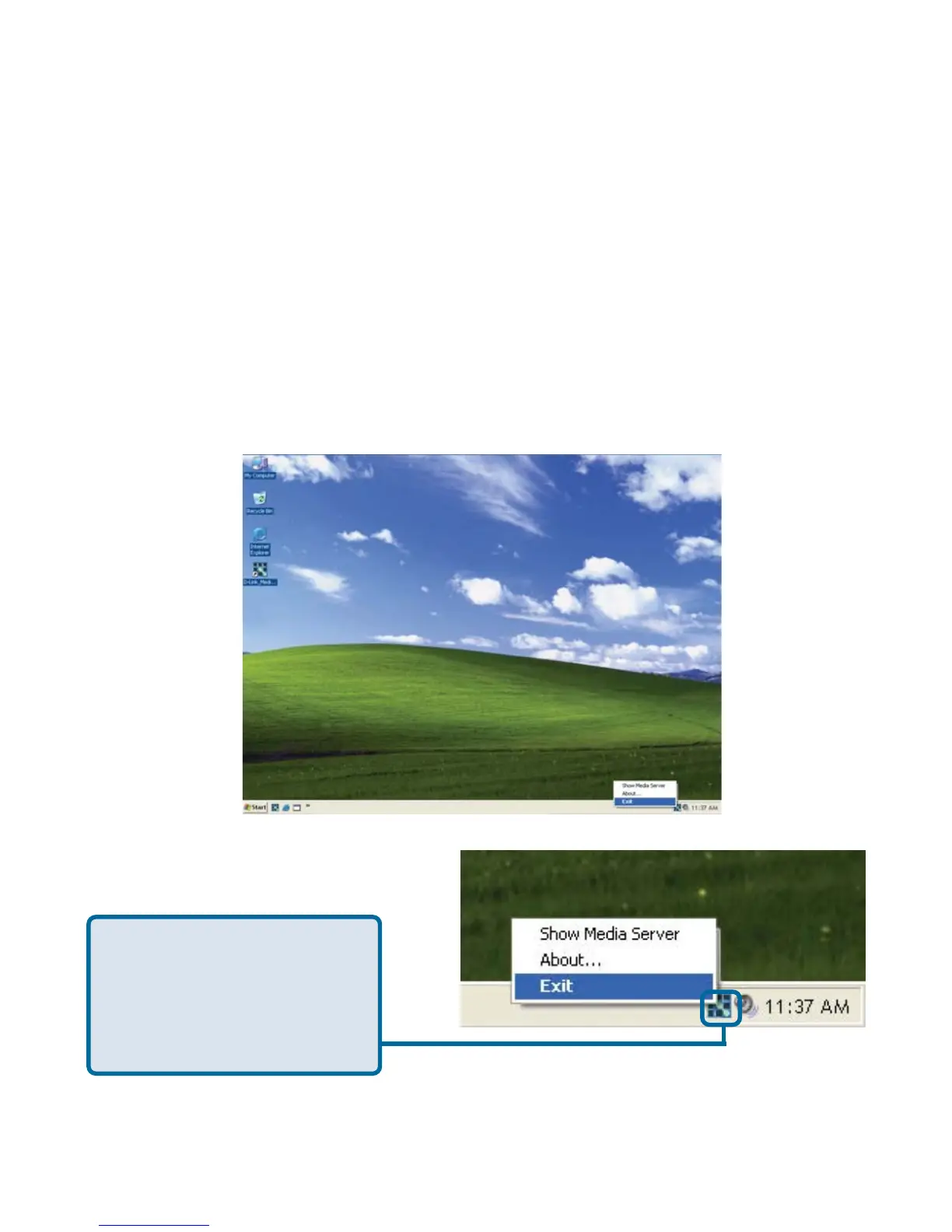
D-Link Media Server Menu
To open the D-Link Media
Server menu, right click
on the system tray icon.
The server menu will then
be displayed.
Stopping the D-Link Media Server
To stop the D-Link
®
Media Server (and stop sharing your photos, video and
music on your PC), right-click on the server icon and select Exit from the server
menu.
Note: The photo, video, and music files stored on your computer will be available
to your DSM-320 only if the D-Link
®
Media Server is running. Online media
content that does not require PC-based software (such as Radio@AOL) can
still be accessed from the DSM-320 without running the D-Link
®
Media Server
software.
Using the D-Link Media Server Software
(continued)



 To Next Page