58
Video (continued)
Search Video by Time (continued)
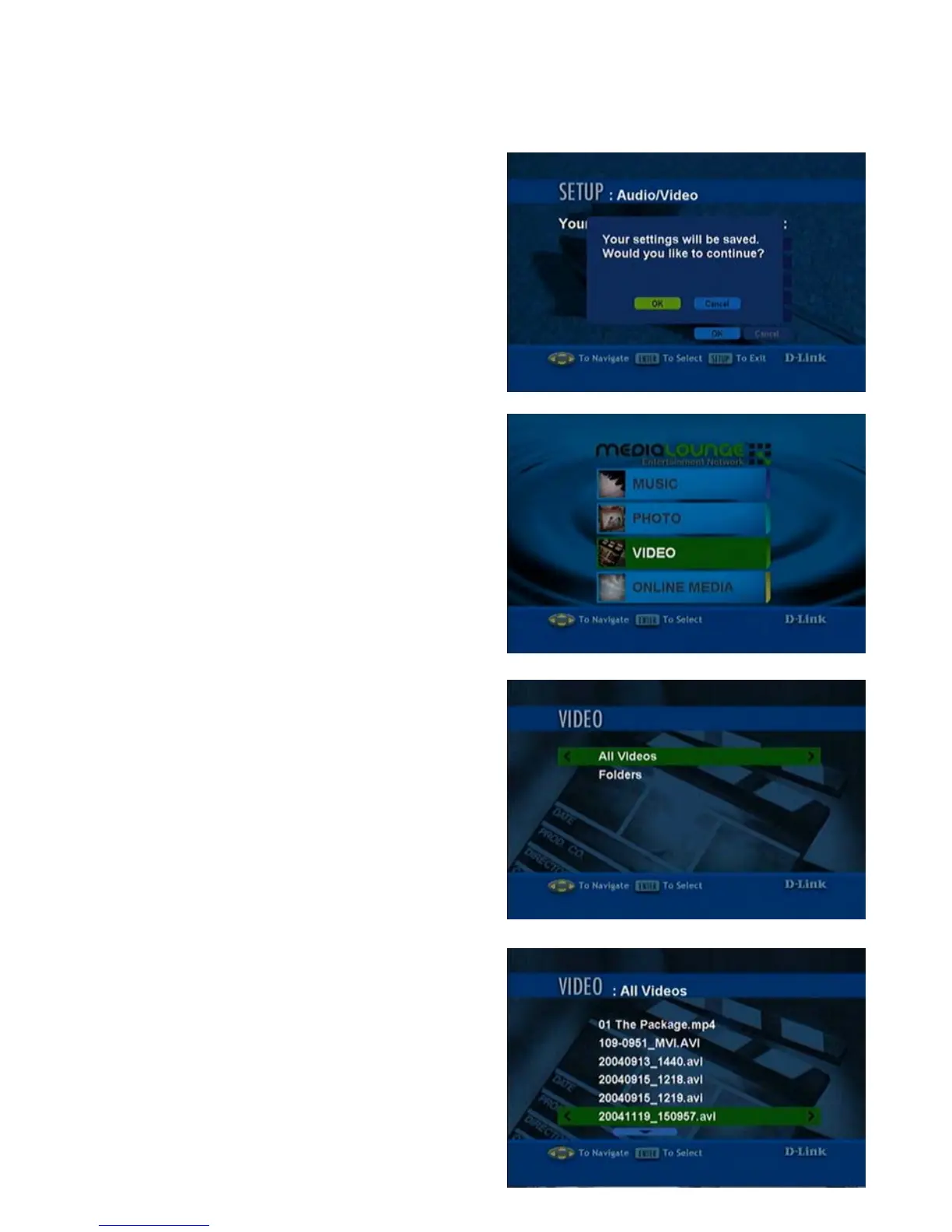
1. To select Jump in Video Seek
Mode, click OK. The pop-up screen
shown here will display. Click OK.
2. To use the new Jump setting with your
video viewing, click MENU on your
remote control unit. Select VIDEO.
3. Scroll down and press ENTER to
make your selection in the Video
category.
4. Select the video file to be viewed by
scrolling and pressing ENTER.



 To Next Page