71
Online Media (continued)
Napster
™
(continued)
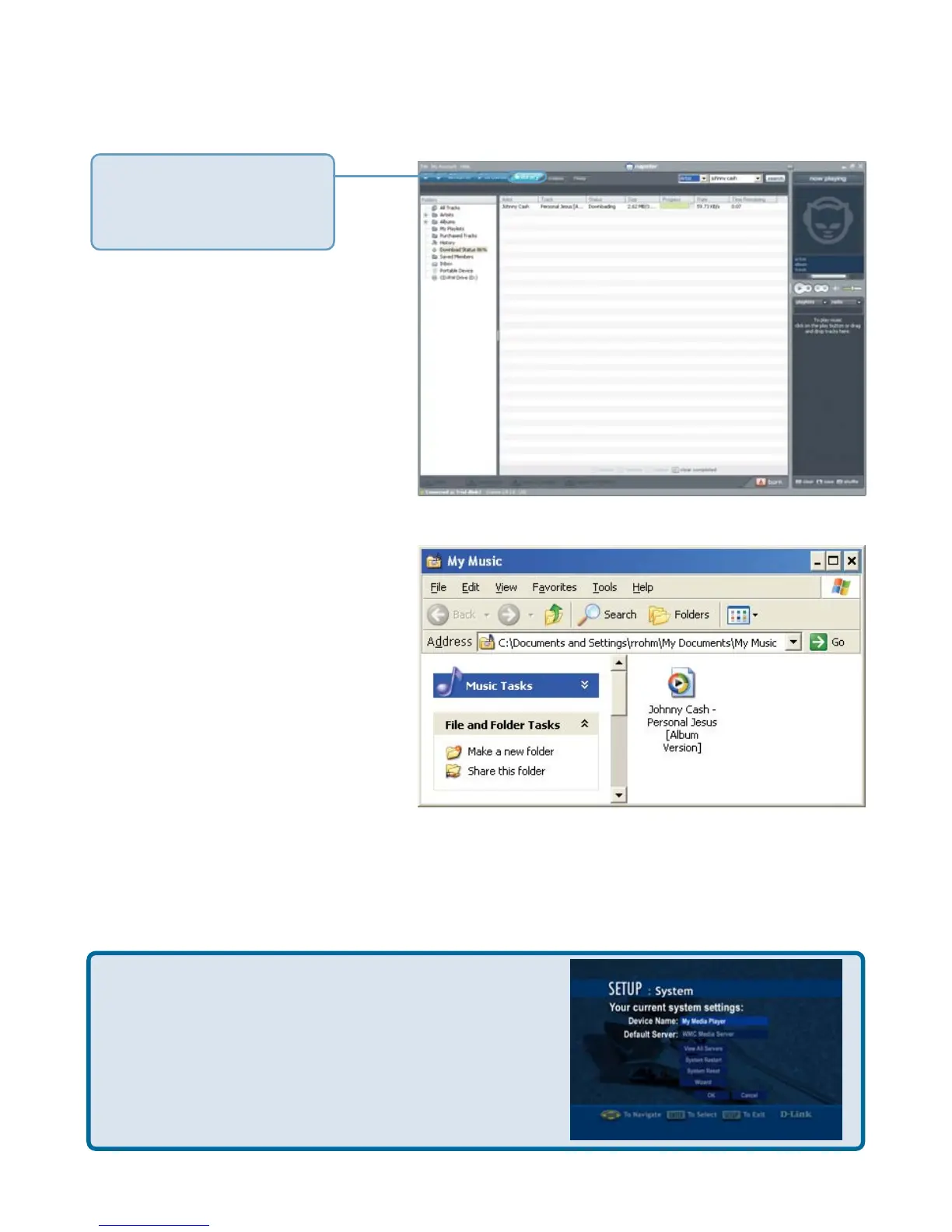
The library window will
display the download
status.
By default, downloaded
music is stored in the My
Music folder on your hard
drive.
Important! You need to use the Windows Media Connect
®
software to play the
protected files that you download from Napster
™
. Please see page 26 for details.
Be sure to select the Windows
®
Media Connect
server as the default server in the DSM-320 System
Setup if you want to access content downloaded
from Napster
™
. To do so, press the SETUP button
on the remote control. Navigate to System by using
the down arrow and then press ENTER. Navigate
to View All Servers using the down arrow and press
ENTER to view a list of available servers.



 To Next Page