6D-Link DWA-131 User Manual
Section 1 - Product Overview
Hardware Overview
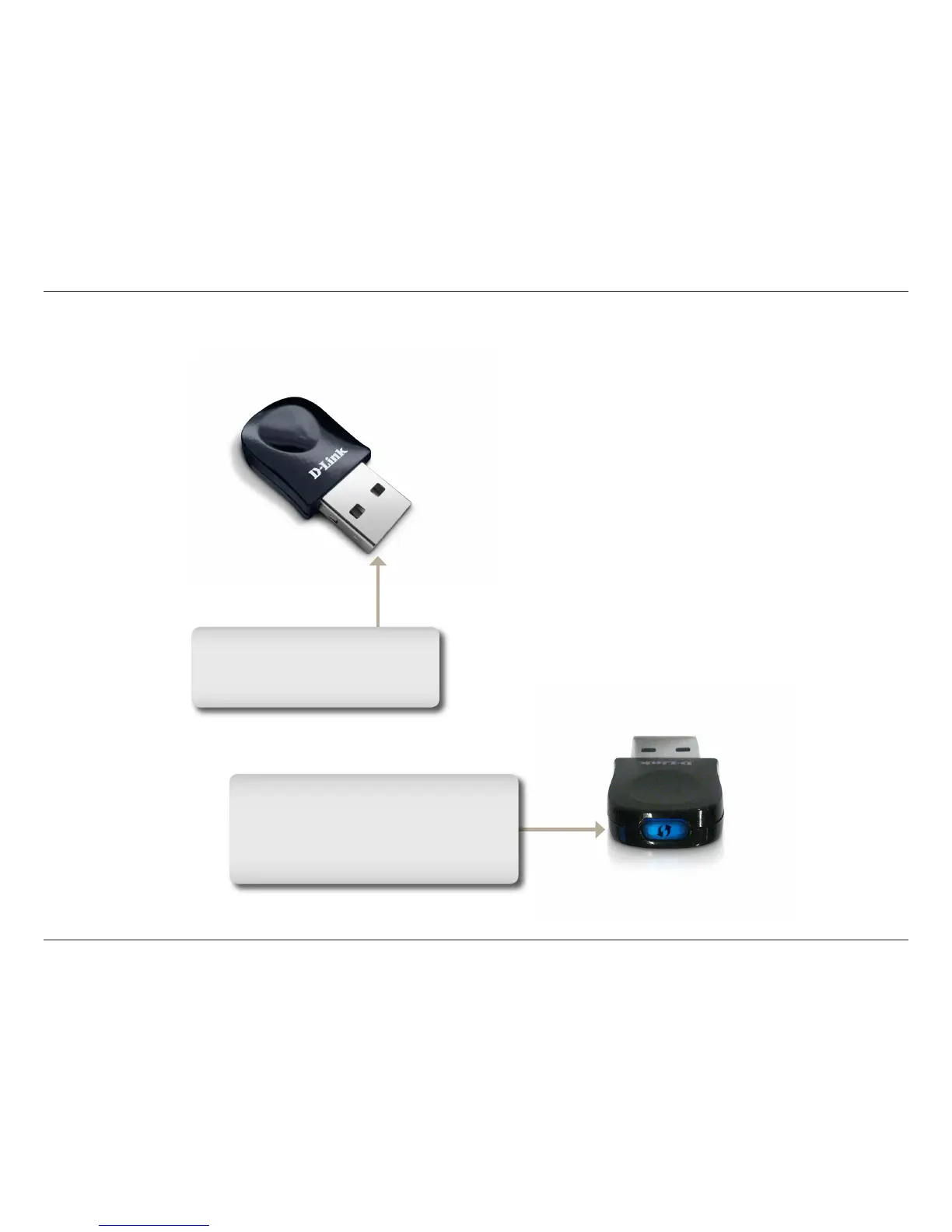
WPS Button
Press the WPS button to automatically
connect to a WPS-enabled wireless
router or access point and establish
connectivity. Refer to page 19.
USB Port
Used to connect the DWA-131
to your computer.













 To Next Page