19D-Link DWA-160 User Manual
Section 3 - Configuration
Wi-Fi
®
Protected Setup (WPS)
Wi-Fi Protected Setup (WPS) System is designed for easy setup of
security-enabled Wi-Fi networks. It is recommended to have the access
point or wireless router nearby during setup.
For more information on WPS, visit the Wi-Fi Alliance website at www.
wi-fi.org.
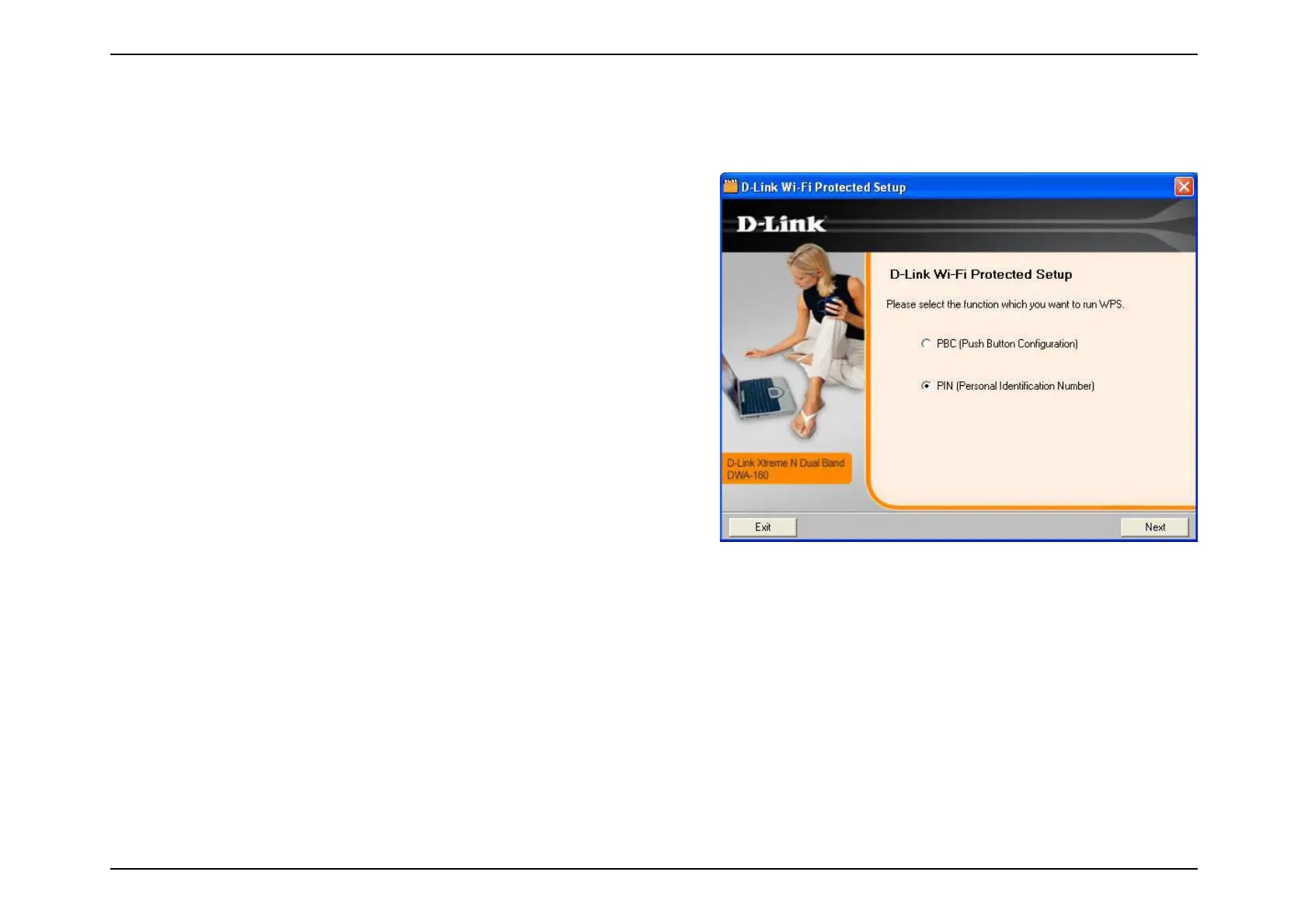
“Push Button Configuration” (PBC) is a virtual button in the utility
that connects you to other WPS-enabled devices. A connection can be
established by clicking on the virtual button, then pushing the physical
button on the access point or wireless router within 120 seconds. Refer
to page 20.
“Personal Identification Number” (PIN) is a unique number generated
RANDOMLYBYTHEWIRELESSADAPTERSUTILITY%NTERINGTHISNUMBERINTHE
utility of the WPS-enabled wireless router or access point connects
you with the intended wireless network. Refer to page 21 for more
information.





 To Next Page