21D-Link DWA-192 User Manual
Section 4 - Troubleshooting
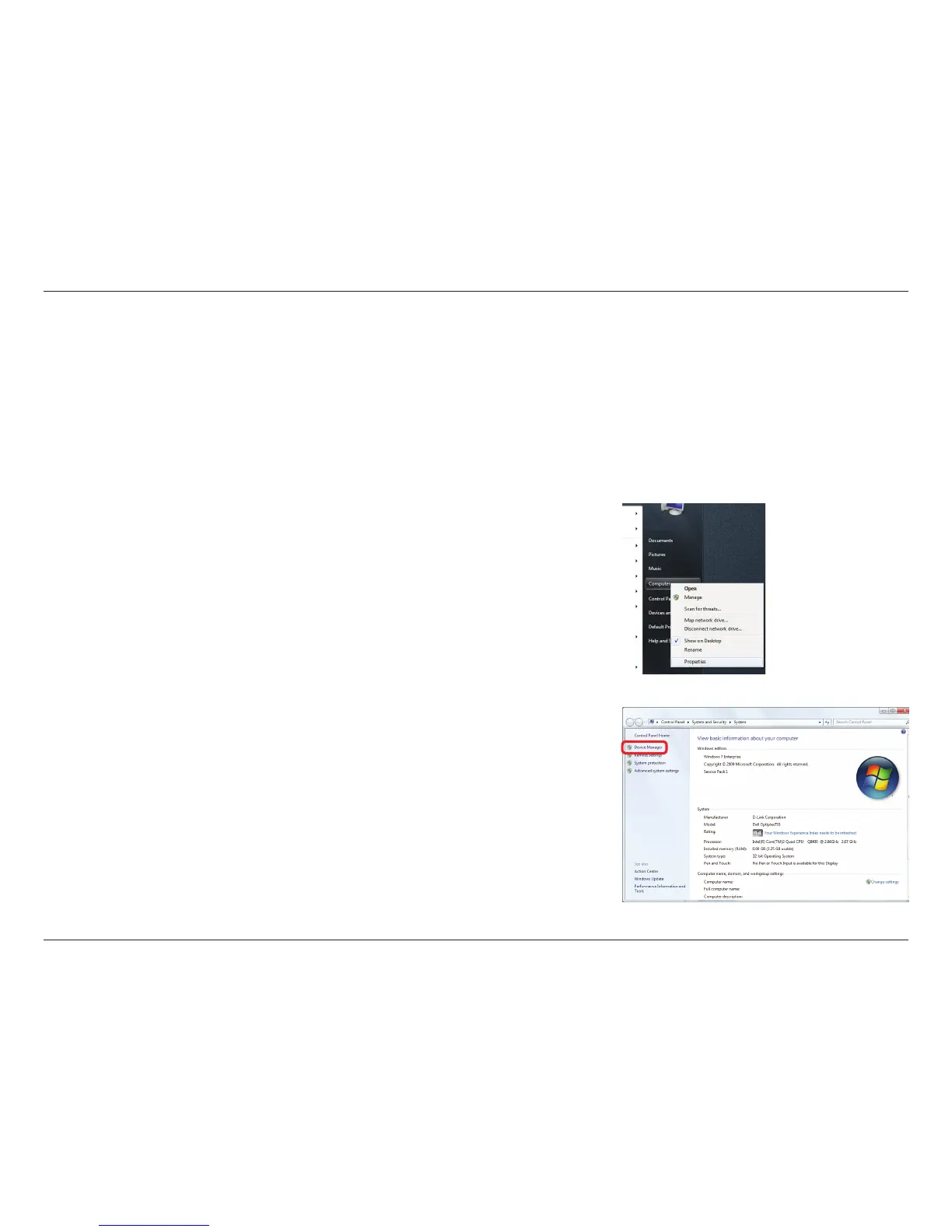
1. How do I know if my adapter is installed properly?
Click Device Manager.
Troubleshooting
This chapter provides solutions to problems that can occur during the installation and operation of the DWA-192. Read the
following descriptions if you are having problems. The examples below are illustrated in Windows
®
7. If you have a dierent
operating system, the process on your computer will be similar.
Go to Start > Computer (right-click) > Properties.
This will bring up the System settings under the Windows Control Panel.













 To Next Page