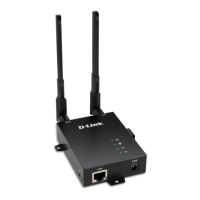
DWM-312W Quick Installation Guide
Creating 3G/LTE WAN Connection
This configuration step is available for the Mobile Internet connection
method.
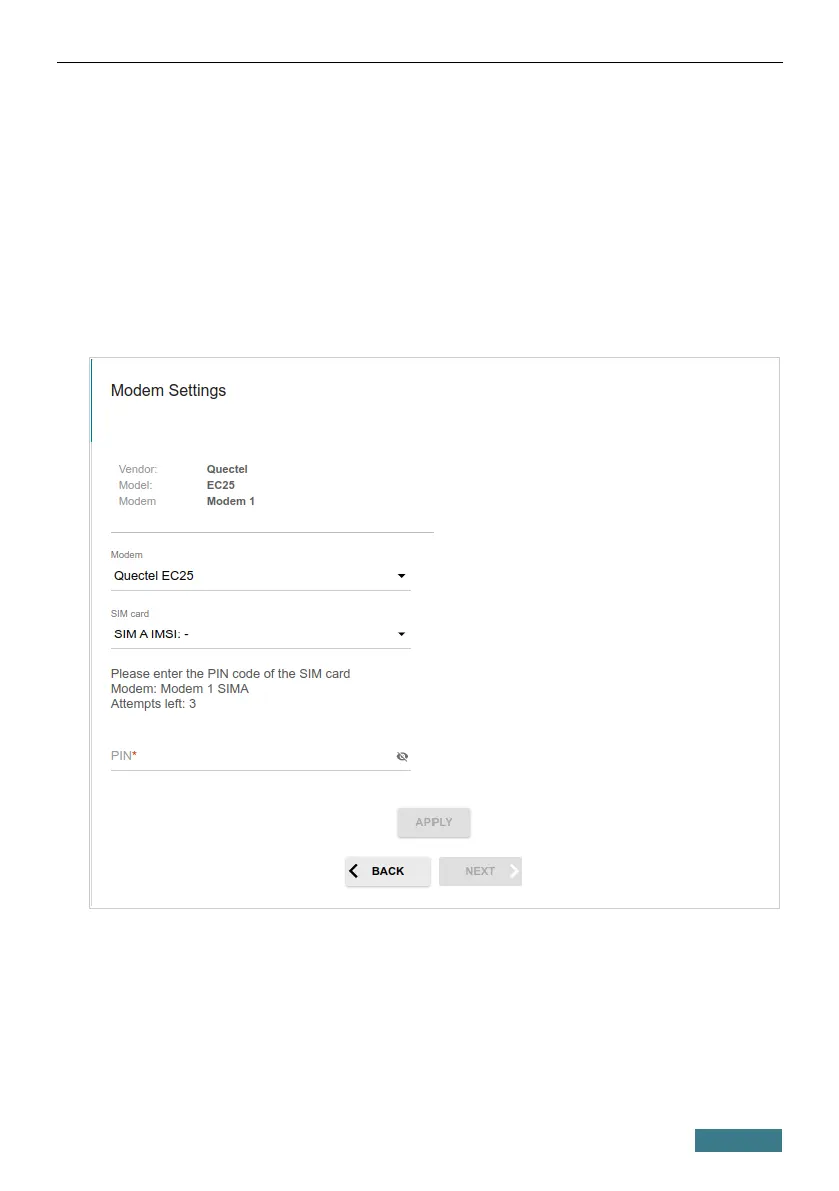
1. In the SIM card drop-down list, select the SIM card to establish
connection.
2. If the PIN code check is enabled for the SIM card inserted into the built-
in LTE modem, enter the PIN code in the PIN field and click the APPLY
button.
3. Please wait while the router automatically creates a WAN connection for
your mobile operator.
25


 To Next Page
 Loading...