58D-Link WDA-1320 User Manual
Section 5 - Troubleshooting
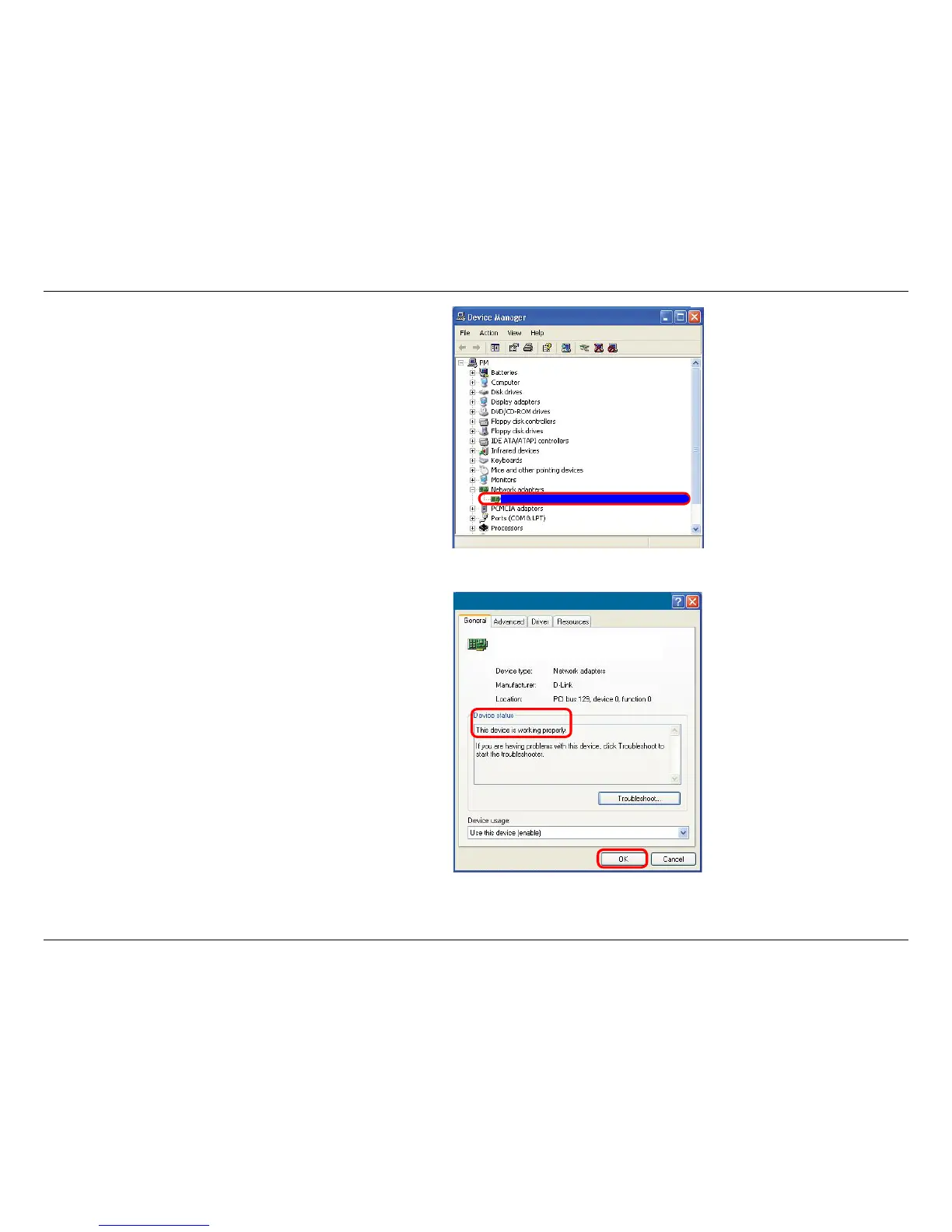
Click the + sign next to Network Adapters.
Right-click on D-Link WDA-1320 Desktop Adapter.
Select Properties to check that the drivers are installed
properly.
Look under Device Status to check that the device is
working properly. Click OK to continue.
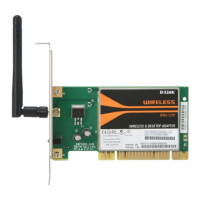
D-Link WDA-1320 Desktop Adapter
D-Link WDA-1320
Desktop Adapter










 To Next Page