xStack® DES-3200 Series Layer 2 Ethernet Managed Switch Hardware Installation Guide
10
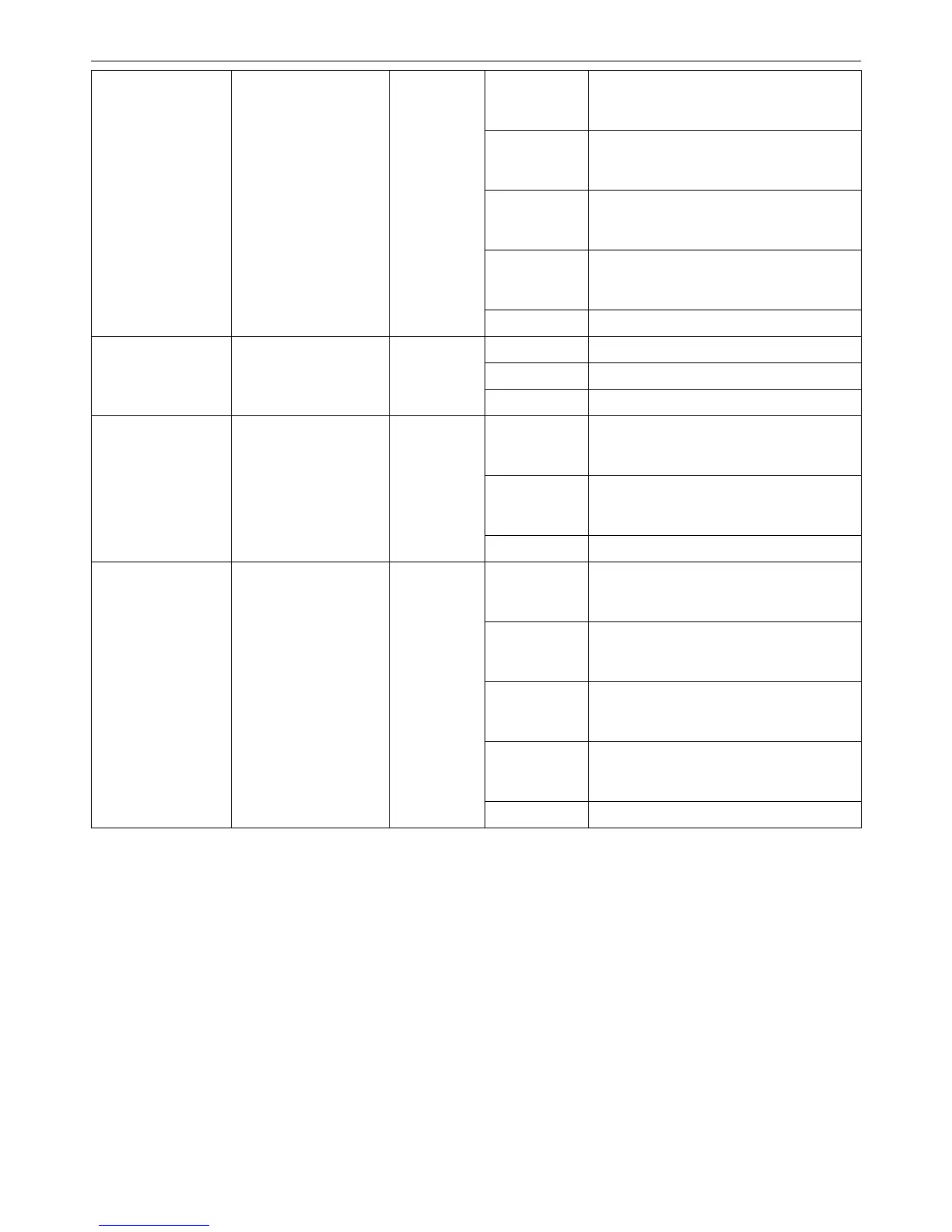
Solid Green When there is a secure 1000Mbps
Ethernet connection (or link) at any of the
ports.
Blinking Green When there is reception or transmission
(i.e. Activity—Act) of data occurring at a
1000Mbps Ethernet connected port.
Solid Amber When there is a secure 10/100Mbps
Ethernet connection (or link) at any of the
ports.
Blinking Amber When there is reception or transmission
(i.e. Activity—Act) of data occurring at a
10/100Mbps Ethernet connected port.
LED Per
10/100/1000Mbps
Copper Port
Link/Act/Speed
Green/Amber
Light off No link.
Solid Green Power feeding.
Blinking Green Error Condition
LED Per
10/100Mbps Port in
PoE Mode (DES-
3200-28P/52P only)
PoE
Green
Light off No power feeding.
Solid Green When there is a secure 100Mbps
Ethernet connection (or link) at any of the
ports.
Blinking Green When there is reception or transmission
(i.e. Activity—Act) of data occurring at a
100Mbps Ethernet connected port.
LED Per 100Mbps
SFP Port (DES-
3200-28F only)
Link/Act
Green
Light off No link.
Solid Green When there is a secure 1000Mbps
Ethernet connection (or link) at any of the
ports.
Blinking Green When there is reception or transmission
(i.e. Activity—Act) of data occurring at a
1000Mbps Ethernet connected port.
Solid Amber When there is a secure 100Mbps
Ethernet connection (or link) at any of the
ports.
Blinking Amber When there is reception or transmission
(i.e. Activity—Act) of data occurring at a
100Mbps Ethernet connected port.
LED Per
100/1000Mbps SFP
Port
Link/Act/Speed
Green/Amber
Light off No link.



 To Next Page
 Loading...












