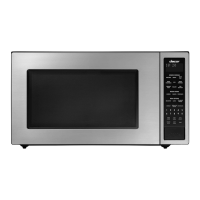
Basic operations
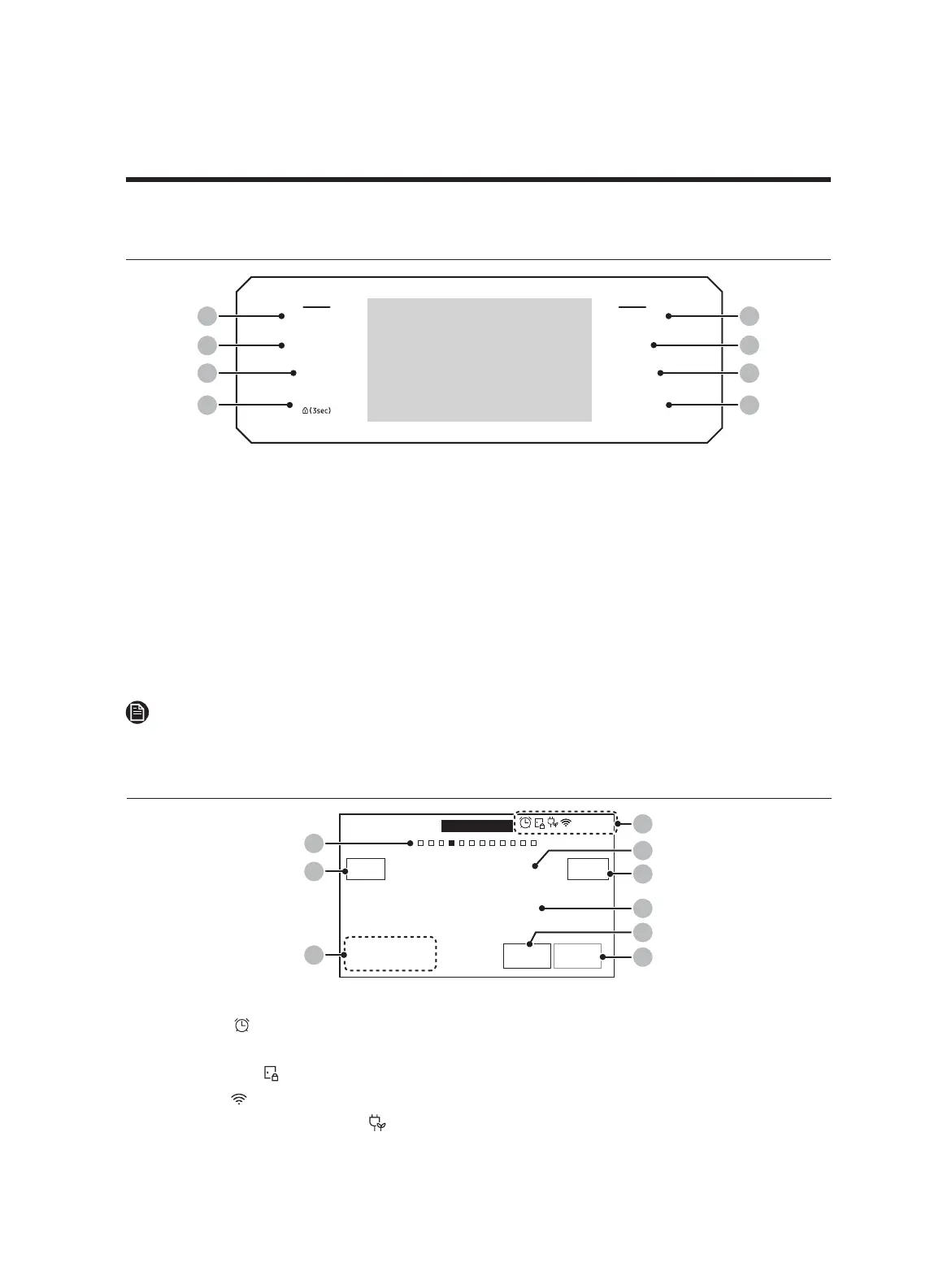
Control panel
MICROWAVE
PAUSE/OFF
TIMER
SETTINGS
LOWER OVEN
OFF
LIGHT
OPEN/CLOSE
RESERVOIR
01
02
03
04
05
09
06
07
08
01 MICROWAVE: Touch to display Microwave functions (does not turn the oven on/off).
02 PAUSE/OFF: Touch to pause/cancel cooking in the microwave oven.
03 TIMER: Touch to display the set Timer functions.
04 SETTINGS: Touch to display oven-settings options. (Touch-hold for 3 seconds to
disable oven functions.)
05 LOWER OVEN: Touch to display lower-oven functions (does not turn the oven on/off).
06 OFF: Touch to cancel cooking in the lower oven.
07 LIGHT: Touch to turn the lower-oven light on/off.
08 OPEN/CLOSE RESERVOIR: Touch to eject/retract the water reservoir.
09 Display: Swipe to navigate the menus and tap to select a setting.
NOTE
Remove any sort of cook-preparation gloves to use the display.
Microwave
4:35 PM
+30sec
UPPER
START
Speed Conv.Sear
Direct hot air convection with microwave
0 hr 0 min 00 sec
View
Summary
Temp
145
°F
02
04
07
06
05
Power
30
%
01
08
OVEN
MODE
03
09
01 Indicator area
• Timer ( ): When the timer is set, the timer indicator is displayed. When more than
2 timers are set, the number of set timers is shown.
• Door lock (
): Displayed when the oven door is locked.
• Wi-Fi ( ): Shows Wi-Fi signal strength in 5 steps.
• 12-hour energy saving ( ): Displayed when 12-hour energy saving is turned on.
• Current time: The current time is displayed.
English
19


 To Next Page