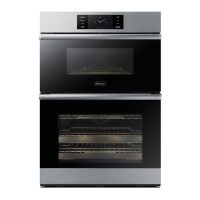
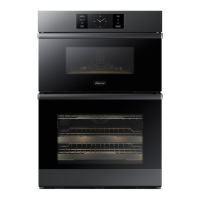
Oven (Lower Oven)
Temp
1. Temp unit:
Program the temperature display in Fahrenheit (default) or Celsius.
• Tap SETTINGS > Temp > Temp unit. Tap the current setting to select the temp unit.
2. Temp adjust:
Oven temp is factory-calibrated. When first using the oven, follow recipe times and
temps. If the oven seems to cook too hot or cool, you can recalibrate the cooking
temps. First, test a recipe with a temp that is higher or lower than recommended.
The results should help you decide the degree of adjustment. The temp can be
adjusted ±35 °F (±19 °C).
• Tap SETTINGS
> Temp > Temperature Adjust. Tap the current setting to raise/
lower the temp.
NOTE
• This adjustment will not affect broiling or self-cleaning temperatures. The adjustment
will be retained in memory after a power failure.
12-hour energy Saving
If you accidently leave the oven on, this feature will automatically turn off the oven after
12 hours during baking functions or after 3 hours during a broil function.
1. Touch SETTINGS and then tap 12-hour energy Saving > ON.
2. The 12-hour energy saving icon will appear in the indicator area.
Help
Help provides useful tips and explanations on a specific item that you select.
• Troubleshooting
Tap a checkpoi
nt directly on the screen, and try the suggestions.
• Guide for first u
se
Provides simple instructions on the basic use of the oven.
About device
You can see information about the oven and do a software update.
To update the software:
1.1. Tap SETTINGS > About device > SW update > Update.
2.2. Tap INSTALL. The software is updated; the system restarts automatically.
Sabbath
You can set Sabbath
mode. (See Using the Sabbath feature, next page.)
Demo mode
This is for retail-display purposes only. (The heating element does not operate.)
English
81


 To Next Page