41
Deluxe Features
Use and Care Manual
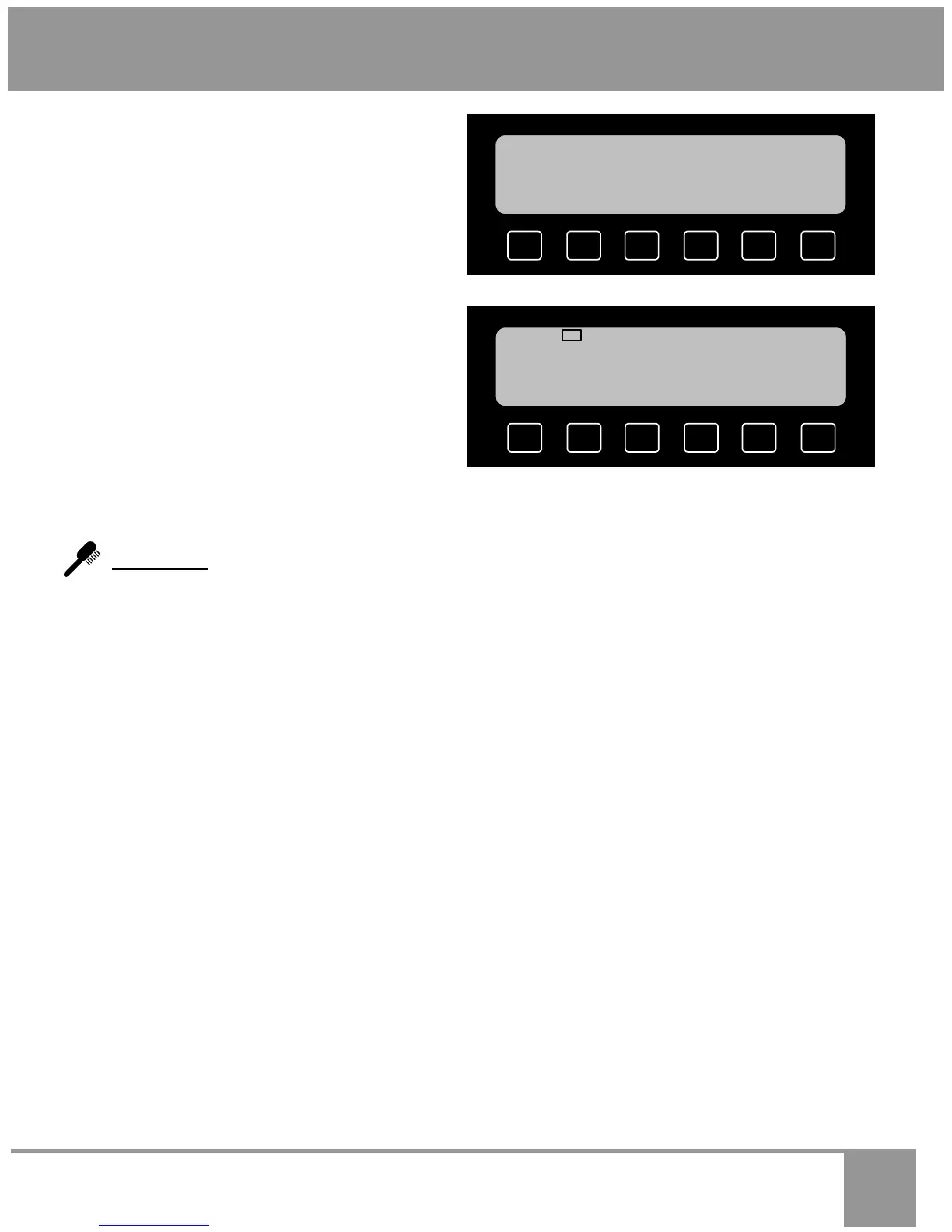
• You will see the preset (jump-in) tempera-
ture of 110°F appear on the display. To de-
frost at the preset temperature, simply press
START. To defrost at a different tempera-
ture, enter the temperature on the number
keypad (for example: to defrost at 120°F,
press 1, then 2, then 0), then press START.
CAUTION: You run the risk of cooking the
food if the defrost temperature is too high.
Do not defrost above 125°F.
• The oven will turn on and the display will
indicate the defrosting temperature.
• Periodically check the food to see how well it
is defrosting.
Self-Clean…See Cleaning and Maintaining Your Oven on Page 51
SAVE
DELAY
OPTIONS
HELP
12:25 PM
S UPPER
110
°F
DEFROST
PRESS START
EDIT
12:25 PM
S UPPER
DEFROST 110
°F
ON


 To Next Page