User Manual AX32
Doc no. AX32-8002-A-4 Rev. date 140124 Page 13 of 31
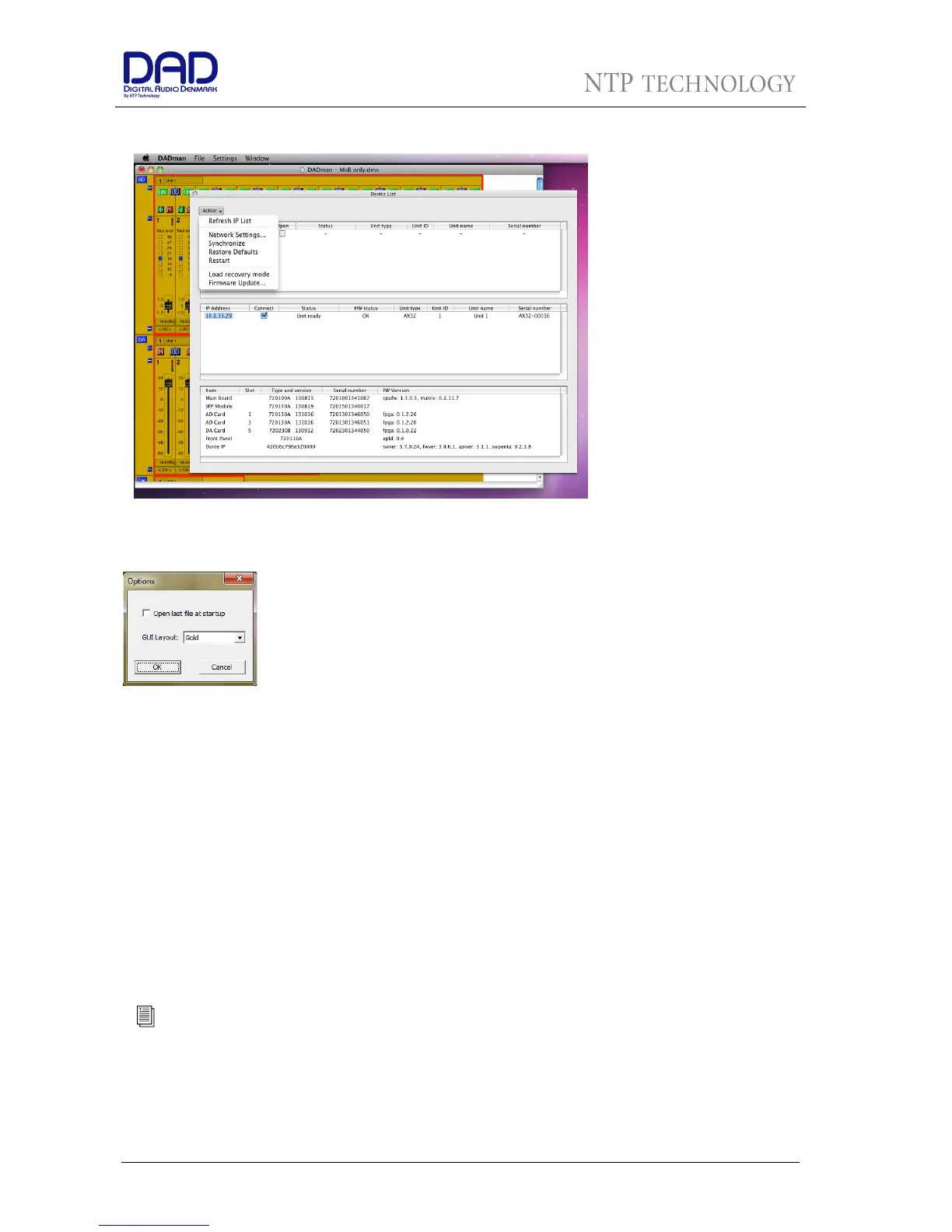
Figure 6, DADman Device list in
MAC-OSX
Top bar functions
The top bar in DADman gives
you access to the File menu
and the Settings menu. On a
MAC, there is also a DADman
menu item.
The File menu gives you
access to save and load
configuration files, i.e. when
you have set up an AX32 as
you want it, you can save the
configuration so you can re-
load it later on if required.
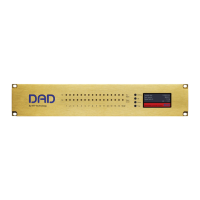
An important function is the Options menu under Settings (Windows) or Preferences menu under DADman
(MAC).
If the “Open last file at startup” is checked, DADman will automatically load the
latest configuration file you used and download it to the AX32. This gives you a
well-defined starting point in case other users have changed the configuration of
the AX32. However, as more user can operate the AX32 simultaneously, it also
means that you may disturb their work on the AX32.
The GUI Layout lets you choose between three different colour schemes on
DADman.
Operation
DADman is a channel strip oriented software showing all the units connected in the device list from left to
right also including DAD AX24 converters which can be connected via USB. The units are shown in a
sequence according the unit ID number. Each unit will have a coloured border surrounding the functions
of the unit.
The settings of an AX32 is always stored in the unit it self, so when connected DADman will show this
status. A complete DADman preset can also be saved on the computer storing all setting and network
configuration. DADman can be set to automatically load the preset when the program is started. If a preset
is not loaded the connection to the AX32 units in the device list has to be re established when starting
DADman.
DADman can also be automated from various external sources. DADman can be connected via MIDI to Pro
Tools emulation a Protools Pre, vi MIDI for a MIDI controller or via EuCon for interfacing to AVID/Euphonix
consoles
Please refer to appendix A for a guide to install the connection to Pro Tools Pre


 To Next Page