SETUP
23
HDD Record Quality
You can set the default HDD recording quality to
(Approx. time) : HQ (16hrs), SP(33hrs), EP (64hrs), or
SLP (97hrs)
Follow the same procedure as the 'DVD Record
Quality'.
Auto Chapter
During recording, chapter markers are added
automatically at fixed intervals. You can set this
interval to 5 minutes, 10 minutes or 15 minutes. To
turn off automatic chapter marking, select ‘Off‘.
Follow the same procedure as the ‘DVD Record
Quality’.
LANGUAGE Settings
OSD Language
Select a language for the HDD/DVD Recorder Setup
menu and on-screen displays.
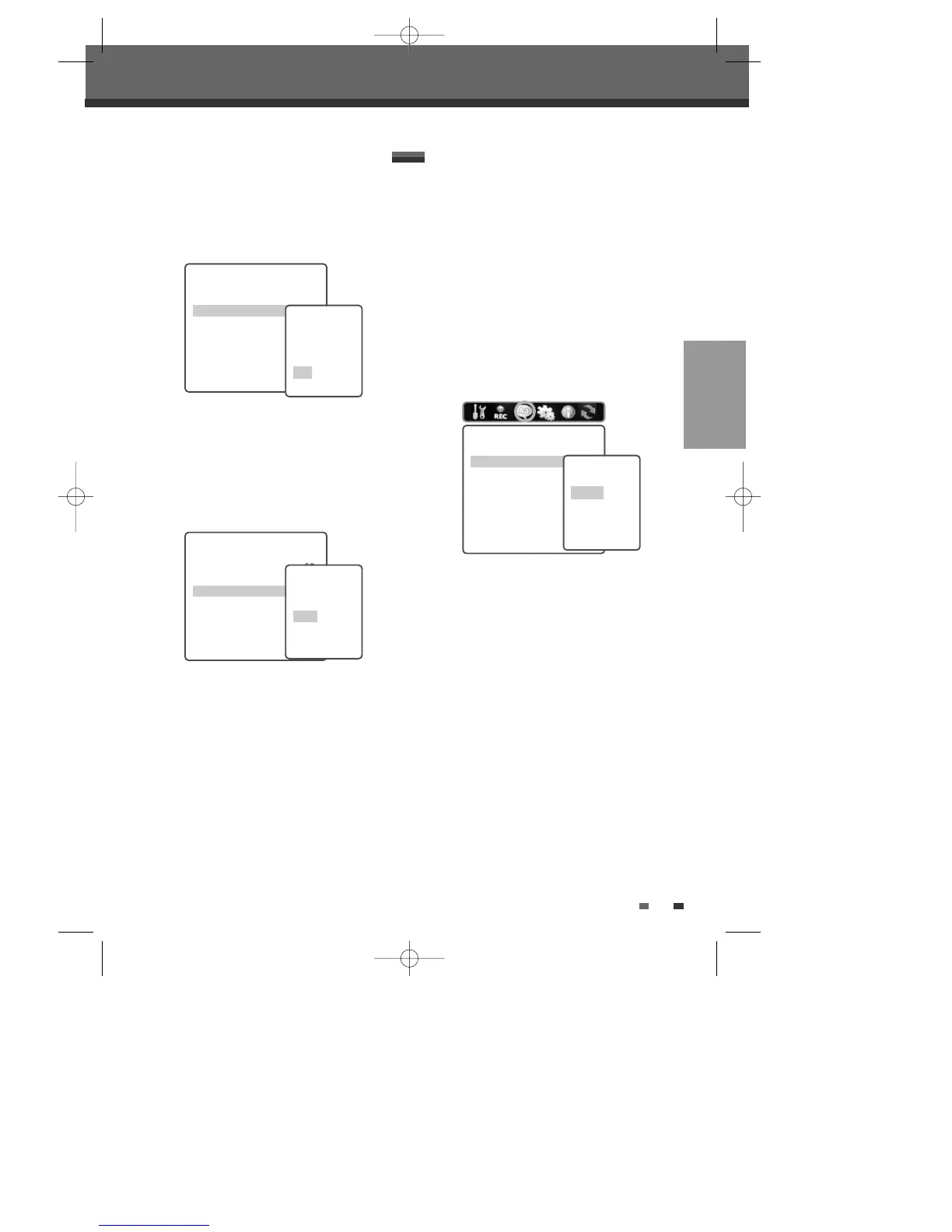
1
Press [SETUP]. The Setup menu appears.
2
Use [œ] and [√] to select ‘Languages‘.
3
While ‘Languages‘ is selected, press [†] to
select ‘OSD Language‘.
4
Press [ENTER] to move to the second level.
5
Use […/†] to select the desired language.
6
Press [ENTER] to confirm your selection, then
press [SETUP] to exit the menu.
Recording Options
DVD Record Quality SP
HDD Record Quality SP
Auto Chapter 5 min
Instructions
Enter-Confirm Setup-Exit
Move
…†
Select HDD
Quality
SLP
EP
SP
HQ
Recording Options
DVD Record Quality SP
HDD Record Quality SP
Auto Chapter 5 min
Instructions
Enter-Confirm Setup-Exit
Move
…†
Select Auto
Chapter
Off
5min
10min
15min
Setup menu
Languages
OSD Language English
Menu Language Default
Subtitle Language Default
Audio Language Default
Instructions
Enter-Confirm Setup-Exit
Move
…†
Select OSD
Language
English
Spanish
French
Czech
Menu/Subtitle/Audio Language
Select your preferred language for Disc Menus,
Subtitles, and Audio soundtracks.
Follow the same procedure as the OSD Language.
Default :
The disc’s default language is selected.
DG-M12D1P-SA(GB) 2005.11.1 11:27 AM ˘ ` 23 mac001 1200DPI 100LPI



 To Next Page