58
Disc Manager
desired chapter number and then press
[ENTER].
Edit Chapters
You can add a chapter marker anywhere in a title
during playback.
Once the chapter is marked, you can use the
chapter search feature as described above.
You can add/delete chapter markers or delete all
chapter markers in a title.
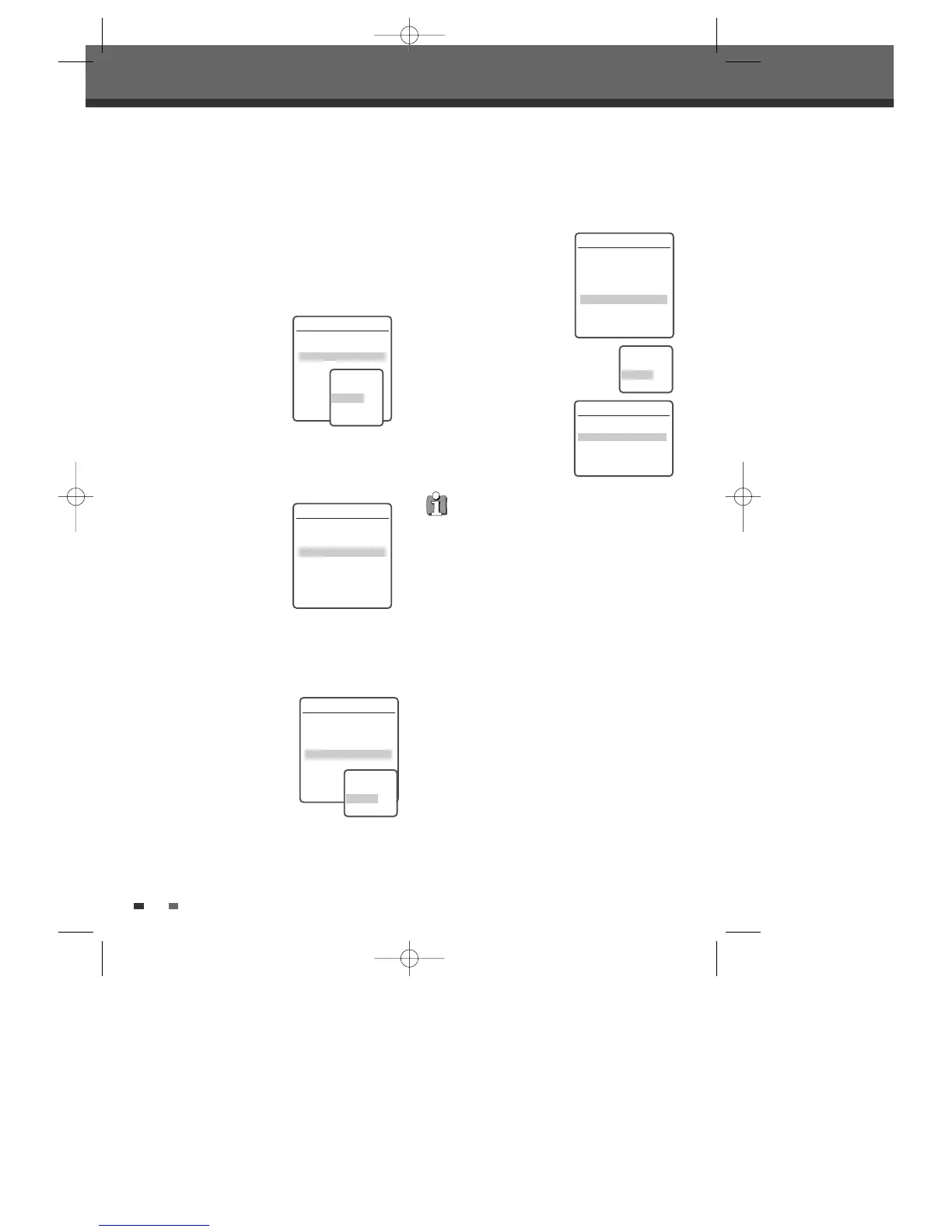
1
Use […†] to select ‘Edit
Chapters‘.
2
Press [ENTER] to display
the submenu.
3
Use […†] to select one
of the various chapter
marker functions (Add,
Delete, or Delete All).
4
Press [ENTER] to confirm.
Hide Chapters
This feature allows you to
hide or unhide a chapter.
After hiding a chapter, the
chapter is not deleted but
only hidden. If a chapter is
hidden then it shows ‘Unhide
Chapter‘ and vice versa.
Change Index Picture
Each title displayed in the Playlist menu is
represented by a thumbnail picture taken from the
start of that title or chapter. If you prefer, you can
select a different still picture from within the title.
1
Use […†] to select
‘Change Index Picture‘.
2
Press [ENTER] to display
the submenu.
3
Use […†] to select ‘Yes‘
if you prefer to change the
picture.
4
Press [ENTER] when the preferred picture is on
your TV screen.
DVD Edit
Title 1 of 2
Chapter 1 of 11
Edit Chapters
Hide Chapter
Change Index Picture
Split Title
Instructions
Enter-Confirm Setup-Exit
Move
…†
Choose the edit
Function
Add
Delete
Delete All
Split Title
This feature allows you to split a title into two
titles.
1
Use […†] to select 'Split
Title'.
2
Press [ENTER] to display
the submenu.
3
Use […†] to select 'Yes'
if you prefer to split the
title.
4
Press [ENTER] at the
point where you want to divide the
title into two separate titles
DVD Edit
Title 1 of 2
Chapter 1 of 11
Edit Chapters
Hide Chapter
Change Index Picture
Split Title
Instructions
Enter-Confirm Setup-Exit
Move
…†
DVD Edit
Title 1 of 2
Chapter 1 of 11
Edit Chapters
Hide Chapter
Change Index Picture
Split Title
Instructions
Enter-Confirm Setup-Exit
Move
…†
Change Picture
Are you sure?
Yes
No
DVD Edit
Title 1 of 2
Chapter 1 of 11
Edit Chapters
Hide Chapter
Change Index Picture
Split Title
Instructions
Enter-Confirm Setup-Exit
Move
…†
Split the title
in two?
Yes
No
Split Title
Splitting title into 2 titles.
Please wait a moment....
Instructions
Setup-Exit
• Split Title may take several minutes.
• After editing is complete, a DVD-RW,DVD±R
disc will not be compatible with other DVD
players until you make the disc compatible; see
page 54~55.
DG-M12D1P-SA(GB) 2005.11.1 11:27 AM ˘ ` 58 mac001 1200DPI 100LPI



 To Next Page