52
Dubbing a HDD title to DVD disc
Follow these instructions to copy the title(s)
selected with the same properties (title name,
duration, index picture, Lock, Chapter Mark)
information over to DVD.
4
Select the title to be dubbed using [ENTER].
5
Then select ‘Dubbing‘ using [
… †
].
6
Press [ENTER] to go to ‘HDD to DVD Dubbing’
menu.
7
The ‘HDD to DVD Dubbing’ Menu will be
displayed. For more detailed information about
‘HDD to DVD Dubbing’ procedure, go to page
46.
HDD Playback and Editing
Follow these instructions to sort a title from the
Title List by varying the order.
4
Select the title to be sorted using [ENTER].
5
Then select ‘Sort‘ using [
… †
].
6
Press [ENTER] to go to submenu.
7
Select ‘Record Date’ using [
… †
] .
8
Press [ENTER] to sort the list by record date.
Record Date : sorts by record date.
Alphabetical : sorts by alphabetical order.
Delete Order : sorts by record date and displays
protected titles at the end.
Protected : sorts by protected titles.
HDD Videos
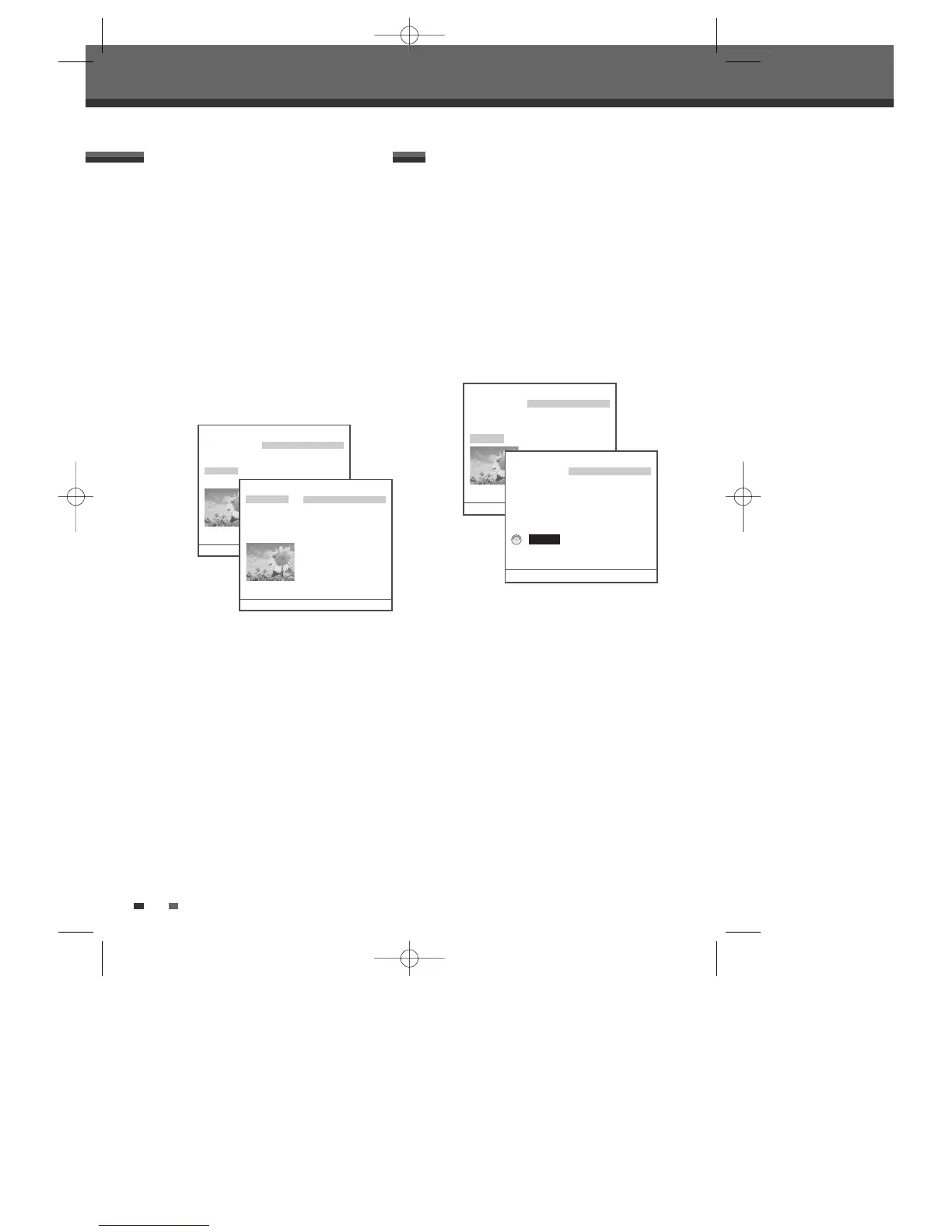
Play 1. Title PR-01 ----
Delete 2. Title PR-02 ----
Edit 3. Title PR-03 ----
Sort 4. Title PR-04 ----
Dubbing 5. Title PR-05 ----
6. Title PR-06 ----
7. Title PR-06 ----
8. Title PR-06 ----
9. Title PR-06 ----
10. Title PR-06 ----
Free Space : 99% 13 Titles 1/13 …†
Move-…† Select-ENTER Back-MENU Exit-SETUP
HDD Videos
Record Date 1. Title PR-01 ----
Alphabetical 2. Title PR-02 ----
Delete Order 3. Title PR-03 ----
Protected 4. Title PR-04 ----
5. Title PR-05 ----
6. Title PR-06 ----
7. Title PR-06 ----
8. Title PR-06 ----
9. Title PR-06 ----
10. Title PR-06 ----
Free Space : 99% 13 Titles 1/13 …†
Move-…† Select-ENTER Back-MENU Exit-SETUP
HDD Videos
Play 1. Title PR-01 ----
Delete 2. Title PR-02 ----
Edit 3. Title PR-03 ----
Sort 4. Title PR-04 ----
Dubbing 5. Title PR-05 ----
6. Title PR-06 ----
7. Title PR-06 ----
8. Title PR-06 ----
9. Title PR-06 ----
10. Title PR-06 ----
Free Space : 99% 13 Titles 1/13 …†
Move-…† Select-ENTER Back-MENU Exit-SETUP
Sorting a HDD title
HDD to DVD Dubbing
Date : 22/06/05 1. Title PR-01 ----
Time : 11/16 2. Title PR-02 ----
Length : 00:13 3. Title PR-03 ----
Quality : HQ 4. Title PR-04 ----
5. Title PR-05 ----
6. Title PR-06 ----
Dub : 0 Titles 7. Title PR-06 ----
8. Title PR-06 ----
9. Title PR-06 ----
10. Title PR-06 ----
Free Space : 99% 13 Titles 1/13 …†
Move-…† Select-ENTER Back-MENU Exit-SETUP
DG-M12D1P-SA(GB) 2005.11.1 11:27 AM ˘ ` 52 mac001 1200DPI 100LPI



 To Next Page