EDITING
55
If ‘Lock Disc’ is set to ‘On’ in the DISC Settings
menu, you cannot rename your disc; see page 54.
Change Disc Name
You can rename your disc to any name you choose.
The default disc name is ‘MY DVD‘.
4
Use [œ/√] to select ‘Change Disc Name‘. Press
[ENTER] as shown on the screen.
5
The Keyboard Menu appears.
6
Use
[œ √…†]
to select and press [ENTER] to
enter the name of the disc.
CLR : Clear the disc name / SP : Space / DEL :
Delete a character / SAVE : Save the disc name
7
Press [ENTER] again.
8
To save the name of the disc, select ‘SAVE‘ and
press [ENTER].
Change Disc Name
Press [Enter] to change
the disc name.
Instructions
Enter-Confirm
Change Disc Name
MY DVD
CLR SP DEL SAVE
1234567890
ABCDE FGH I J
KLMNOPQRST
UVWXYZ().,
:;&
Enter-Confirm Move …†
Change Disc Name
Problem.
This disc is locked. It
cannot be renamed.
ok
Instructions
Enter-Confirm Move
…†
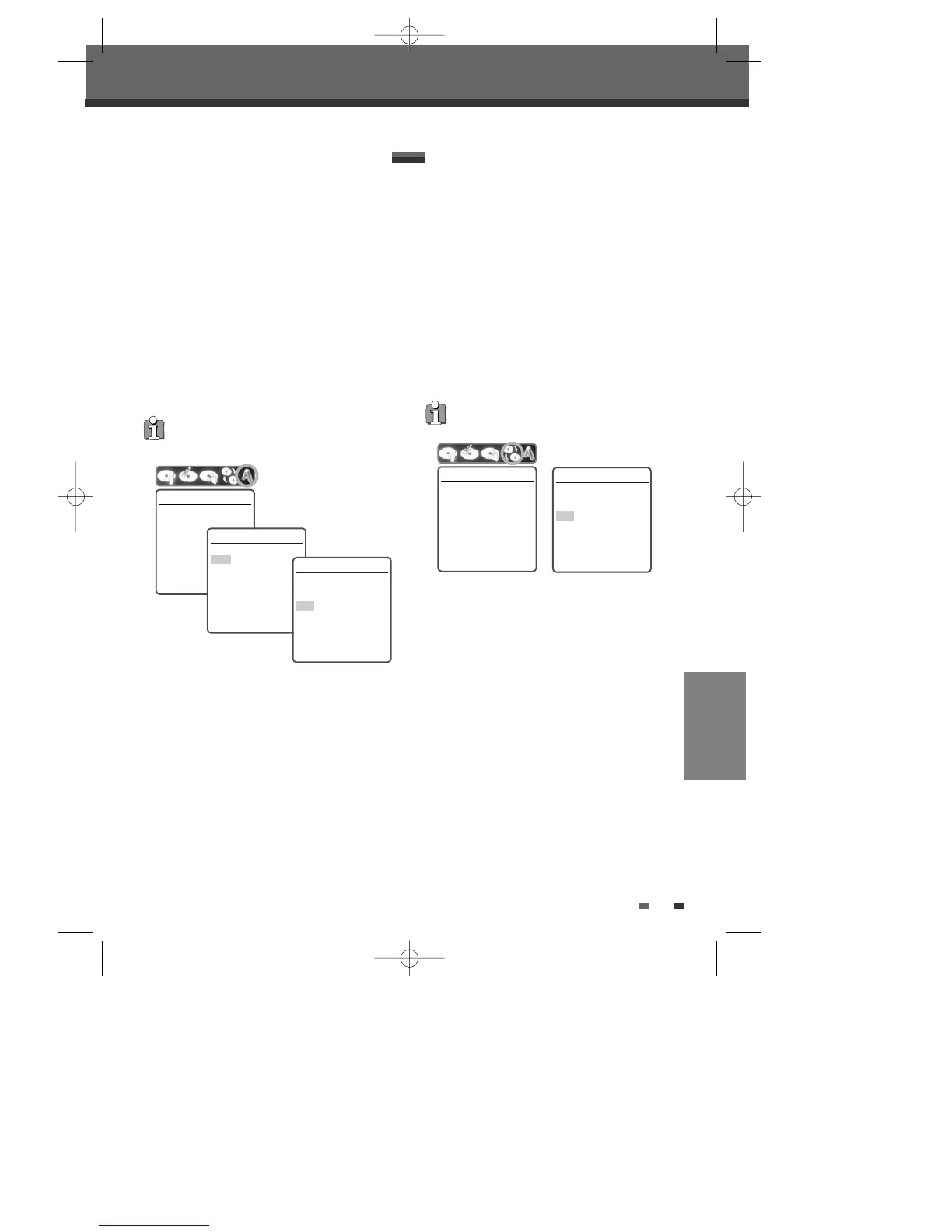
Finalise
Finalising a DVD±R (or DVD-RW) ‘locks’ its
recordings in place so the disc can be played on
most standard DVD players or computers equipped
with DVD-ROM drives.
4
Use [œ/√] to select ‘Finalise Disc‘ for a DVD±R
(or DVD-RW). Press [ENTER] as shown on the
screen.
5
Select 'Yes' using […] and press [ENTER] to
finalise the disc.
6
Press [ENTER] again.
7
Press [SETUP] to go to the top disc menu.
Disc Editing in DVD±R, DVD-RW disc
Once you have finalised a DVD±R (or DVD-RW) disc,
you cannot edit or record anything else on that disc.
Finalise Disc
Press [Enter] if you want to
finalise the disc.
Instructions
Enter-Confirm
Finalise Disc
No changes can be made
afterwards. Continue?
Yes
No
Instructions
Enter-Confirm Move
…†
Disc Manager
DG-M12D1P-SA(GB) 2005.11.1 11:27 AM ˘ ` 55 mac001 1200DPI 100LPI



 To Next Page