56
Change Name
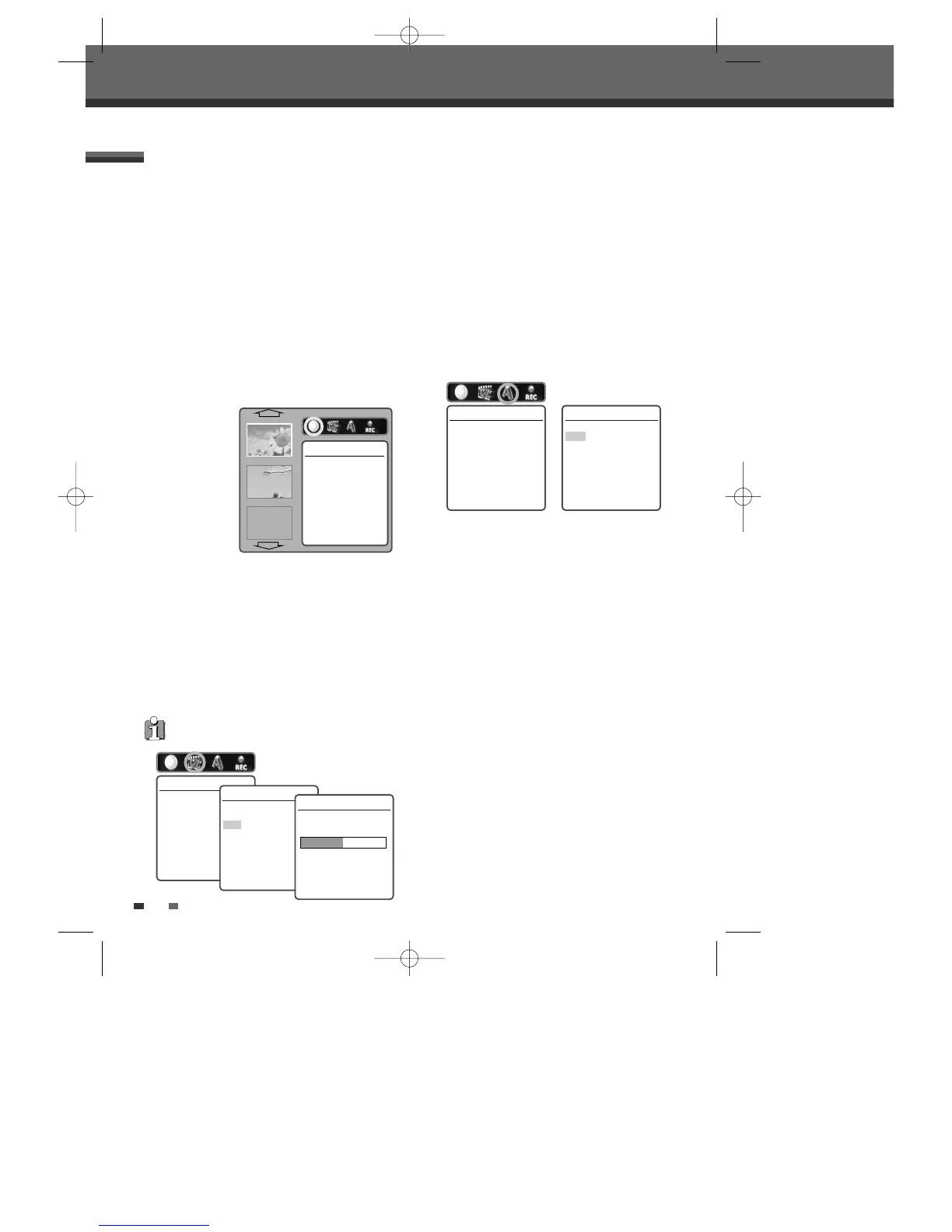
To change the name of a title:
4
Select ‘Change Name’ using [
œ √
] .
5
Press [ENTER] to change the title name.
6
The Keyboard Menu will be displayed. Use [
œ
√…†
] to select a character or function and
press [ENTER].
CLR : Clear the whole title. / SP : Add a space /
DEL : Delete a character / SAVE : Save the title
name
7
After the new title name is complete, select
‘SAVE’ and press [ENTER].
Erase a Title
4
Select ‘Erase Title‘ using [
œ √
].
5
Press [ENTER] to erase the title.
6
Select 'Yes' and press [ENTER] to confirm. The
Erase Title progress bar will be displayed. This
may takes several seconds.
7
After erasing is complete, the erased title
remains as an empty title.
Title Editing
You can manage the titles on your DVD±R/±RW
discs using the Title menu.
At first, go to ‘Title Edit’ mode.
1
Press [MENU] to go to ‘Disc Menu’ menu.
2
Select the desired title you want to manage
using [
…†
].
3
Press [√]. ‘Title Edit’ menu will be displayed.
Play a Title
To play a title:
4
Select ‘Play Title' using [
œ √
] .
5
Press [ENTER] to play the title.
You can erase titles on DVD±RW discs only.
Erase Title
Press [Enter] to erase
this title.
Instructions
Enter-Confirm
…
†
√
EMPTY
Play Title
Press [Enter] to begin
playback of title.
Instructions
Enter-Confirm
Change Name
Press [Enter] to change
the title name.
Instructions
Enter-Confirm
Change Name
TITLE
CLR SP DEL SAVE
1234567890
ABCDE F GH I J
KLMNOPQRST
UVWXY Z ( ) . ,
:;&
Enter-Confirm Move …†
Disc Manager
Erase Title
Would you like to Erase
the title?
Yes
No
Instructions
Enter-Confirm Move
…†
Erase Title
Title is being erased.
Please wait a moment...
DG-M12D1P-SA(GB) 2005.11.1 11:27 AM ˘ ` 56 mac001 1200DPI 100LPI



 To Next Page