PLAYBACK
37
Playing a Picture or Music files
The HDD/DVD Recorder can play JPEG Picture files
on a disc such as CD-R/RW, DVD+R/RW, DVD-
R/RW, or on HDD Media.
1
Prior to playing Jpeg picture files on disc, insert
disc and close the tray.
2
Press [MENU] to bring up the Media Browser
and select the media (HDD Media, DVD) you
want to play.
3
Press [ENTER] and select the Picture category
using [
…†], then press [ENTER].
4
The JPEG folder tree appears. If there are
folders which contain JPEG files, select the
desired folder using [
…†
] and press [ENTER].
5
Select the thumbnail you want to display using
[
…†
] and press [ENTER].
JPEG Playback (HDD Media, DVD)
6
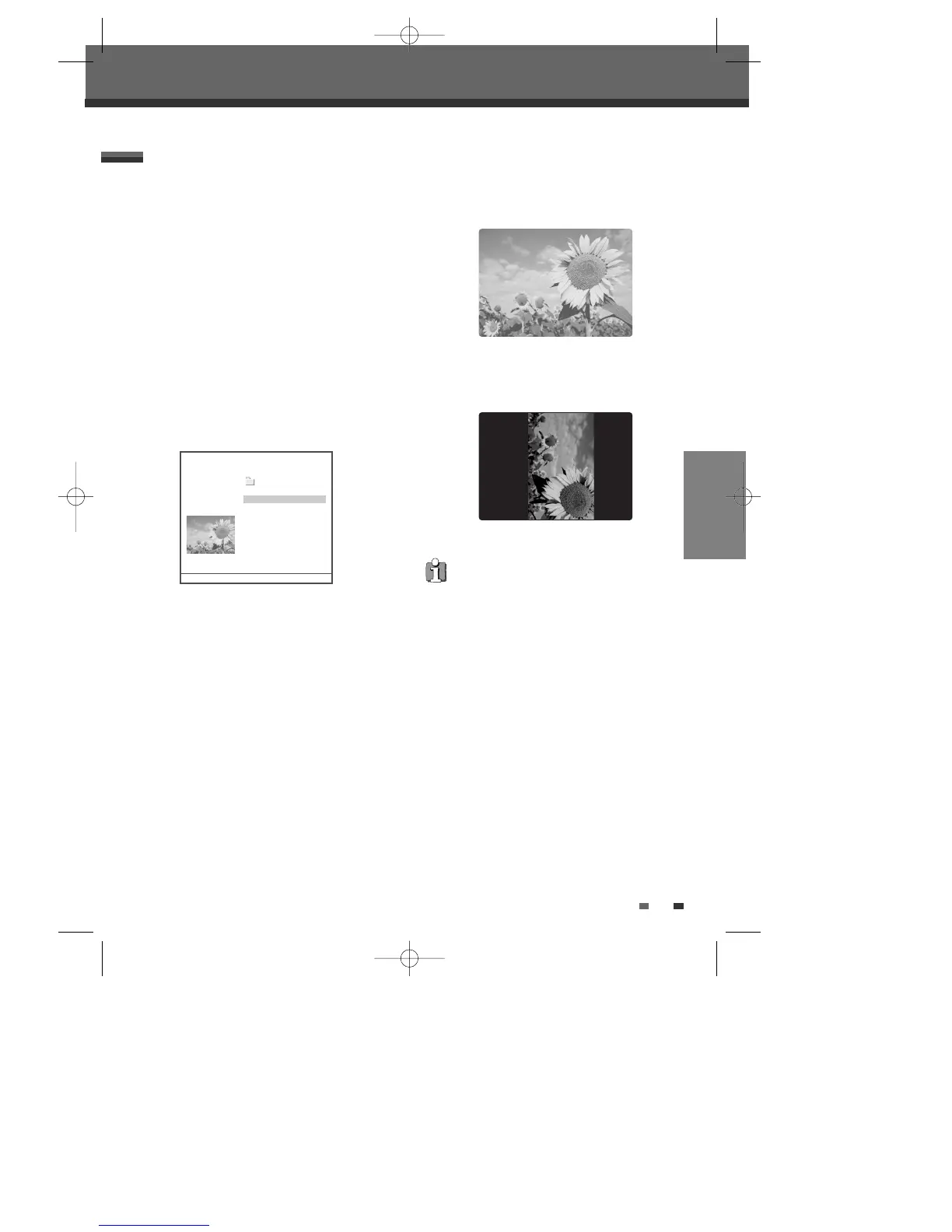
The full size image will be displayed and a slide
show starts automatically with a time interval
of 10 seconds.
7
Press [NEXT] or [PREV] to manually skip to the
next or previous image.
8
Press [
√
] (or [
œ
]) to rotate the image (counter)
clockwise.
9
Press [STOP] to exit the slideshow.
• If the disc contains MP3 files as well as JPEG
files, you can change the Play mode to play
MP3 files by pressing [MENU].
• When a CD contains both MP3 files and JPEG
files, the default Play mode is JPEG image
files.
• MP3 files encoded below 32kbps are not
supported.
DVD Pictures
Item : JPG .. /
Pic : 2/143 IMG_0248.JPG
IMG_0250.JPG
IMG_0261.JPG
IMG_0268.JPG
IMG_0266.JPG
IMG_0277.JPG
IMG_0282.JPG
24 Items 2/24 …†
Move-…†œ √ Edit-EDIT Select-ENTER Exit-SETUP
DG-M12D1P-SA(GB) 2005.11.1 11:27 AM ˘ ` 37 mac001 1200DPI 100LPI



 To Next Page