Component 1
VCR/DVD
SAT
TV
CATV
57
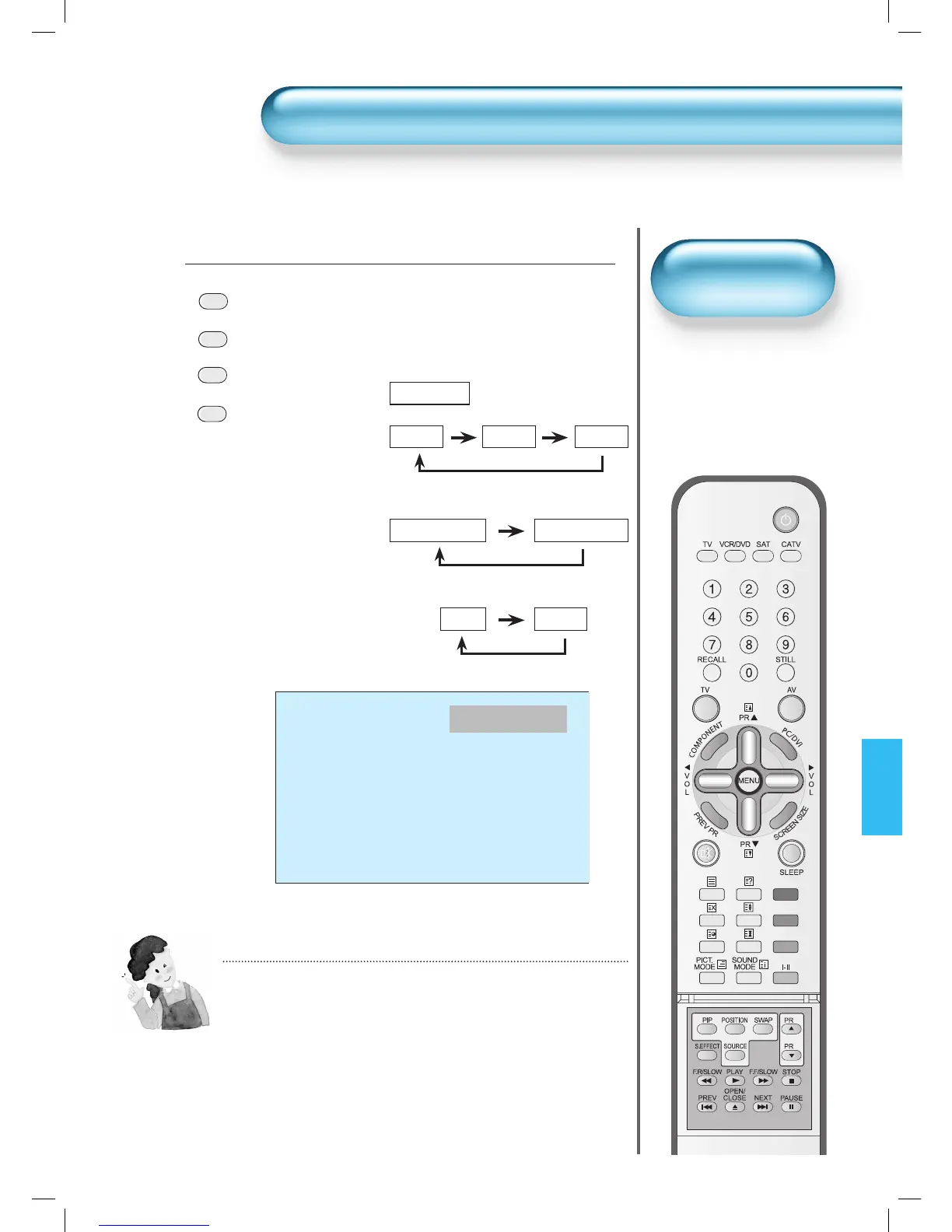
Press the Input Signal Selecting Button.
• Press the “TV”, “AV”, “COMPONENT” or “PC/DVI” button
on the remote control or the PDP Display to select the
desired input signal.
• Each time you press input mode buttons, a different input
mode appears.
The sequence used is as follows:
• Used to select INPUT
signal of external device
connected to the PDP.
INPUT SIGNAL
NOTES:
1) If an external device is not connected or INPUT signal
is not applied a Warning Message (“No Signal”) will be
displayed.
2) In this case, check if external device is connected
and/or terminal connection is properly fitted.
3) Also, you can select input using [INPUT SELECT]
button in the keypad of the PDP unit. The sequence of
selection is as follows:
TV -> AV1 -> AV2 -> AV3 ->Component1
-> Component2 -> PC -> DVI -> TV
• “TV ” button
1


 To Next Page