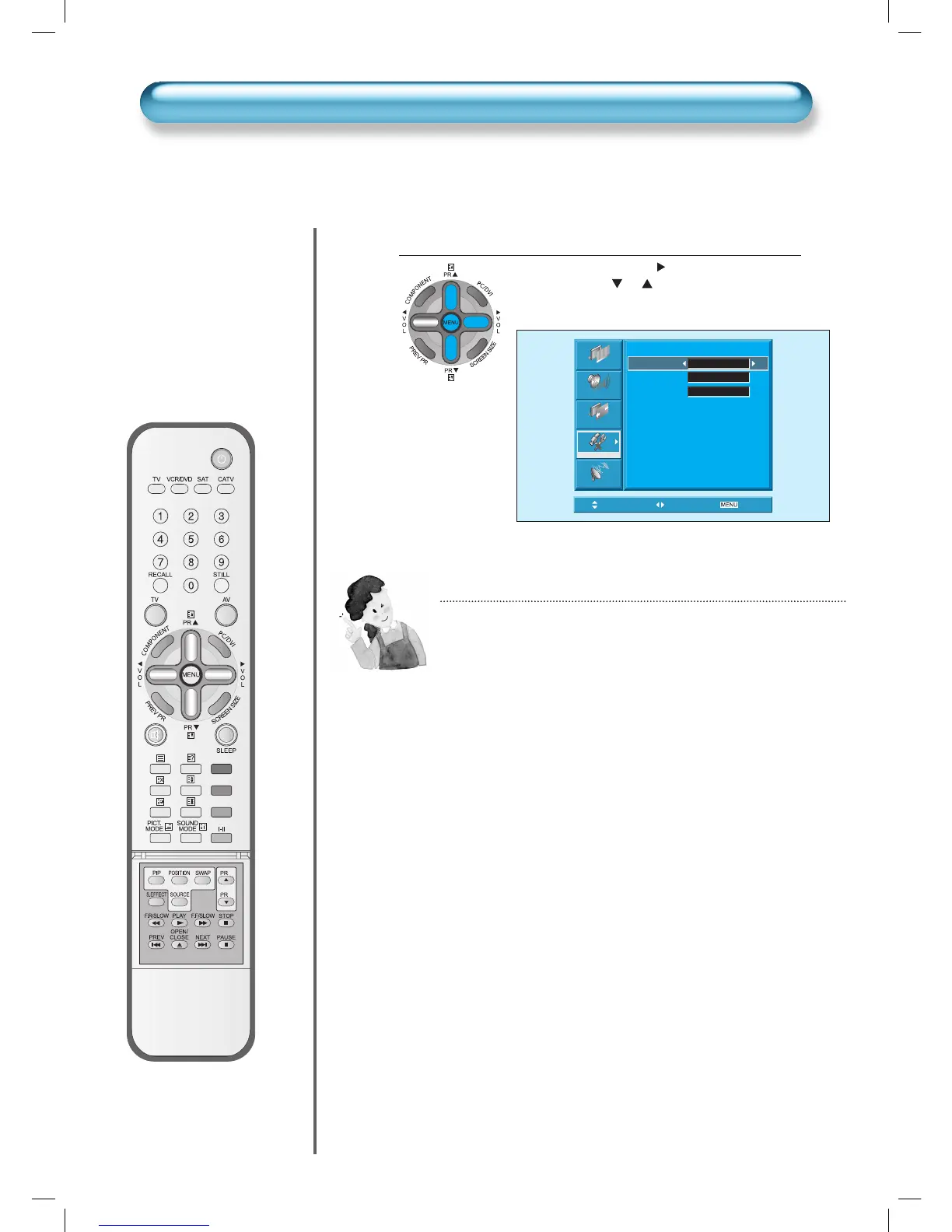
ISM (Image Sticking Minimisation)
NOTES:
* Pixel Shift : The whole screen shifts up/down, left/right at 15 sec
interval to minimize image sticking.
* Low Bright: When displaying a still picture or a fixed pattern for
a long time (5Min), the brightness level decreases to
minimize image sticking.
* Image Inverting: Inverting color of the original image to
minimisation image sticking.
Picture
Sound
Screen
Feature
Install
ISM
Pixel Shift On
Low Bright. Off
Img. Invert Off
Move Adjust
Exit


 To Next Page